
OBS Studio (Open Broadcaster Software) is a free, open-source tool for video recording and live streaming. It is the industry standard for Twitch, YouTube, and Facebook streamers, and it is also the best free screen recorder for tutorials and podcasts.
What Is OBS Studio?
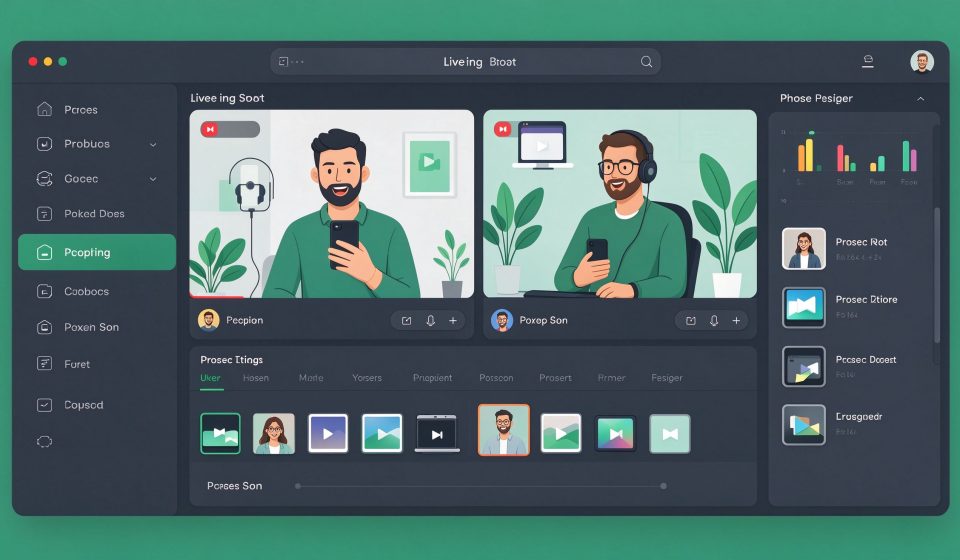
First released in 2012, OBS is developed by a community of volunteers. It captures your screen, webcam, microphone, and game feed, then mixes them into scenes you can stream or record. It runs on Windows, macOS, and Linux.
Key Features
- Scene builder: Arrange sources like screen, webcam, images, and browser tabs into scenes.
- Live streaming: Stream directly to Twitch, YouTube, Facebook, and custom RTMP servers.
- Recording: Record locally in MP4, MKV, or FLV with hardware encoding.
- Audio mixer: Adjust microphone and desktop audio with filters like noise gate and compression.
- Plugins: A rich ecosystem adds transitions, alerts, and stream controls.
Pricing
OBS Studio is completely free and open source. Donations support the project.
Pros and Cons
Pros: Free, professional-grade, supports every platform, huge plugin ecosystem, cross-platform.
Cons: Setup can be confusing for beginners, heavy on CPU for high-quality recording, no built-in editing, UI is technical.
Who Should Use It?
OBS is essential for anyone who streams on Twitch or YouTube, records tutorials, or produces podcasts with video. For simple screen recordings, tools like ScreenToGif or Loom are easier, but for control and quality, OBS is unmatched.
Unlock the Telegram group to access all tools on this site
A one-time payment of US$5 gives you access to the Telegram group and all tools on this site. No subscription.
Enable JavaScript to securely check payment and reveal the invite link.
Share this article