




































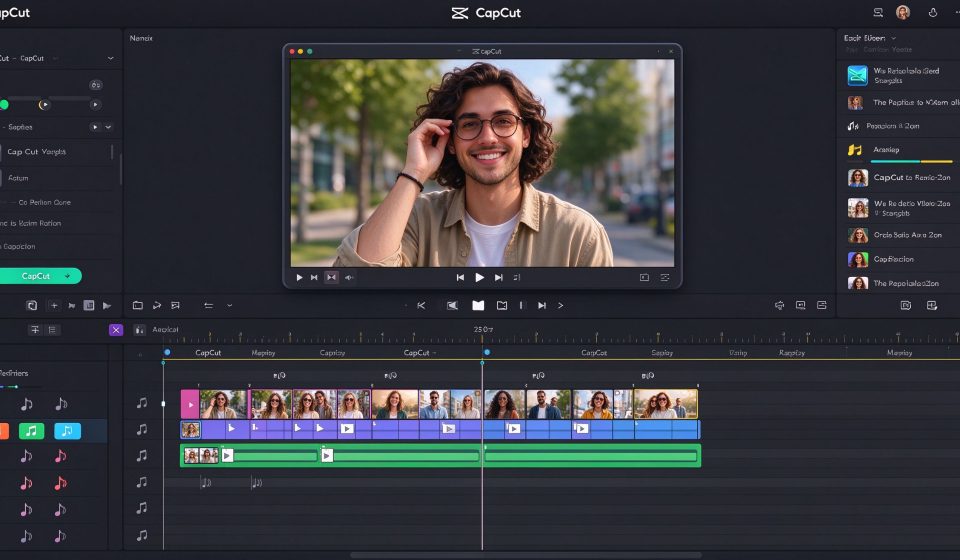

CapCut is the video editor that quietly powers a huge share of TikTok, Reels and Shorts content. It is free, it runs on your phone or desktop, and it comes from the same company that owns TikTok. That connection shows in every design decision: the app is built around vertical video, fast cuts, trending audio and one-click effects, and it gets you from raw footage to a published clip in minutes rather than hours.
This review covers what CapCut does well, where it starts to fray for longer or more serious projects, what the free versus paid tiers actually mean, and who should switch to a different editor once their ambitions outgrow it.
What CapCut is
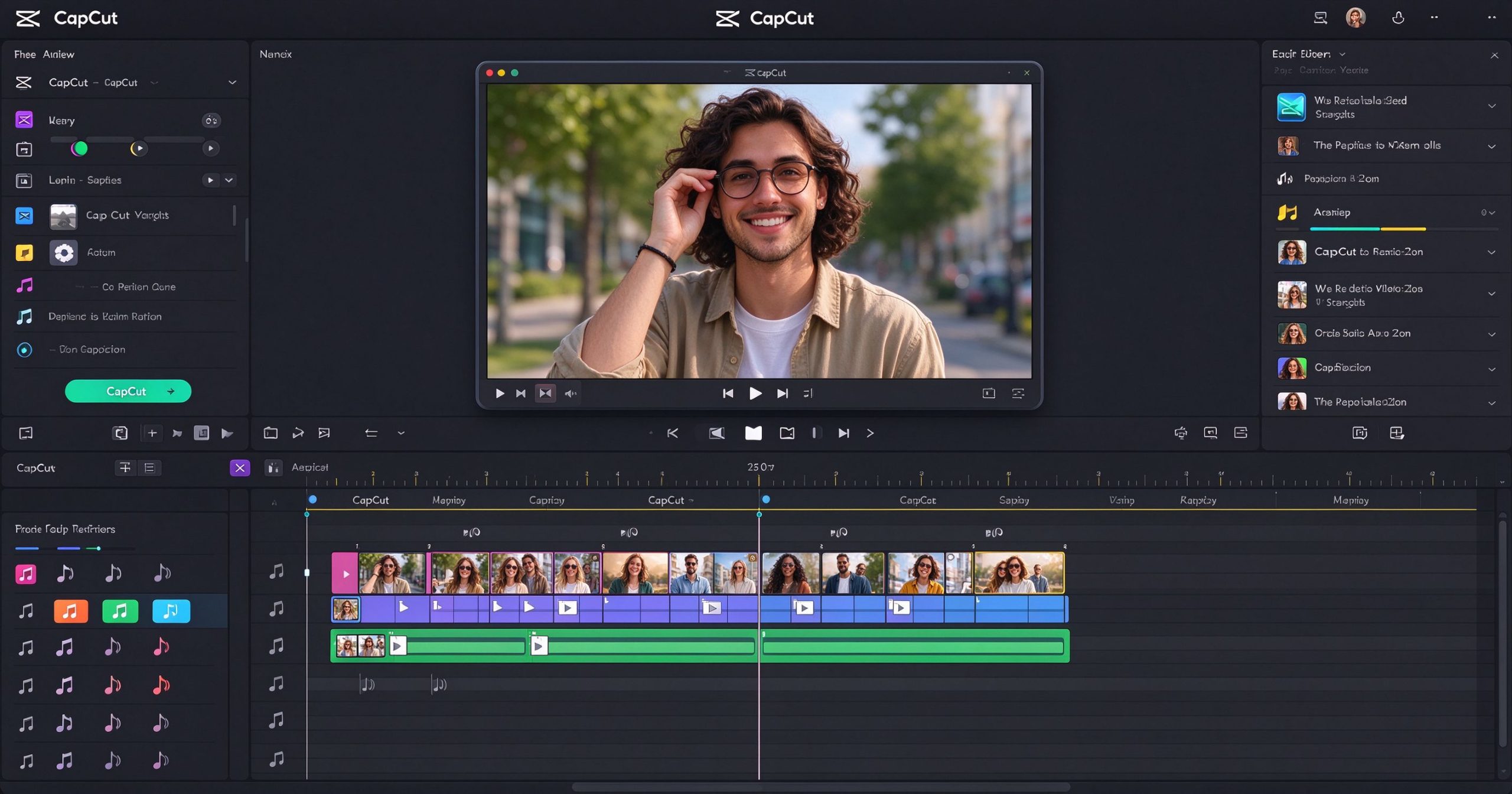
CapCut launched in 2020 and is developed by ByteDance, the company behind TikTok. It is available as a mobile app for iOS and Android, a desktop app for Windows and Mac, and a limited web version. The core editor is a standard timeline-based tool: you drag clips onto tracks, trim them, add transitions, text, stickers, filters and audio, then export. The interface is clean, touch-friendly and designed to be figured out without a tutorial.
What separates CapCut from other free editors is the depth of its short-form toolkit. Auto-cut beats syncs your clips to music. Auto-captions transcribes your speech and burns subtitles onto the video with one tap. Templates let you apply a trending edit style to your own clips in seconds. The audio library includes thousands of sound effects and licensed tracks that are cleared for use on TikTok.
On desktop, CapCut adds a few more professional touches: keyframe animation, chroma key, multi-track editing up to 4K resolution, and the ability to export directly to TikTok. It is not trying to be Premiere Pro, but it covers the workflow of a social media creator end to end.
Where CapCut wins
Auto-captions are the killer feature. Speaking into a phone and getting accurate, stylish burned-in subtitles in one tap saves a tremendous amount of time. The caption styles look native to TikTok, and you can tweak the timing and wording after generation. This alone justifies the download for anyone posting talking-head content.
Templates remove the guesswork. If you have seen a transition, a text animation or a montage style on TikTok and wanted the same thing, there is almost certainly a CapCut template for it. You drop in your own clips and the edit structure, timing and effects are already there. It is the closest thing to a design template for video.
It is genuinely free. The mobile app has no subscription paywall for the core editing tools. Most effects, transitions, filters and audio tracks are included at no cost. The export has no watermark. This is unusual among consumer video editors, which typically lock the good stuff behind a paid tier.
Vertical-first workflow. Every preset, transition and effect is designed around the 9:16 format that dominates social video. You do not waste time cropping a horizontal project into a vertical one. The app opens on the right canvas and stays out of your way.
Cross-device sync. Projects saved to the cloud move between your phone and desktop. You can shoot on your phone, rough-cut on the couch, then fine-tune on a larger screen. The sync is not perfect, but it works well enough for most creators.
What it costs
CapCut is free to download and use. The free tier includes the full editor, auto-captions, the standard effects library, and exports up to 1080p on mobile and 4K on desktop with no watermark.
CapCut Pro is the paid tier, roughly $7.99 per month or about $74.99 per year. It unlocks a larger stock media library, additional effects and transitions, advanced text-to-speech voices, cloud storage upgrades, and the ability to remove the CapCut watermark from certain template-based exports. Most solo creators will not need Pro until they start hitting the stock library limits or want premium voices for voiceovers.
For reference, the free version already covers the tools that matter most for short-form content: trimming, cuts, captions, transitions, basic color adjustment and audio mixing. Pro is an upgrade, not a requirement.
Where it starts to fall short
CapCut is built for short, fast-paced content. Once you move beyond that, the limitations become obvious. There is no proper multi-camera editing, no advanced color grading toolset, no nested sequences, and no support for very long projects. A 40-minute documentary will fight the interface at every turn.
The desktop editor is lighter than it looks. It handles standard definition and 1080p clips smoothly, but 4K multi-layer projects can stutter on modest hardware. Rendering is slower than dedicated professional editors, and background export ties up your machine more than you would expect.
Because CapCut is tied to the TikTok ecosystem, some of the trending audio and effects work best when you publish directly to TikTok. Exporting to other platforms can mean re-licensing music or dealing with rights restrictions. If your content lives primarily on YouTube or Instagram, check the audio license before you build a whole project around a track.
Finally, the template culture has a downside: if everyone uses the same templates, the output starts to look generic. The creators who stand out are the ones who use CapCut as a base and then modify the timing, text and effects until the result is no longer recognizable as a template.
How it compares with alternatives
For browser-based short video editing with captions and resizing, Kapwing is the closest web-based alternative. For turning long videos into short clips automatically, OpusClip specializes in that one job. For editing video by editing a transcript rather than a timeline, Descript is worth a look. And for free desktop editing without the social-first framing, VSDC or LosslessCut serve different niches.
CapCut wins for vertical social content, especially on mobile. It loses for long-form, multi-camera or precision color grading work.
Frequently asked questions
Is CapCut really free? Yes. The core editor, auto-captions, effects and exports are free with no watermark. CapCut Pro is optional and unlocks additional stock assets and voices.
Can I use CapCut on my computer? Yes. CapCut has desktop apps for Windows and Mac, plus a web version. The desktop editor supports multi-track editing and 4K export.
Is CapCut owned by TikTok? CapCut is developed by ByteDance, the parent company of TikTok. The integration between the two platforms is tight, but CapCut itself is a separate app.
Can I monetize videos edited in CapCut? Yes, as long as the audio and stock assets you use are licensed for commercial use. Check the license tag on each track and asset before you publish.
Does CapCut work offline? The mobile and desktop editors work offline once installed. Cloud sync and template downloads require an internet connection.
Verdict
CapCut is the best free starting point for anyone making vertical video for TikTok, Reels or Shorts. The auto-captions, templates and trending audio library remove the friction that stops most people from posting consistently. It is fast, capable and free, and it is good enough that many creators never need to upgrade.
Start on the free tier. Move to CapCut Pro when you need the stock library or premium voices. Move beyond CapCut when your projects become long-form, multi-camera or require professional color grading. Until then, it is hard to beat the combination of zero cost and zero learning curve.
Official product page: CapCut
Downloads: CapCut Downloads
Editorial note: Features, availability and pricing can change. Verify current details directly with the provider before committing to a workflow.
Unlock the Telegram group to access all tools on this site
A one-time payment of US$5 gives you access to the Telegram group and all tools on this site. No subscription.
Enable JavaScript to securely check payment and reveal the invite link.
Share this article



-
-
-
-
-
-
-
-
-
-
-
-
-
-
-
-
-
-
-
-
-
-
-
-
-
-
-
-
-
Show Comments[…] korte sosiale videoer er CapCut eller InShot raskere. For gratis profesjonell fargegradering konkurrerer DaVinci Resolve med […]
[…] Ikuinen lisenssi maksaa noin 60 $, tai tilaus noin 25 $ vuodessa. Satunnaisille käyttäjille CapCut on ilmainen ja […]
[…] korte sociale videoer er CapCut eller InShot hurtigere. Til gratis professionel farvegradering konkurrerer DaVinci Resolve med […]
[…] mere kraftfuld mobilredigering med gratis auto-billedtekster er CapCut det bedre gratis valg. Til browser-baseret redigering fungerer Kapwing på enhver enhed. Til at […]
[…] hurtig social video på en telefon er CapCut hurtigere. Til browser-baseret redigering er Kapwing enklere. Til gratis Windows-redigering med […]
[…] חברתי קצר, CapCut או InShot מהירים יותר. לדירוג צבע מקצועי חינמי, DaVinci Resolve […]
[…] öflugari farsíma klippingu með ókeypis sjálfvirkum skjátextum er CapCut betri ókeypis kostur. Fyrir vafra-byggða klippingu, Kapwing virkar á hvaða tæki sem er. Fyrir […]
[…] ניידת חזקה יותר עם כתוביות אוטומטיות חינמיות, CapCut היא הבחירה החינמית הטובה יותר. לעריכה מבוססת דפדפן, […]
[…] Püsiv litsents maksab umbes $60, või tellimus umbes $25 aastas. Juhuslikele kasutajatele on CapCut tasuta ja […]
[…] more powerful mobile editing with free auto-captions, CapCut is the better free choice. For browser-based editing, Kapwing works on any device. For turning long […]
[…] quick social video on a phone, CapCut is faster. For browser-based editing, Kapwing is simpler. For free Windows editing with effects, […]
[…] Mūža licence maksā aptuveni $60 vai abonements aptuveni $25 gadā. Gadījuma lietotājiem CapCut ir bezmaksas un […]
[…] sociālajiem video CapCut vai InShot ir ātrāki. Bezmaksai profesionālai krāsu korekcijai DaVinci Resolve konkurē ar […]
[…] mobilajai rediģēšanai ar bezmaksas automātiskajiem parakstiem CapCut ir labāka bezmaksas izvēle. Pārlūkprogrammas rediģēšanai Kapwing darbojas uz jebkuras […]
[…] sociālam video telefonā CapCut ir ātrāks. Pārlūkprogrammas rediģēšanai Kapwing ir vienkāršāks. Bezmaksas Windows […]
[…] абонамент около $25 на година. За случайни потребители, CapCut е безплатен и […]
[…] кратко социално видео, CapCut или InShot са по-бързи. За безплатна професионална […]
[…] мобилно редактиране с безплатни автоматични надписи, CapCut е по-добрият безплатен избор. За базирано на браузър […]
[…] бързо социално видео на телефон, CapCut е по-бърз. За базирано на браузър редактиране, Kapwing е […]
[…] Trajna licenca košta oko 60 dolara, ili pretplata oko 25 dolara godišnje. Za povremene korisnike, CapCut je besplatan i […]
[…] kratke videozapise na društvenim mrežama, CapCut ili InShot su brži. Za besplatnu profesionalnu kolorizaciju, DaVinci Resolve parira Premiereu bez […]
[…] snažnije mobilno uređivanje s besplatnim automatskim natpisima, CapCut je bolji besplatni izbor. Za uređivanje u pregledniku, Kapwing radi na bilo kojem uređaju. Za […]
[…] brzi video za društvene mreže na telefonu, CapCut je brži. Za uređivanje u pregledniku, Kapwing je jednostavniji. Za besplatno Windows uređivanje […]
[…] moćniju mobilnu montažu sa besplatnim auto-natpisima, CapCut je bolji besplatni izbor. Za montažu u pregledaču, Kapwing radi na bilo kom uređaju. Za […]
[…] претплата околу $25 годишно. За повремени корисници, CapCut е бесплатен и […]
[…] брзо социјално видео на телефон, CapCut е побрз. За базиран во пребарувач уредување, Kapwing е […]
[…] video të shpejtë sociale në telefon, CapCut është më i shpejtë. Për redaktim në shfletues, Kapwing është më i thjeshtë. Për redaktim […]
[…] séier Social-Video op engem Telefon ass CapCut méi séier. Fir browserbaséiert Editéierung ass Kapwing méi einfach. Fir gratis […]
[…] haghaidh físeán sóisialta tapa ar fhón, tá CapCut níos tapa. Le haghaidh eagarthú brabhsálaí-bhunaithe, tá Kapwing níos simplí. Le haghaidh […]