
LM Studio Review: Discover, Download and Run Local LLMs on Your Own PC
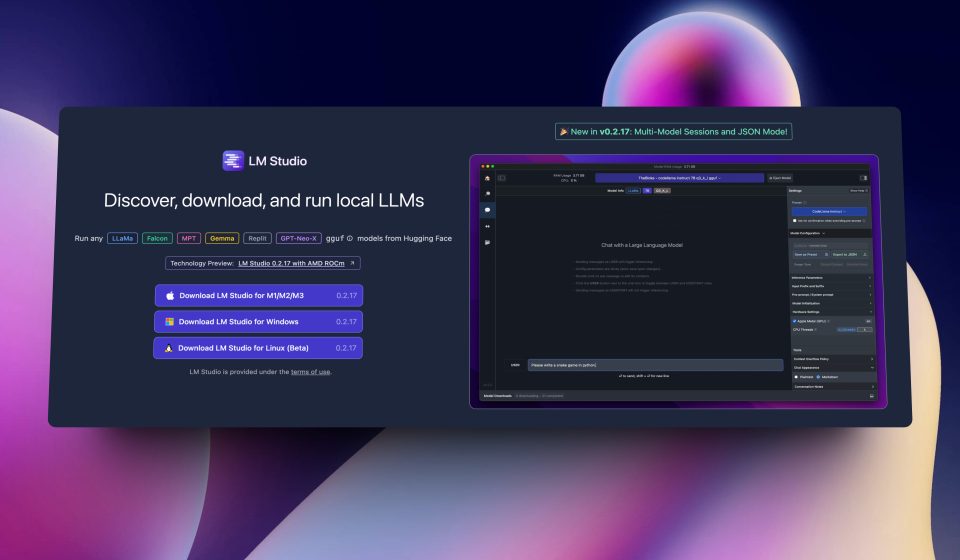
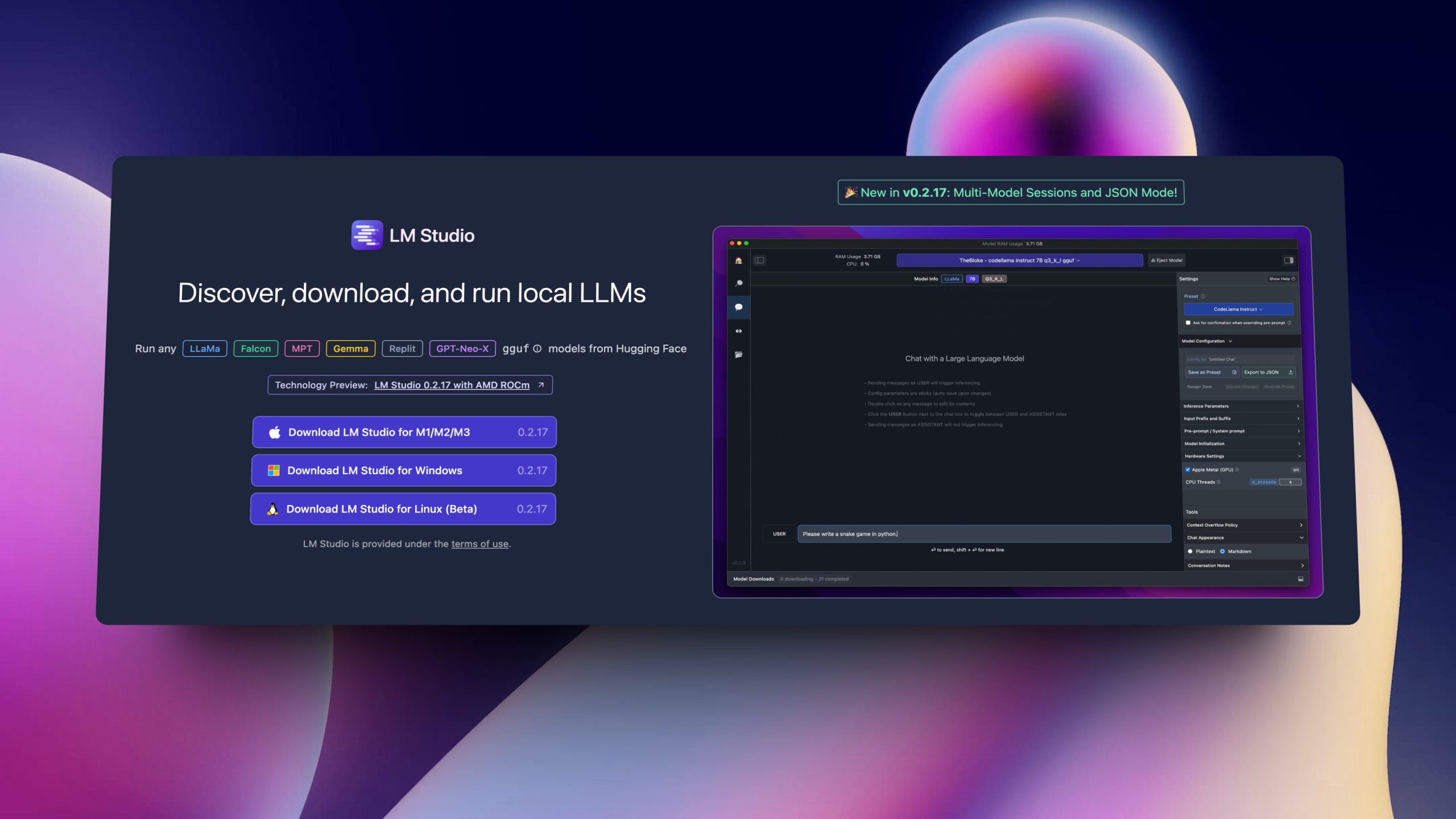
LM Studio is a free desktop app that lets you discover, download, and run large language models locally on Windows, macOS, and Linux. Models run fully offline with llama.cpp on CPU/GPU (and Apple’s MLX engine on Apple Silicon), with no coding required and no data leaving your machine.
What is LM Studio used for?
- Running open-source models (Llama, Mistral, etc.) locally for private chat.
- Testing and comparing models from Hugging Face (GGUF/MLX).
- Providing a local OpenAI-compatible REST API server for your apps.
- Headless deployments with the “llmster” daemon on servers.
Key Features
- Built-in model browser and in-app chat interface.
- Local OpenAI-compatible API server (chat/completions and more).
- llama.cpp and MLX engines for CPU/GPU inference on all platforms.
- Free for personal and commercial/work use (no license fee).
Pros & Cons
Pros: free, fully offline and private, easy model management, local API server for integration. Cons: performance depends heavily on your hardware (RAM/VRAM), the core app is not open-source, larger models need a capable GPU.
Pricing
LM Studio is free to download and use, including at work. Optional cloud inference (Bionic) has paid tiers such as Bionic+ ($20/month) and Pro ($100/month).
Verdict
If you want private, free AI chat on your own hardware, LM Studio is the easiest way to get started running local models.
Unlock the Telegram group to access all tools on this site
A one-time payment of US$5 gives you access to the Telegram group and all tools on this site. No subscription.
Enable JavaScript to securely check payment and reveal the invite link.
Share this article