
PhotoDirector Review: CyberLink’s All-in-One AI Photo Editor
PhotoDirector is CyberLink’s photo editing suite built around AI-assisted tools. It combines a full layer-based editor, one-click enhancements, and a large library of templates, plug-ins and stock assets, making it a strong pick for content creators who want quick, polished results without learning a complex tool.
What is PhotoDirector used for?
- One-click AI photo enhancement, sky replacement, and background removal.
- Layer-based editing with masks, color grading, and object selection.
- Slideshow and collage creation with themed templates.
- Organizing and sharing libraries with cloud backup.
Key Features
- AI tools for portrait beautification, object removal, and content-aware fill.
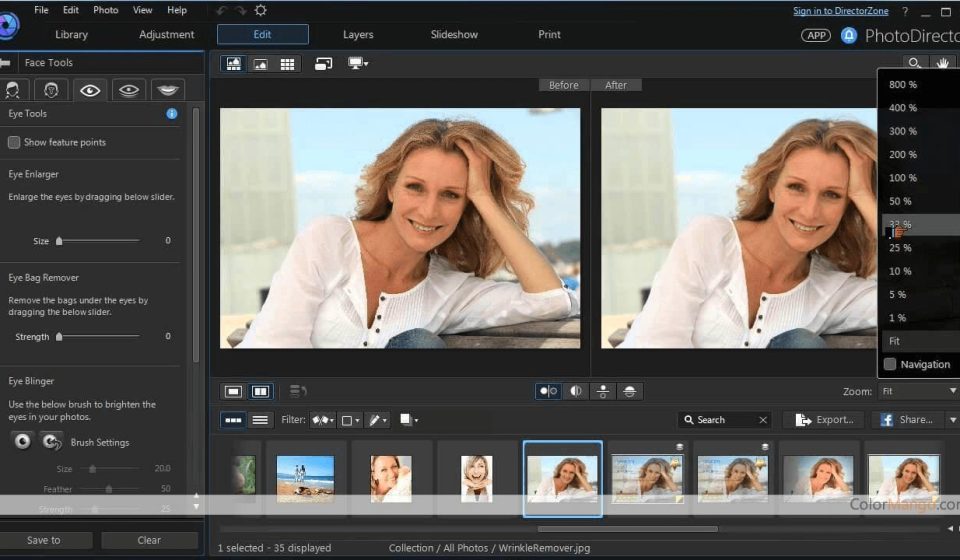
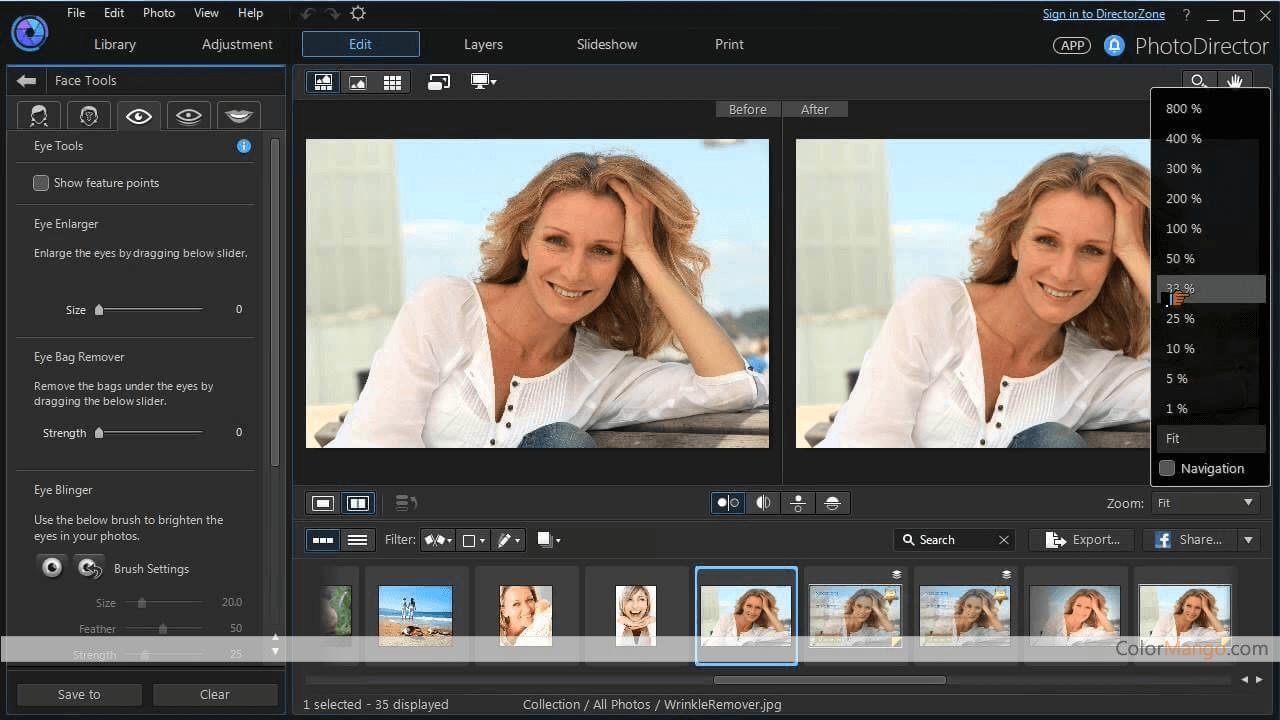
- Clean dark interface divided into Library, Adjust, Effects, and Share workflows.
- Access to plug-ins, sound clips, and stock photo libraries (Shutterstock / Getty).
- Batch processing and project templates for speed.
Pros & Cons
Pros: powerful AI one-click tools, polished presets, beginner-friendly, cloud storage included. Cons: subscription-only pricing, strongest features on Windows, some advanced tools sit behind the higher tiers.
Pricing
PhotoDirector is sold as a subscription (PhotoDirector 365). It is available on Windows and macOS.
Verdict
If you want fast, impressive edits powered by AI without a steep learning curve, PhotoDirector is a solid subscription option.
Unlock the Telegram group to access all tools on this site
A one-time payment of US$5 gives you access to the Telegram group and all tools on this site. No subscription.
Enable JavaScript to securely check payment and reveal the invite link.
Share this article