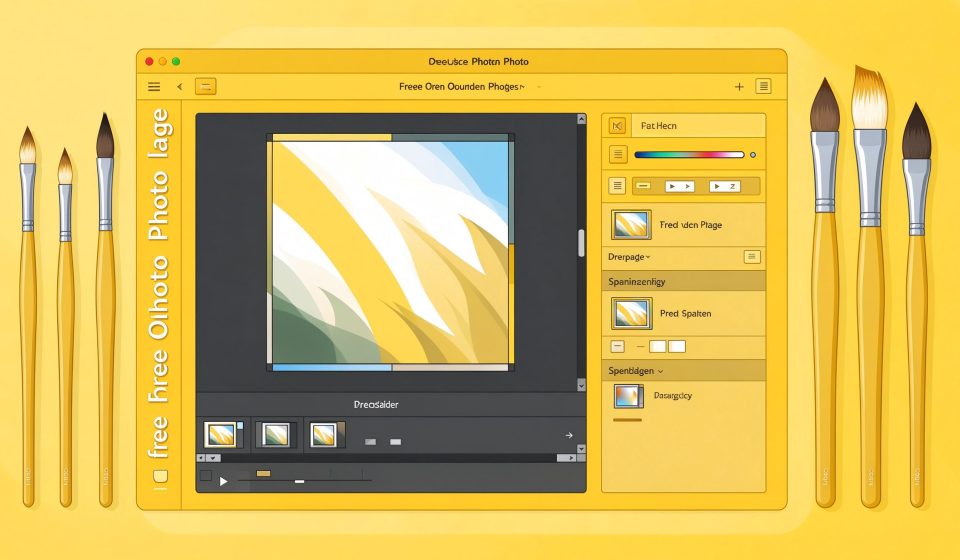

GIMP (GNU Image Manipulation Program) is the most famous free image editor in the world. First released in 1996, it has been the go-to Photoshop alternative for Linux users, students, and anyone who refuses to pay for Adobe.
What Is GIMP?
GIMP is an open-source raster graphics editor developed by the GNOME community. It supports layers, masks, brushes, filters, and plugins. It runs on Windows, macOS, and Linux. While it cannot match Photoshop for every professional feature, it covers most editing tasks.
Key Features
- Layer system: Non-destructive editing with layers, masks, and blend modes.
- Brush engine: Custom brushes, pressure sensitivity, and dynamics.
- Plugin support: Python and Script-Fu plugins extend functionality endlessly.
- File formats: Opens PSD, XCF, PNG, JPG, TIFF, and many more.
- Color management: ICC color profiles and high-bit-depth editing.
Pricing
GIMP is completely free and open source. Donations support development.
Pros and Cons
Pros: Free, powerful, cross-platform, huge plugin ecosystem, active community.
Cons: UI feels dated, not Photoshop-compatible for advanced files, no AI features, learning curve is steep.
Who Should Use It?
GIMP is for anyone who needs photo editing but does not want a subscription. It is especially good for Linux users and budget-conscious creators. If you need seamless PSD compatibility or AI tools, Photopea or Affinity Photo may be better.
Unlock the Telegram group to access all tools on this site
A one-time payment of US$5 gives you access to the Telegram group and all tools on this site. No subscription.
Enable JavaScript to securely check payment and reveal the invite link.
Share this article