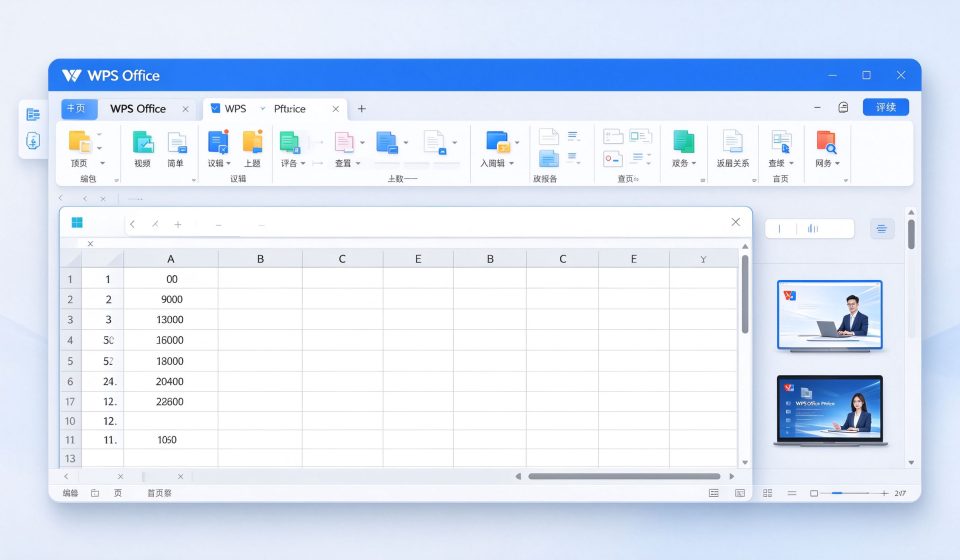

WPS Office is a free office suite that reads and writes Microsoft Word, Excel and PowerPoint files without breaking formatting. It runs on Windows, Mac, Linux, iOS and Android, and it is especially popular on Chromebooks and low-end hardware where Microsoft Office is too heavy. It is not as deep as the desktop versions of Word and Excel, but it handles the vast majority of everyday document tasks.
What WPS Office is
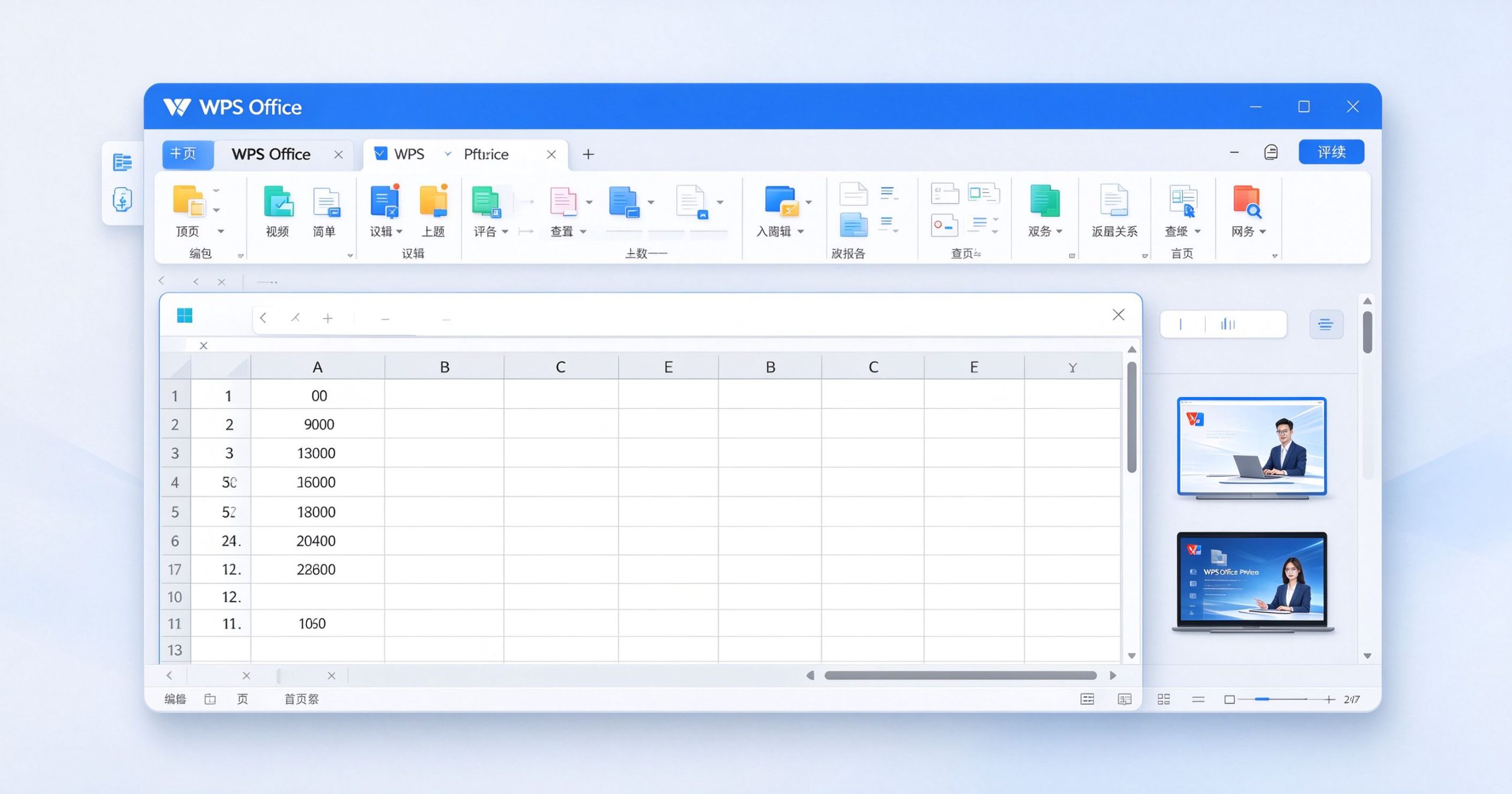
WPS Office is developed by Kingsoft, a Chinese software company founded in 1988. The suite includes three applications: Writer (word processing), Spreadsheets and Presentation. They read and save .docx, .xlsx and .pptx files natively, and also support PDF viewing, editing and conversion. The interface mirrors the Microsoft Office ribbon layout, so switching costs are low.
WPS is available as a free desktop application and as mobile apps. The free tier shows occasional ads and limits some advanced features. WPS Premium removes ads, unlocks PDF editing tools, adds cloud storage and provides templates. A separate business version adds team collaboration and admin controls.
Where it works well
Format compatibility. This is the main reason to use WPS. Complex Word documents with tracked changes, complex Excel formulas and PowerPoint animations open with fewer surprises than you would expect from a free alternative. Files round-trip to Office without obvious formatting loss in most everyday use.
Lightweight and fast. WPS installs in minutes and opens documents almost instantly. It runs well on older Windows machines and Chromebooks. The mobile apps are among the best office editors on Android, with good support for touch and stylus input.
Built-in PDF tools. WPS includes PDF viewing, annotation, form filling, and conversion between PDF and Office formats. The free tier covers the basics; advanced OCR and batch conversion require Premium.
Price. The free version is genuinely usable. Most people writing letters, editing spreadsheets and giving presentations will never hit the paid wall.
Where it falls short
The free version shows banner ads, which some users find distracting. There is no full macro support in Spreadsheets, and advanced Excel features like Power Query and pivot tables are limited. Presentation does not support all PowerPoint animations and transitions.
Privacy concerns have been raised about WPS’s data collection, particularly in the Windows version. Cloud sync and account features send documents to Kingsoft’s servers. If you work with sensitive material, review the privacy policy and consider disabling cloud features.
Collaboration is not as seamless as Google Workspace or Microsoft 365 real-time co-authoring. Multiple people can comment, but simultaneous editing is limited.
What it costs
WPS Office is free to download and use. WPS Premium costs about $30 to $40 per year depending on region, removing ads and unlocking PDF tools, templates and cloud storage. The business edition is priced per user.
How it compares
For cloud-based collaboration, Google Workspace is the standard. For the most complete Office compatibility, Microsoft 365 remains ahead. For free ebook management and conversion, Calibre handles a different niche. WPS Office wins when you need a free, fast, Office-compatible desktop suite on hardware that would struggle with Microsoft’s own apps.
Frequently asked questions
Is WPS Office really free? Yes. The free tier includes Writer, Spreadsheets and Presentation with ads. Premium removes them.
Can WPS open Microsoft Office files? Yes, .docx, .xlsx and .pptx are the native formats.
Is WPS safe? It is widely used, but review the privacy policy if you handle sensitive documents. Disable cloud features if needed.
Verdict
WPS Office is the best free Microsoft Office alternative for everyday document work. It is fast, compatible and available on every platform. It is not a replacement for Microsoft 365 if you rely on advanced Excel features or enterprise collaboration, but for most students, writers and small business users, it covers the job at no cost.
Official site: WPS Office
Editorial note: Features and pricing can change. Verify current details directly with the provider.
Unlock the Telegram group to access all tools on this site
A one-time payment of US$5 gives you access to the Telegram group and all tools on this site. No subscription.
Enable JavaScript to securely check payment and reveal the invite link.
Share this article