
WavePad Review: Full-Featured Audio Editing for Windows, Mac & Mobile
WavePad is NCH Software’s audio editor for recording, cutting, and mastering sound. It handles everything from trimming clips and removing noise to batch processing and spectral analysis, and it runs on Windows, macOS, iOS, and Android — a flexible tool for podcasters, editors, and home recordists.
What is WavePad used for?
- Cutting, copying, trimming, and splicing audio clips.
- Applying effects such as EQ, reverb, pitch shift, and noise reduction.
- Batch editing and format conversion of many files at once.
- Recording from a microphone and audio unit / plug-in support.
Key Features
- Wide format support and lossless conversion.
- Effect presets grouped into Basic, Popular, and Pro categories.
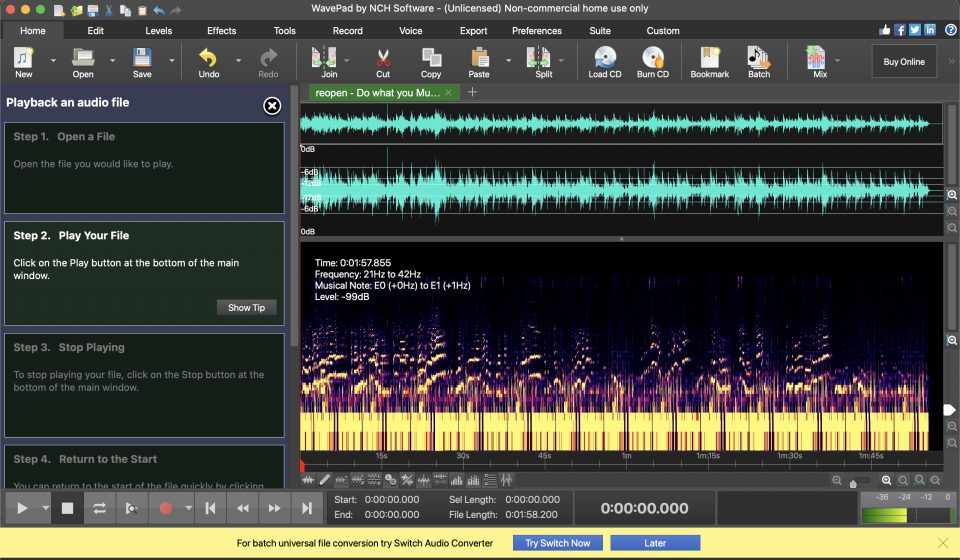
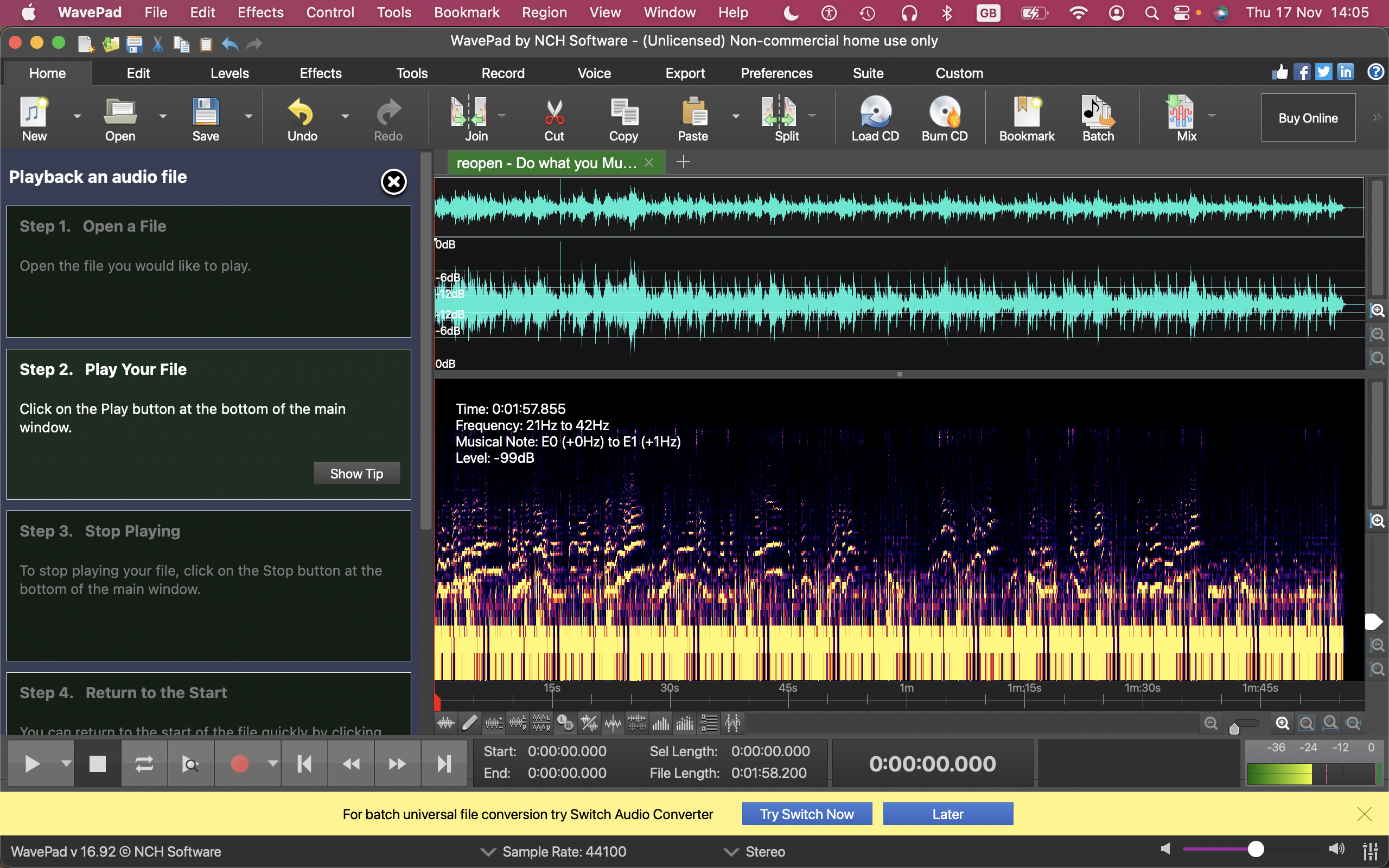
- Spectral analysis tools and a customizable toolbar.
- Cross-platform desktop plus iOS/Android apps.
Pros & Cons
Pros: rich effect set, batch processing, cross-platform, easy to learn with built-in tutorials. Cons: interface can feel busy, full feature set requires the paid Master’s edition.
Pricing
WavePad offers a free version with core editing. The full Master’s Edition is available via a subscription or one-time license from NCH Software.
Verdict
For a capable, affordable cross-platform audio editor, WavePad is a strong choice, especially for batch tasks and beginners.
Unlock the Telegram group to access all tools on this site
A one-time payment of US$5 gives you access to the Telegram group and all tools on this site. No subscription.
Enable JavaScript to securely check payment and reveal the invite link.
Share this article