
Luminar Neo Review: Skylum’s AI-First Photo Editor
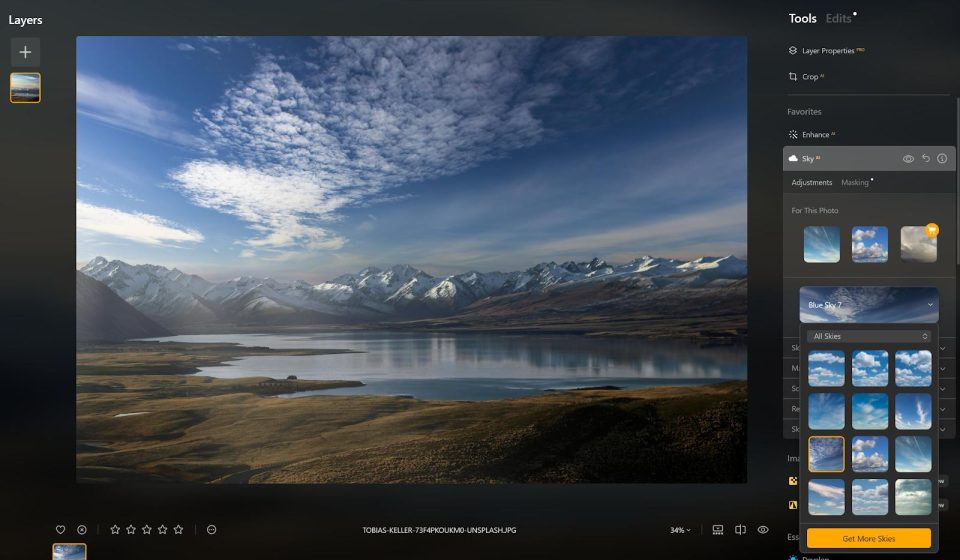
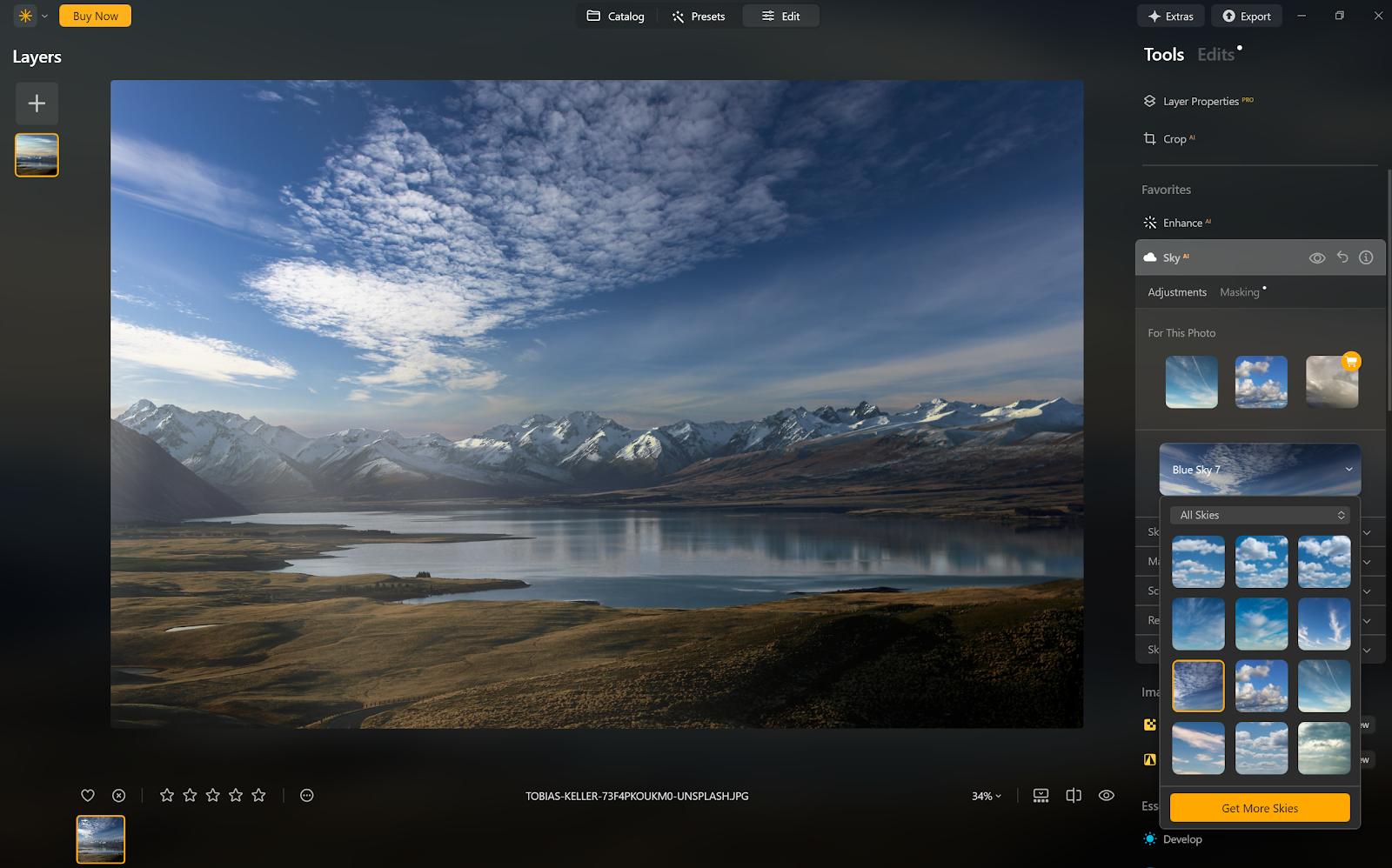
Luminar Neo is Skylum’s photo editor that leans heavily on AI to speed up editing. Instead of long manual workflows, it offers one-click tools for sky replacement, background removal, and generative edits, while keeping a clean, non-destructive layer workflow for photographers.
What is Luminar Neo used for?
- Quick AI enhancements (sky replacement, atmosphere, relight).
- Generative tools like GenErase, GenSwap, and scene expansion.
- Non-destructive layer editing with masks and adjustments.
- Portrait retouching, color grading, and photo organization.
Key Features
- AI sky replacement and background removal with one click.
- Generative AI tools for object removal and scene extension.
- Non-destructive layers, adjustment and edit history.
- Desktop app for Windows/macOS plus mobile apps and Creative Library.
Pros & Cons
Pros: very intuitive, powerful AI shortcuts, non-destructive editing, good value for hobbyists. Cons: some generative AI tools are limited to a one-year access window, heavier AI features benefit from stronger hardware, not a full replacement for manual pro editors like Photoshop.
Pricing
Luminar Neo is available as a one-time perpetual license or subscription; pricing varies by region and bundle (e.g. perpetual desktop license or annual plans), with a free trial and money-back guarantee.
Verdict
If you want fast, impressive AI-driven edits without a steep learning curve, Luminar Neo is one of the most approachable options for photographers.
Unlock the Telegram group to access all tools on this site
A one-time payment of US$5 gives you access to the Telegram group and all tools on this site. No subscription.
Enable JavaScript to securely check payment and reveal the invite link.
Share this article