
Typora Review: A Beautiful, Minimal Markdown Editor
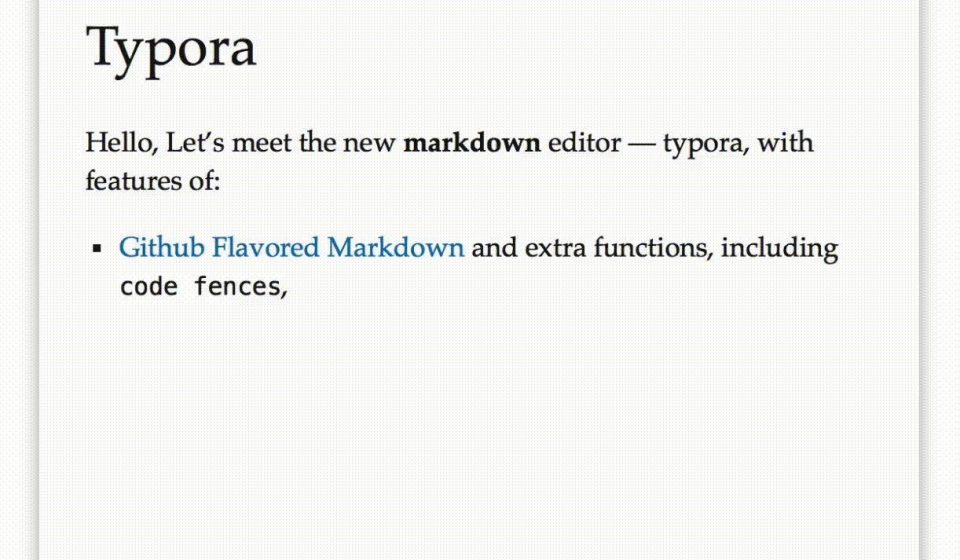
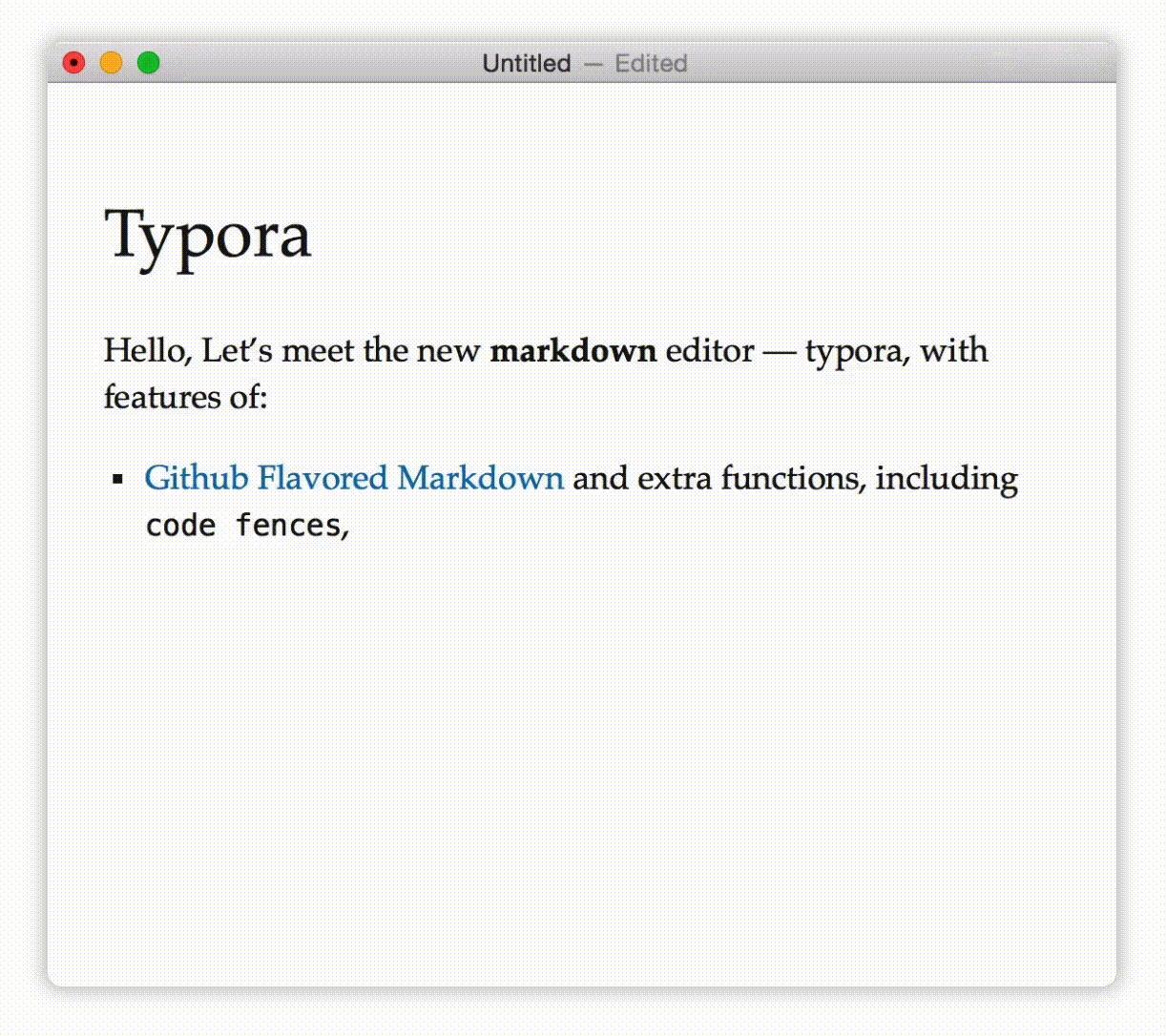
Typora is a Markdown editor that renders your text live as you type — no split preview pane, just a clean document view that turns Markdown into formatted output instantly. It supports Windows, macOS, and Linux, and is a favorite among writers, developers, and students.
What is Typora used for?
- Writing notes, articles, and documentation in Markdown.
- Rendering tables, code fences, LaTeX math, and diagrams live.
- Exporting to PDF, Word, HTML, and other formats.
- Building documents with headers, outlines, and themes.
Key Features
- Live WYSIWYG rendering as you type.
- Support for GFM Markdown, tables, code fences, and inline styles.
- LaTeX math, Mermaid/flowchart diagrams, and syntax highlighting.
- Customizable themes and a one-time-purchase license.
Pros & Cons
Pros: distraction-free and beautiful, instant rendering, great for both code and prose, affordable one-time price. Cons: live rendering can occasionally be distracting, collaboration features are limited compared to cloud tools.
Pricing
Typora is a one-time purchase of $14.99 (before tax), which covers a lifetime license on up to 3 devices. A 15-day free trial is available.
Verdict
If you write Markdown regularly, Typora’s clean live editing and one-time price make it one of the best minimal editors around.
Unlock the Telegram group to access all tools on this site
A one-time payment of US$5 gives you access to the Telegram group and all tools on this site. No subscription.
Enable JavaScript to securely check payment and reveal the invite link.
Share this article