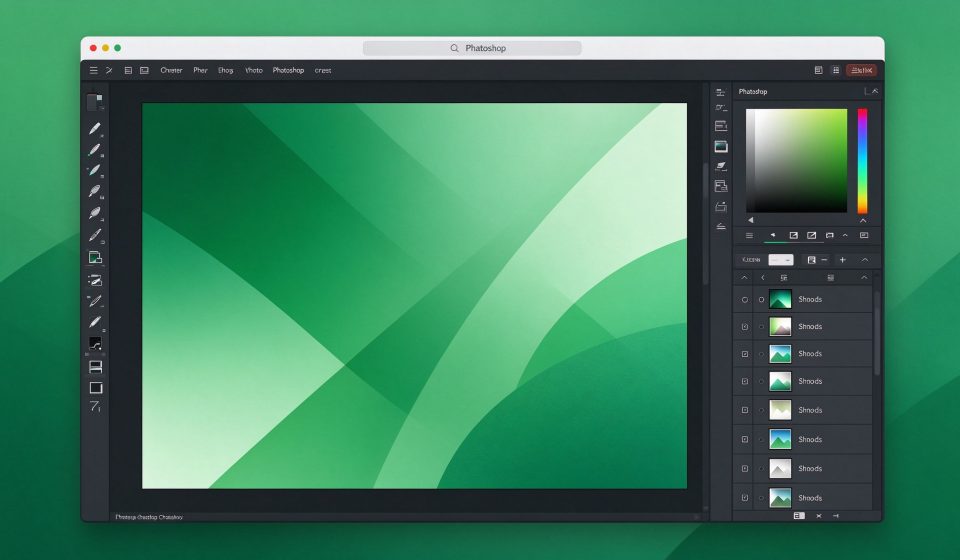

Photopea is a free browser-based photo editor that looks and works almost exactly like Adobe Photoshop. It opens PSD, XCF, Sketch, and raw files, and runs entirely in your browser, so there is nothing to install.
What Is Photopea?
Launched in 2013 by Ivan Kuckir, Photopea is a single-developer project funded by ads. It supports layers, masks, filters, brushes, and most Photoshop tools. Because it runs in the browser, it works on any operating system, including Chromebooks.
Key Features
- PSD compatibility: Open and edit native Photoshop files with layers intact.
- Full tool set: Move, lasso, pen, type, healing, clone stamp, and more.
- Smart objects: Non-destructive transforms and filters on layers.
- Export options: Save as PSD, XCF, Sketch, PNG, JPG, SVG, or PDF.
- No install: Works in any modern browser, including on a school or work computer.
Pricing
Photopea is free with ads. An ad-free premium license costs around $5 per month.
Pros and Cons
Pros: Free, opens PSD files, no installation, works on any OS, familiar Photoshop interface.
Cons: Ads in free version, slower than native apps, requires internet, large files can lag.
Who Should Use It?
Photopea is perfect for anyone who needs to quickly open or edit a PSD file on a computer without Photoshop installed. It is also great for Chromebook users and students who cannot afford the Adobe subscription.
Unlock the Telegram group to access all tools on this site
A one-time payment of US$5 gives you access to the Telegram group and all tools on this site. No subscription.
Enable JavaScript to securely check payment and reveal the invite link.
Share this article