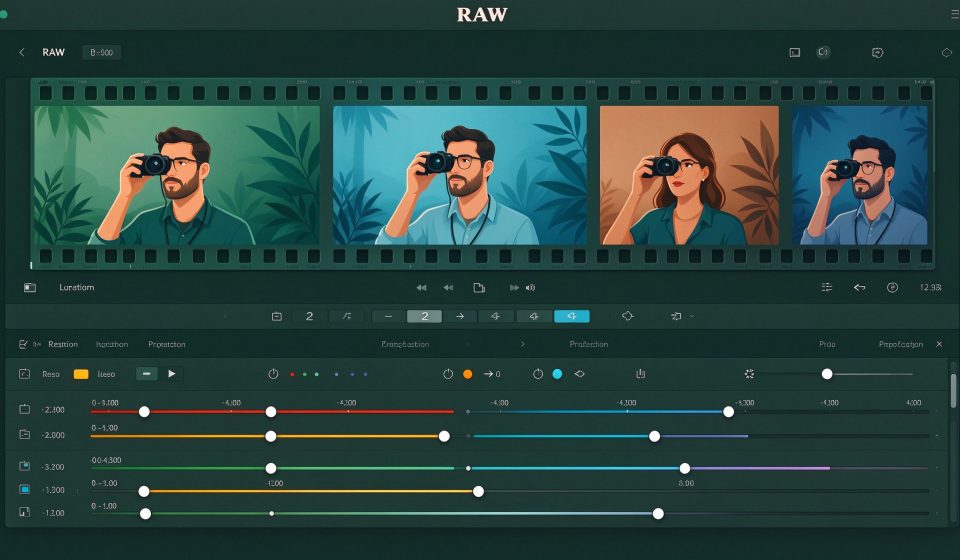

darktable is a free, open-source photography workflow application and RAW developer. It is the closest free alternative to Adobe Lightroom, with non-destructive editing, a powerful tag system, and support for hundreds of camera models.
What Is darktable?
First released in 2009, darktable is developed by a global community of photographers and developers. It runs on Linux, Windows, and macOS. Unlike GIMP, which is a raster editor, darktable is designed specifically for the photography pipeline: import, organize, develop, and export.
Key Features
- Non-destructive editing: Your original RAW files are never touched; all edits are stored as editable parameters.
- 40+ modules: Color correction, exposure, tone curve, denoise, lens correction, and more.
- Tag and rating system: Organize thousands of photos with color labels, star ratings, and custom tags.
- GPU acceleration: OpenCL support speeds up editing on compatible graphics cards.
- Print and map views: Geotag photos on a map and print directly from darktable.
Pricing
darktable is completely free and open source under the GPL. Donations support the project.
Pros and Cons
Pros: Free, non-destructive workflow, GPU accelerated, supports hundreds of cameras, active community.
Cons: Steeper learning curve than Lightroom, UI can feel overwhelming, fewer presets, no mobile companion.
Who Should Use It?
darktable is for photographers who shoot RAW and want a Lightroom-style cataloging and developing workflow without paying for Adobe. It is especially popular among Linux users and anyone who prefers open-source tools over subscription software.
Unlock the Telegram group to access all tools on this site
A one-time payment of US$5 gives you access to the Telegram group and all tools on this site. No subscription.
Enable JavaScript to securely check payment and reveal the invite link.
Share this article