• English
  • 中文 (中国)
  • ES Español
  • HI हिन्दी
  • AR العربية
  • BN বাংলা
  • PT Português
  • RU Русский
  • JA 日本語
  • DE Deutsch
  • FR Français
  • ID Bahasa Indonesia
  • TR Türkçe
  • TA தமிழ்
  • FA فارسی
  • IT Italiano
  • UR Urdu
  • MR Marathi
  • TE Telugu
  • VI Vietnamese
  • 한국어
  • ไทย
  • Tagalog
  • Kiswahili
  • ਪੰਜਾਬੀ
  • Basa Jawa
  • ગુજરાતી
  • Polski
  • Nederlands
  • Українська
  • Bahasa Melayu
  • Română
  • Magyar
  • Ελληνικά
  • Čeština
  • Svenska
  • සිංහල
  • ភាសាខ្មែរ
  • አማርኛ
  • Finnish
  • Icelandic
  • Slovak
  • Slovenian
  • Estonian
  • Latvian
  • Lithuanian
  • Bulgarian
  • Croatian
  • Serbian
  • Macedonian
  • Maltese
  • Luxembourgish
  • Irish
  • Danish
  • Norwegian
  • Hebrew
  • Albanian
Skip to content
-
Subscribe to our newsletter & never miss our best posts. Subscribe Now!
66 Toolbox

Curated reviews of the best file, image, video, audio and AI tools. Honest comparisons, pricing guides and recommendations.

66 Toolbox

Curated reviews of the best file, image, video, audio and AI tools. Honest comparisons, pricing guides and recommendations.

  • Home
  • 66 Toolbox – AI・動画・音声・画像・ドキュメントツールのレビュー
  • 66 Toolbox – Avaliações de Ferramentas de IA, Vídeo, Áudio e Documentos
  • 66 Toolbox – Best AI, Video, Audio, Image & Document Tools
  • 66 Toolbox – Bewertungen der besten KI-, Video-, Audio- und Dokument-Tools
  • 66 Toolbox – Reseñas de Herramientas de IA, Video, Audio y Documentos
  • 66 Toolbox – Обзоры лучших инструментов для видео, аудио и ИИ
  • 66 Toolbox – مراجعات أدوات الذكاء الاصطناعي والفيديو والصوت
  • 66 टूलबॉक्स – बेस्ट AI, वीडियो, ऑडियो, इमेज और डॉक्यूमेंट टूल्स
  • 66 টুলবক্স – সেরা AI, ভিডিও, অডিও, ইমেজ ও ডকুমেন্ট টুলস
  • Home
  • 66 Toolbox – AI・動画・音声・画像・ドキュメントツールのレビュー
  • 66 Toolbox – Avaliações de Ferramentas de IA, Vídeo, Áudio e Documentos
  • 66 Toolbox – Best AI, Video, Audio, Image & Document Tools
  • 66 Toolbox – Bewertungen der besten KI-, Video-, Audio- und Dokument-Tools
  • 66 Toolbox – Reseñas de Herramientas de IA, Video, Audio y Documentos
  • 66 Toolbox – Обзоры лучших инструментов для видео, аудио и ИИ
  • 66 Toolbox – مراجعات أدوات الذكاء الاصطناعي والفيديو والصوت
  • 66 टूलबॉक्स – बेस्ट AI, वीडियो, ऑडियो, इमेज और डॉक्यूमेंट टूल्स
  • 66 টুলবক্স – সেরা AI, ভিডিও, অডিও, ইমেজ ও ডকুমেন্ট টুলস
Close

Search

  • https://www.facebook.com/
  • https://twitter.com/
  • https://t.me/
  • https://www.instagram.com/
  • https://youtube.com/
Subscribe
Image Apps

Pixlr Review: Free Browser Photo Editing for Quick Edits and Social Graphics

By 66tools
October 17, 2026 2 Min Read
0

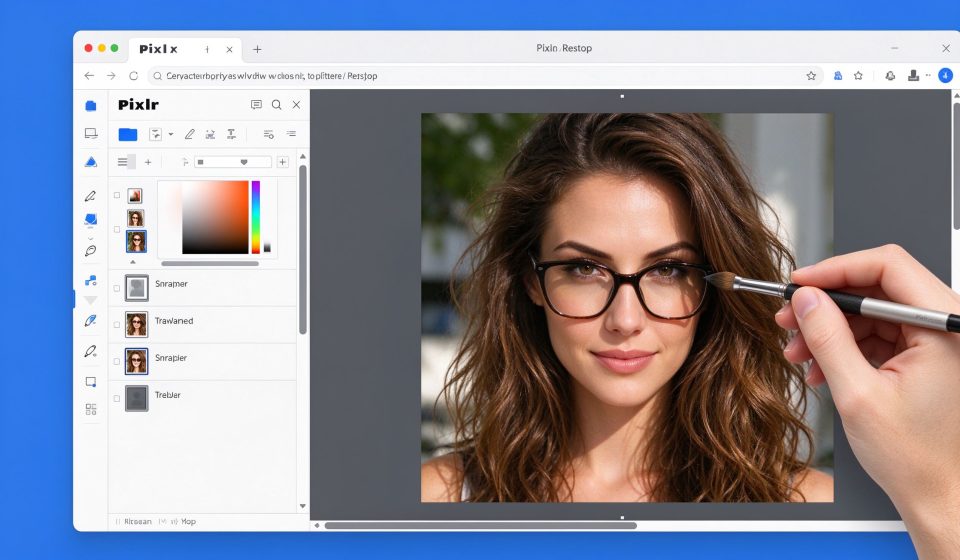
Pixlr is a browser-based photo editor that sits between Photopea and Canva. It opens in your browser, requires no installation, and handles quick retouching, resizing and social graphics. It is not as powerful as Photoshop or GIMP, but for one-off edits on the web, it is fast and free enough.
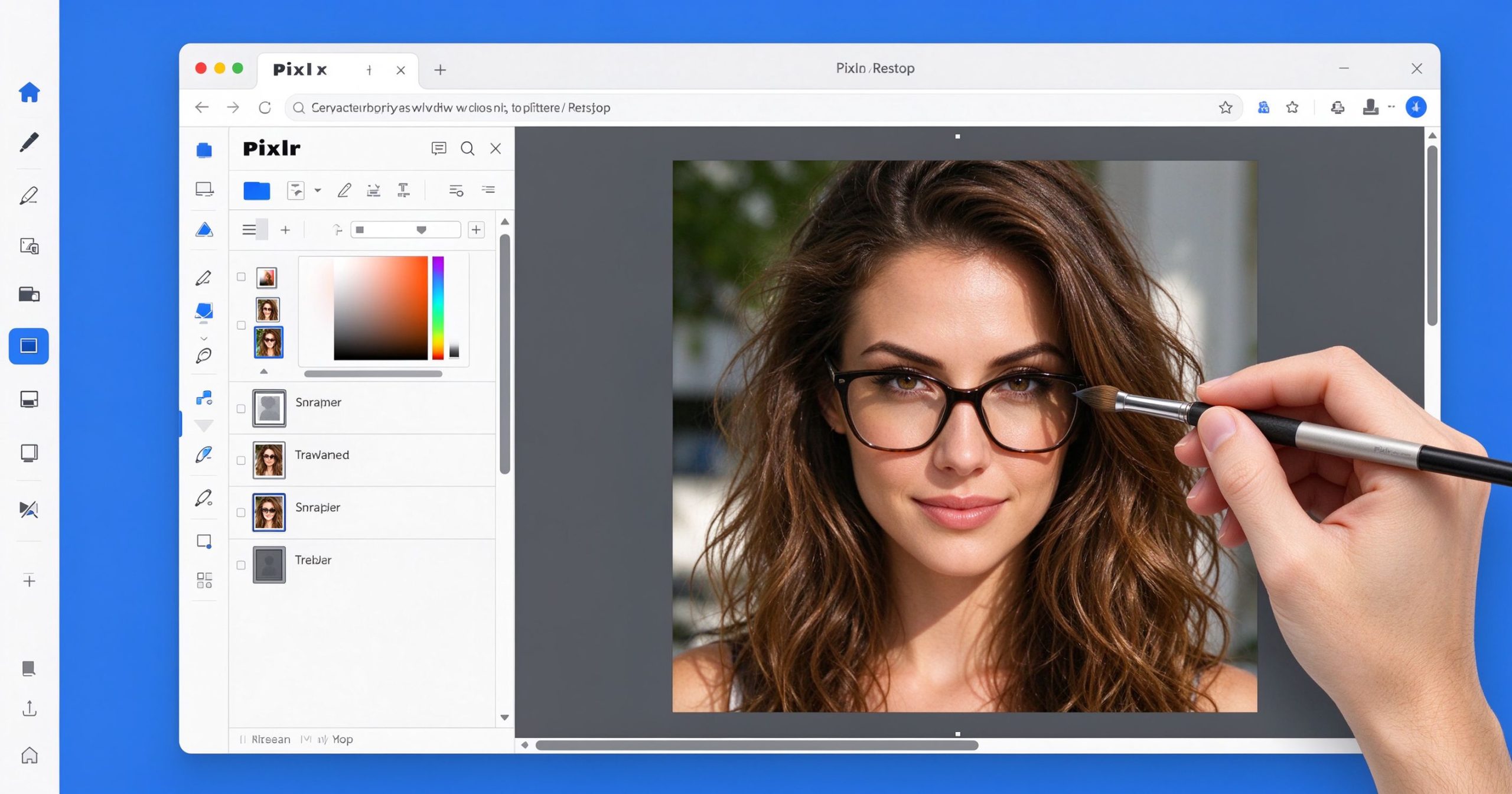
Pixlr review: free browser-based photo editor
Pixlr runs in the browser and handles quick photo edits, layers and filters without installation.

What Pixlr is

Pixlr offers two editors: Pixlr X (simplified, for quick edits) and Pixlr E (more advanced, with layers). Both run in the browser. You can upload a photo, apply filters, adjust exposure, remove blemishes, add text and stickers, then export as JPG or PNG. Pixlr also includes templates for social media graphics, similar to Canva but lighter.

The free version shows ads and limits some advanced tools. Pixlr Premium removes ads, unlocks all filters and templates, and adds cloud storage. It is available on desktop browsers and as a mobile app.

Where it works

Speed. No installation, no login required for basic edits. Open the browser, upload a photo, edit and export. For a quick crop or filter, Pixlr is faster than opening a desktop app.

Layers and retouching. Pixlr E supports layers, masks and a healing brush. It is not Photoshop, but it handles basic compositing and retouching in the browser.

Templates. Social media templates, flyers and collages cover the everyday design needs of small business owners and content creators.

Limitations

The free version has ads and watermarks on some templates. Performance degrades on large files. Advanced tools like frequency separation, CMYK and precise typography are absent. For serious work, GIMP or Photoshop is better.

What it costs

Free tier with ads and limited tools. Premium is about $5 per month, removing ads and unlocking all features.

Verdict

Pixlr is a solid free browser editor for quick photo edits and social graphics. It is not the most powerful or the simplest, but it occupies a useful middle ground. Start free; upgrade only if you need the templates and ad-free experience regularly.

Official site: Pixlr

Editorial note: Features and pricing can change. Verify current details directly with the provider.

TOOLS ACCESS COMMUNITY

Unlock the Telegram group to access all tools on this site

A one-time payment of US$5 gives you access to the Telegram group and all tools on this site. No subscription.

Enable JavaScript to securely check payment and reveal the invite link.


Share this article

FFacebookXXWWhatsAppLLinkedInPPinterestTTelegram

Author

66tools

Follow Me
Other Articles
Previous

Adobe Premiere Pro Review: The Professional Video Editor for Film and TV

Next

Movavi Video Editor Review: Simple Video Editing for Beginners and Hobbyists

No Comment! Be the first one.

Leave a Reply Cancel reply

Your email address will not be published. Required fields are marked *

Categories

  • AI Tools (68)
  • Audio Editors & DAWs (7)
  • Audio Tools (39)
  • Document Tools (41)
  • eSignature Tools (4)
  • Image Apps (67)
  • Online Document Editors (5)
  • PDF Converters (2)
  • PDF Editors (5)
  • PDF Readers (1)
  • PDF Utilities (3)
  • Podcast & Voice Tools (6)
  • Scanning & OCR (4)
  • Site Updates (1)
  • Uncategorized (1)
  • Video Apps (62)

Recent Posts

  • GPT4All Review 2026: Free Local AI Chatbot That Runs Offline
  • AudioDirector Review 2026: CyberLink’s Audio Editor for Video & Podcasts
  • Typora Review 2026: The Minimalist Markdown Editor You’ll Want to Write In
  • VideoPad Review 2026: NCH’s Easy Video Editor for Windows & Mac
  • Luminar Neo Review 2026: Skylum’s AI Photo Editor for Photographers

Recent Comments

  1. Léirmheas Nano Banana Pro: Eagarthóir Íomhánna 4K AI Google – 66 Toolbox on Midjourney: Create Images and Explore Visual Ideas with AI
  2. Léirmheas Kling AI: Fís Físeáin le Fuaim Dúchasach agus Rialú Il-sheite – 66 Toolbox on CapCut Review: Quick Video Editing and Captions for Social Media
  3. Léirmheas Otter.ai: Nótaí Cruinnithe AI is Féidir Leat a Chuardach Níos déanaí – 66 Toolbox on Fireflies.ai Review: Searchable Notes for Meetings and Interviews
  4. Léirmheas Video Converter Factory: Comhshó Baisc agus Comhbhrú ar Windows – 66 Toolbox on PowerDirector Review: Desktop Video Editing with AI Features
  5. Léirmheas DaVinci Resolve: Eagarthú Grád Hollywood agus Grádú Dath in Aisce – 66 Toolbox on CapCut Review: The Free Video Editor Behind Most Viral Short Form Clips

Archives

  • October 2026

Categories

  • AI Tools
  • Audio Editors & DAWs
  • Audio Tools
  • Document Tools
  • eSignature Tools
  • Image Apps
  • Online Document Editors
  • PDF Converters
  • PDF Editors
  • PDF Readers
  • PDF Utilities
  • Podcast & Voice Tools
  • Scanning & OCR
  • Site Updates
  • Uncategorized
  • Video Apps

Friendly Links

  • YouTube
Copyright 2026 — 66 Toolbox. All rights reserved. Blogsy WordPress Theme