




































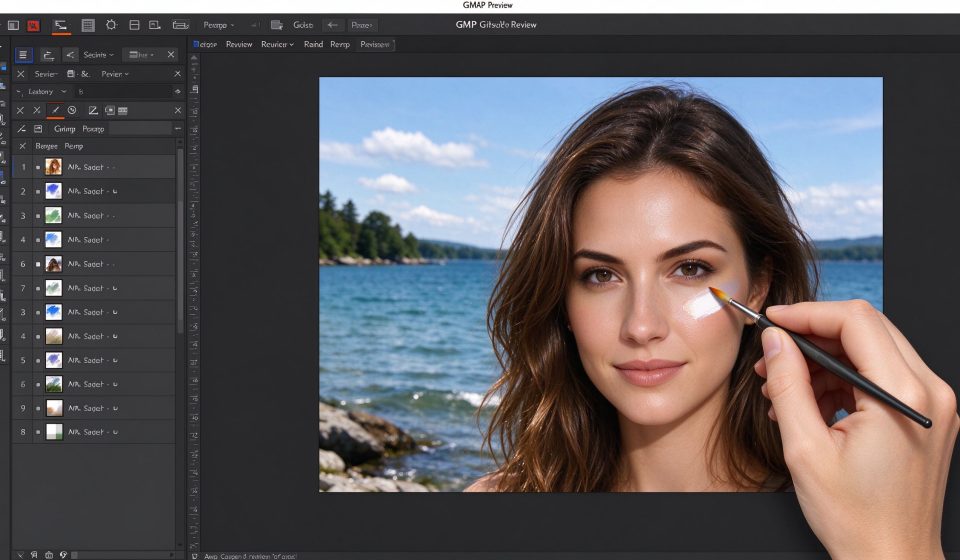

GIMP (GNU Image Manipulation Program) has been the default free Photoshop alternative for over two decades. It is open-source, cross-platform, and powerful enough to handle everything from photo retouching to digital painting. It is also famously counterintuitive, with an interface that assumes you already know how Photoshop works. That gap between capability and usability is the whole story of GIMP.
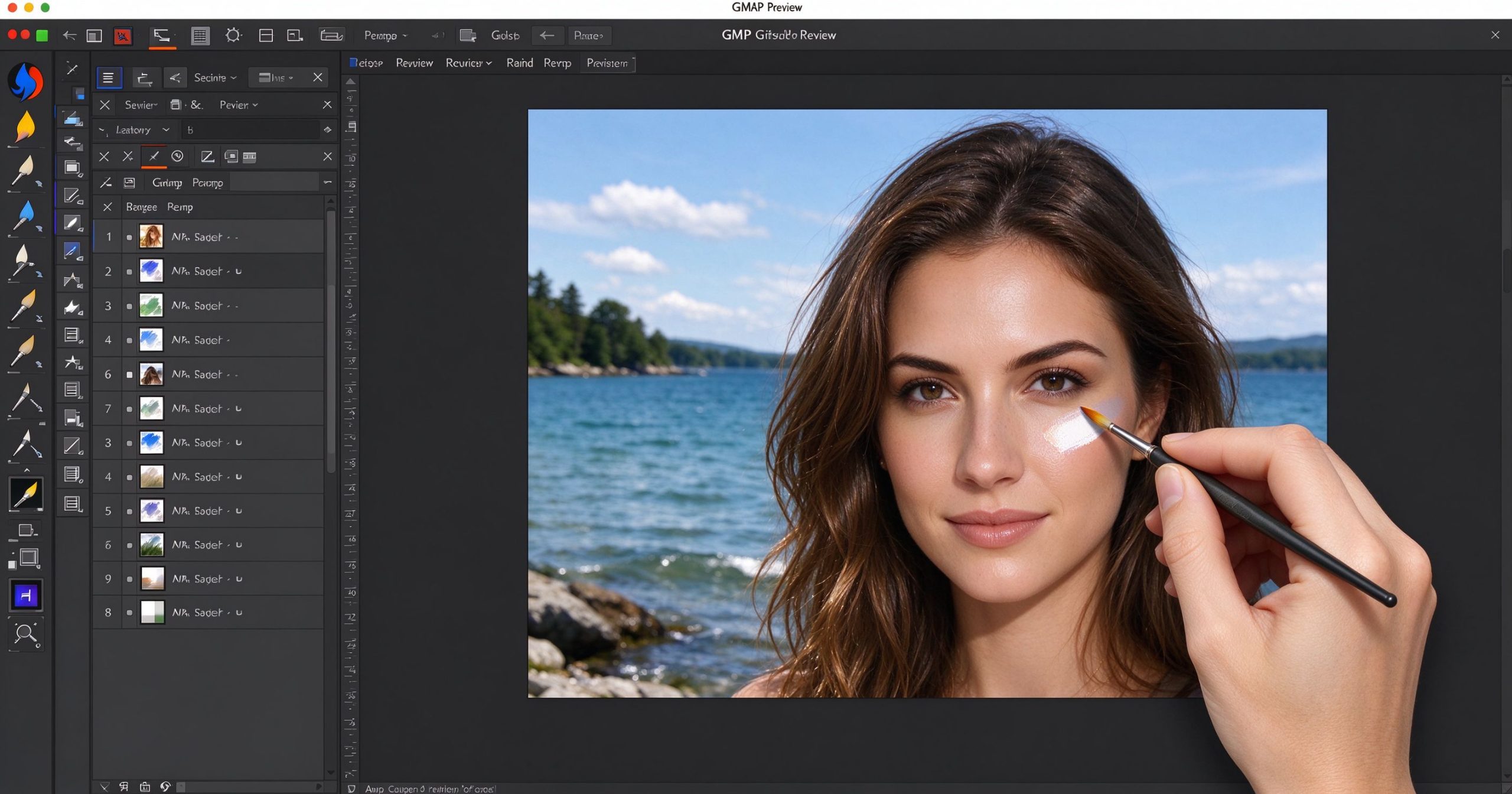
What GIMP is
GIMP is a free, open-source raster graphics editor first released in 1996 and maintained by a volunteer community. It runs on Windows, macOS and Linux. It supports layers, masks, brushes, filters, color correction, batch processing and plugin scripting. It opens PSD files (with some limitations) and exports to every common image format.
The feature list is genuinely long: path tools, selection editing, layer effects, histogram adjustment, channel mixing, frequency separation, GEGL filters, Python-Fu scripting and a full set of painting tools. For many tasks, it matches Photoshop feature for feature. The difference is not what it can do, but how long it takes to find the command.
Where GIMP shines
Price. It is free, forever, on every platform. No subscription, no watermark, no trial. For someone who needs to edit photos occasionally and does not want to pay Adobe’s monthly fee, this is the only serious free option that handles layers and masks.
Plugins and scripting. The GIMP community has produced thousands of plugins, including the popular G’MIC filter pack and Resynthesizer for content-aware fill. Python-Fu and Script-Fu let you automate repetitive tasks. If you can describe what you want in code, GIMP will do it.
Resource efficiency. GIMP runs comfortably on modest hardware. It does not require a subscription check, a login or a constant internet connection. It is fast on a laptop that would struggle with the latest Photoshop.
Where it frustrates
The interface is the biggest barrier. Menus are nested unexpectedly, tool options are in a separate dialog, and the default single-window mode only arrived in version 2.10. If you come from Photoshop, the keyboard shortcuts are close enough to be wrong but not close enough to be comfortable.
PSD compatibility is good but not perfect. Layer effects, smart objects and text layers may not round-trip cleanly. Commercial fonts in PSD files may render differently. For production work that starts and ends in GIMP, this is irrelevant; for collaboration with Photoshop users, expect friction.
There is no CMYK soft-proofing, no proper RAW converter built in, and no Adobe Sensei-style AI features. The development pace is slow, and major version releases are years apart.
What it costs
GIMP is completely free. There is no paid tier, no enterprise version and no upsell. Donations to the project are voluntary. You can download it from gimp.org or your Linux distribution’s package manager.
How it compares
For browser-based editing that opens PSD files, Photopea is faster to start and more familiar to Photoshop users. For one-click photo enhancement, Fotor is simpler. For RAW development specifically, RawTherapee is more powerful. GIMP wins when you need a free, local, full-featured layer editor and are willing to learn its quirks.
Frequently asked questions
Is GIMP as good as Photoshop? For most everyday photo editing, yes. For professional print production, complex PSD workflows or AI-powered features, Photoshop remains ahead.
Can GIMP open PSD files? Yes, with some limitations on layer effects and smart objects.
Is GIMP good for digital painting? It has capable brush engines, but dedicated painting software like Krita is better optimized for that.
Verdict
GIMP is the best free layer-based image editor available. It is not the easiest to learn, and it will never be as polished as Photoshop, but it is fully featured and costs nothing. Start here if you need serious editing on a budget; upgrade only when a specific Photoshop feature becomes non-negotiable for your work.
Official download: GIMP
Editorial note: Features and pricing can change. Verify current details directly with the provider.
Unlock the Telegram group to access all tools on this site
A one-time payment of US$5 gives you access to the Telegram group and all tools on this site. No subscription.
Enable JavaScript to securely check payment and reveal the invite link.
Share this article


-
-
-
-
-
Show Comments[…] Photoshop-tiedostot avautuvat Photopeassa, GIMP:ssä ja Illustratorissa. Satojen kehittäjien laajennukset laajentavat sitä. Se integroituu […]
[…] Photoshop-filer åbner i Photopea, GIMP og Illustrator. Plugins fra hundredvis af udviklere udvider det. Det integrerer med Lightroom, […]
[…] Photoshop faili atveras Photopea, GIMP un Illustrator. Spraudņi no simtiem izstrādātāju to paplašina. Tā integrējas ar Lightroom, […]
[…] Photoshop файлове се отварят в Photopea, GIMP и Illustrator. Плъгини от стотици разработчици го […]
[…] Photoshop datoteke se otvaraju u Photopei, GIMP-u i Illustratoru. Dodaci stotina razvojnih inženjera ga proširuju. Integrira se s Lightroomom, […]