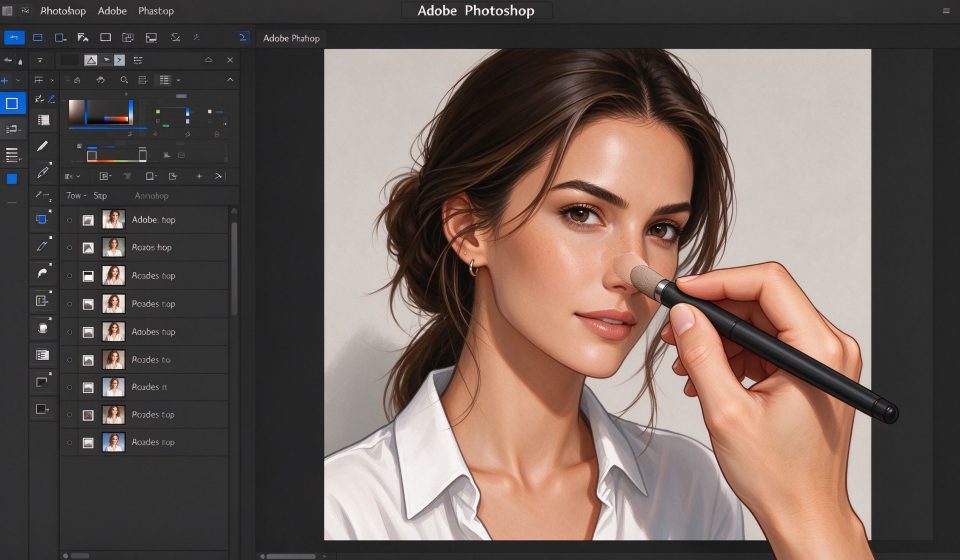

Adobe Photoshop is the image editor that defined the category. For over three decades it has been the default tool for photographers, designers, illustrators and retouchers, and it remains the benchmark against which every alternative is measured. It is also expensive, subscription-only, and overkill for anyone who only needs to crop a photo. The question is not whether Photoshop is powerful, but whether its power justifies the monthly cost for your workflow.
What Photoshop is
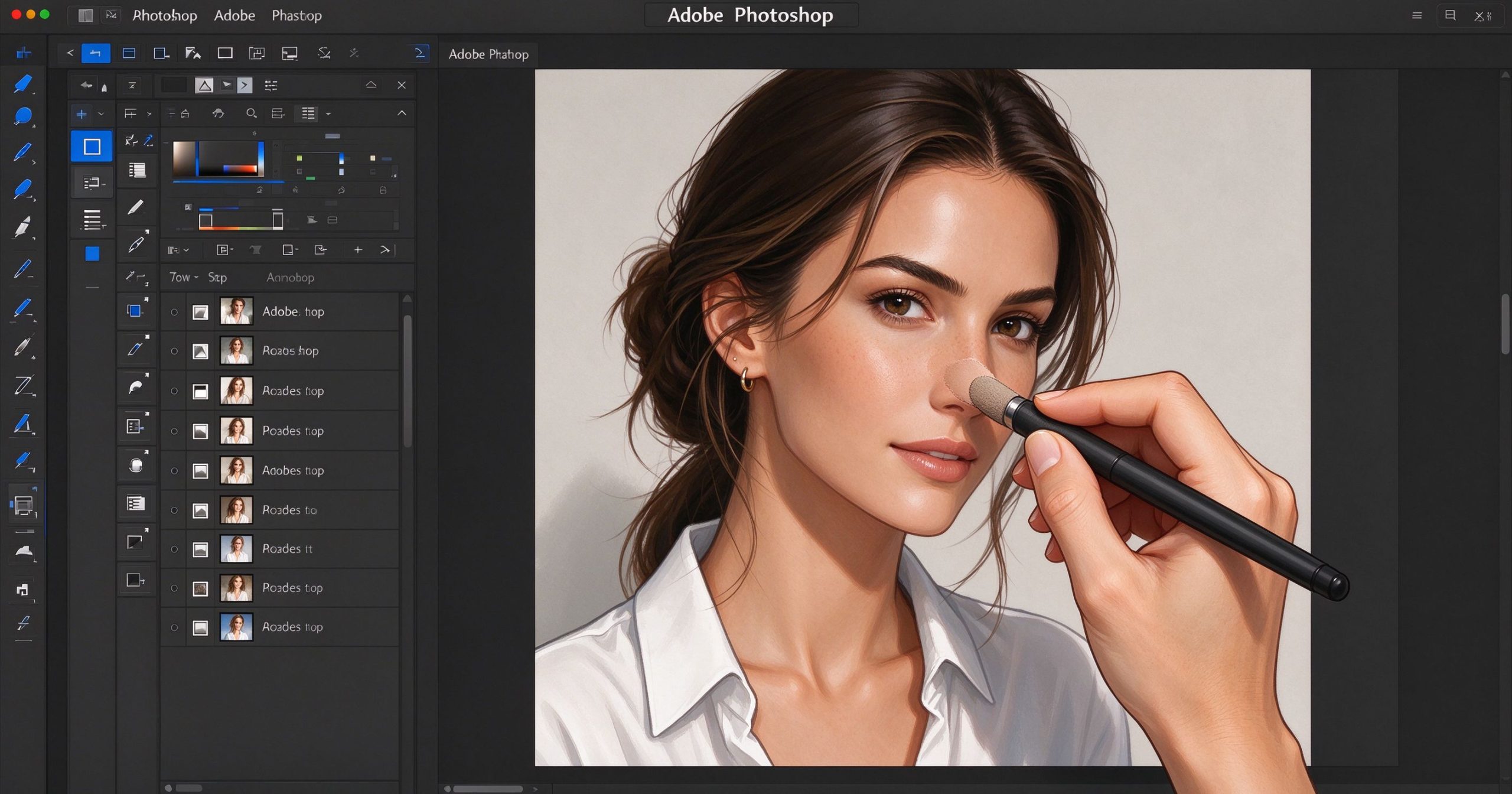
Photoshop is a professional raster graphics editor developed by Adobe. It runs on Windows and macOS, with a limited iPad version. The core is a layer-based editing canvas: you stack images, text, shapes and adjustment layers on top of each other, mask them, blend them, and retouch them with a vast set of tools. It opens PSD files, which are the de facto exchange format for professional design work.
Recent versions have added AI features: Generative Fill extends or replaces parts of an image by describing what you want, Neural Filters retouch portraits and remove haze, and AI-powered selections mask subjects with one click. It is no longer purely a pixel-pushing tool; it is a hybrid of manual editing and AI generation.
Where it is unmatched
Layer-based editing depth. No other editor offers the same combination of adjustment layers, layer masks, blending modes, smart objects, smart filters and layer comps. Complex composites that would be impossible in a simpler tool are routine in Photoshop.
Retouching and healing. The healing brush, clone stamp, frequency separation and camera raw filter are the best in the business. Portrait retouching, product cleanup and object removal all work at a level that free alternatives cannot match.
Ecosystem. Photoshop files open in Photopea, GIMP and Illustrator. Plugins from hundreds of developers extend it. It integrates with Lightroom, Illustrator and Premiere Pro through Adobe’s Creative Cloud.
Where it frustrates
Price is the obvious pain point. Photoshop alone costs about $23 per month, and the Photography plan (which includes Lightroom) is about $10 per month. It is subscription-only with no perpetual license. For occasional users, this is hard to justify.
The interface is dense. New users face a wall of tools, panels and options. Photoshop is powerful because it offers every feature, and that same density makes it overwhelming. It also runs slowly on modest hardware, especially with large files and many layers.
For simple tasks like resizing, cropping or adding text, Photoshop is overkill. Tools like Snapseed or Canva are faster.
What it costs
Photoshop standalone is about $23 per month. The Creative Cloud Photography plan (Photoshop + Lightroom + Lightroom Classic) is about $10 per month. All apps plan is about $60 per month. There is no free version and no perpetual license.
Verdict
Photoshop is still the best image editor for professional work. The subscription price is steep, and the learning curve is real, but the depth of tools, retouching quality and industry ecosystem justify it for anyone who makes a living from visual work. For casual users, start with free alternatives and upgrade only when you hit a wall that Photoshop uniquely solves.
Official site: Adobe Photoshop
Editorial note: Features and pricing can change. Verify current details directly with the provider.
Unlock the Telegram group to access all tools on this site
A one-time payment of US$5 gives you access to the Telegram group and all tools on this site. No subscription.
Enable JavaScript to securely check payment and reveal the invite link.
Share this article