




































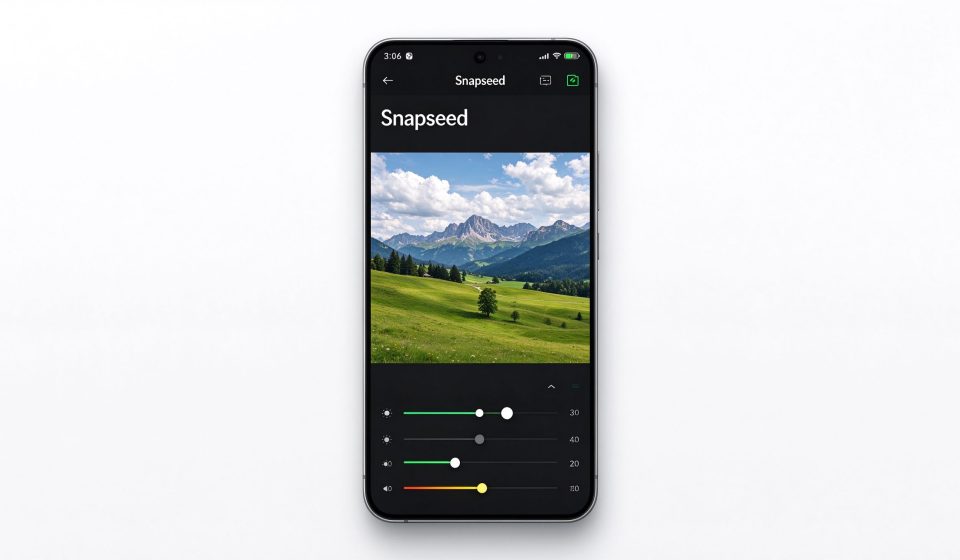

Snapseed is Google’s free mobile photo editor, and it remains one of the best apps on a phone for serious photo adjustment. It has no subscription, no ads and no watermark, and it packs tools that most mobile editors lock behind a paywall. The trade-off is an interface built for precision rather than filters: you will not find one-tap beauty modes or AR stickers here.
What Snapseed is
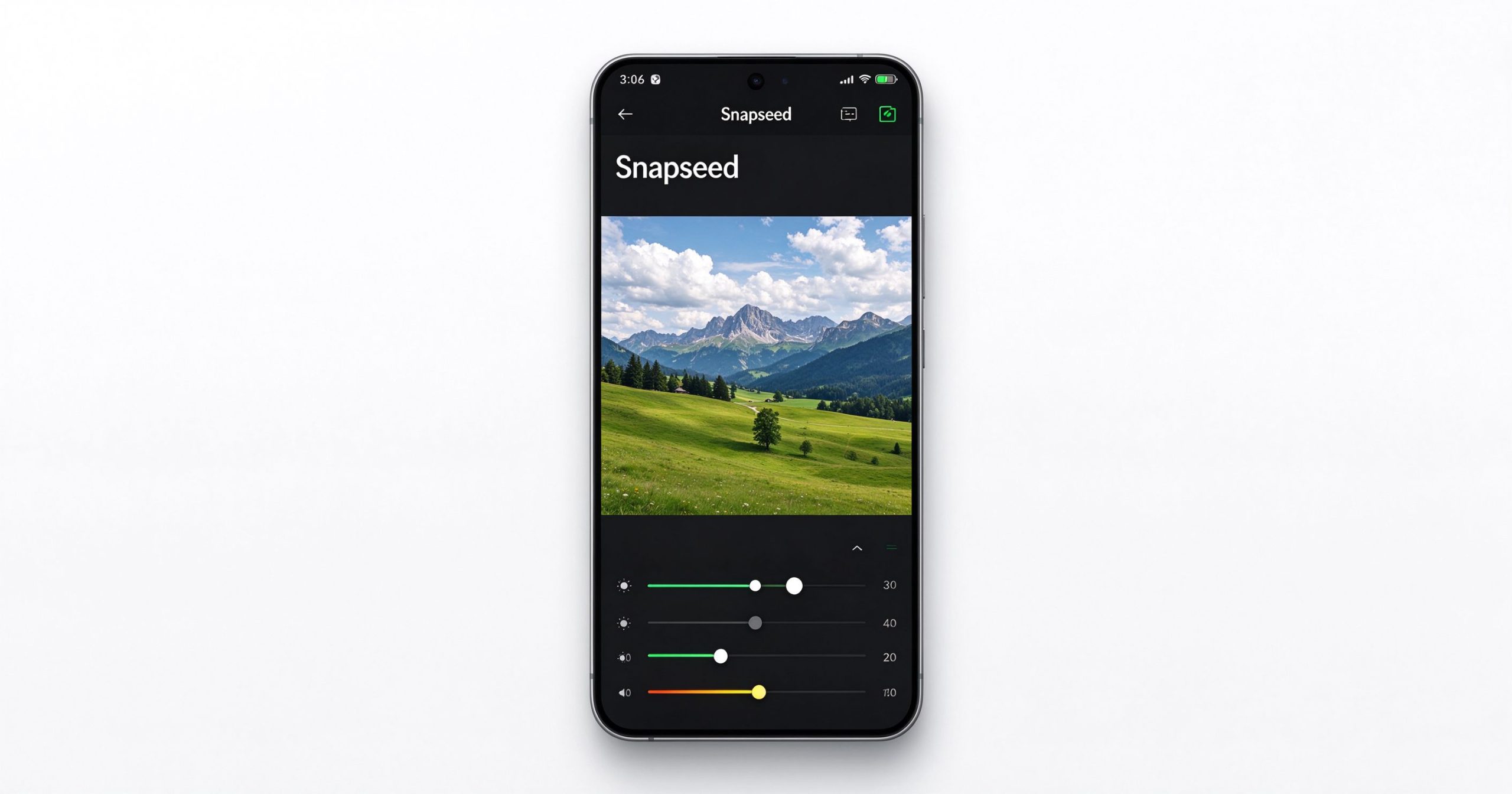
Snapseed was acquired by Google in 2012 and updated periodically ever since. It runs on iOS and Android for free. The core editing tools include tune image (brightness, contrast, saturation, ambiance), details (structure and sharpening), crop, rotate, perspective, white balance and a selective adjust tool that lets you edit specific areas of the photo rather than the whole frame.
Beyond the basics, Snapseed includes healing (for removing small objects), portrait (face enhancement), lens blur (simulating shallow depth of field), vintage and film filters, black and white conversion, double exposure (blending two photos), and a text tool. The selective tool and the healing brush are the two features that set it apart from simpler mobile editors.
Where it stands out
Selective editing. You can place control points on a photo and adjust brightness, contrast or saturation only around that point. This is a feature that most free mobile editors do not have, and it is genuinely useful for local adjustments like brightening a face without overexposing the sky.
Non-destructive editing. Every adjustment lives in an edit stack that you can revisit and tweak later. You can export the result at any time, and the original photo is never overwritten. You can also copy the edit stack from one photo and apply it to another.
RAW support. Snapseed can open DNG RAW files from phones and cameras, giving you more latitude for adjustment than a JPEG. The export saves as JPEG at full resolution.
Price. Completely free, no ads, no in-app purchases. Google does not monetize it directly; it is a showcase for mobile photography tools.
Where it falls short
The interface takes getting used to. Swiping up and down to choose a tool and left and right to adjust intensity is clever but not discoverable. There is no undo history beyond the edit stack, no layer support, and no batch editing.
It is a phone-only app. There is no desktop version, no web version and no iPad-specific layout. Edits you start on your phone stay on your phone.
The development pace has slowed. Google has not added major features in several years, and some users worry about long-term maintenance. The app still works well on current devices, but it is not evolving.
What it costs
Snapseed is free on both iOS App Store and Google Play. There are no in-app purchases, no subscriptions and no ads.
How it compares
For AI-powered mobile editing with more filters and templates, Picsart is the more popular choice. For browser-based desktop editing, Photopea has more power. For batch processing on a computer, XnConvert is the right tool. Snapseed wins when you want precise, free, non-destructive editing on your phone.
Frequently asked questions
Is Snapseed really free? Yes. Google provides it free with no ads or in-app purchases.
Does Snapseed work on iPhone? Yes, it is available on both iOS and Android.
Can Snapseed edit RAW files? Yes, it supports DNG RAW files.
Verdict
Snapseed is still the best free mobile photo editor for anyone who wants precise control rather than one-tap filters. The selective adjustment tool alone justifies the download. It is not as flashy as Picsart or as powerful as a desktop editor, but for quick, high-quality phone editing, nothing else matches the combination of capability and price.
Download: Snapseed on Google Play / App Store
Editorial note: Features and availability can change. Verify current details directly with the provider.
Unlock the Telegram group to access all tools on this site
A one-time payment of US$5 gives you access to the Telegram group and all tools on this site. No subscription.
Enable JavaScript to securely check payment and reveal the invite link.
Share this article

[…] jaoks nagu suuruse muutmine, kärpimine või teksti lisamine on Photoshop liigne. Tööriistad nagu Snapseed või Canva on […]