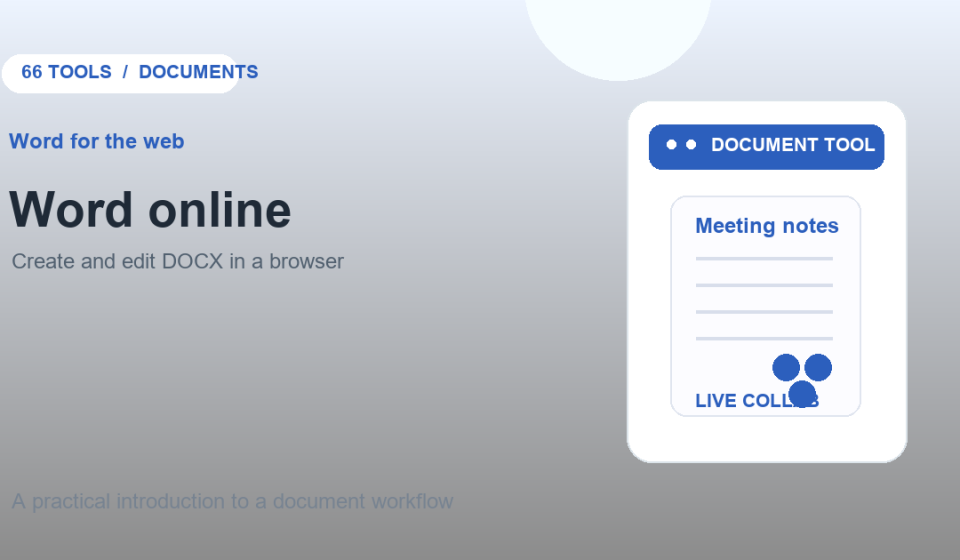

Word for the web lets you create and edit Word documents in a browser. It is a practical option when you need to work from another computer, share a draft, or make quick changes without opening the desktop app.
What you can do in Word for the web
Microsoft’s support guide lists creating documents, formatting text and page layouts, adding images, accessing files across devices, and sharing with others. Changes are saved automatically. Some advanced editing features differ from the desktop version, and an account is required to use the service.
Create a document online
- Go to Word for the web and sign in.
- Create a blank document or open a file stored in your Microsoft account.
- Add and format text, images, and page elements.
- Rename the document and share it with collaborators.
- Review the file in print layout before downloading or sending it.
Word for the web vs. desktop Word
The browser version covers common writing and review tasks, but not every desktop feature is available online. If a document uses complex formatting, macros, or specialized objects, check it in the desktop app before delivery. Word for the web also does not serve as a PDF editor; use a PDF tool when you need to modify PDF pages or export them as images.
When is browser-based Word useful?
Use it for drafts, resumes, simple reports, and collaborative editing when you need access from different devices. Review sharing permissions and confirm the final file format, especially when sending a document to someone who needs a DOCX file.
Frequently asked questions
Does Word for the web save changes automatically?
Microsoft says documents are saved automatically while you work online.
Can I use it without installing Word?
Yes. The web app runs in a browser. Availability and features can depend on the Microsoft account and plan.
Official guides: Create a document online · Browser vs. desktop Word
Unlock the Telegram group to access all tools on this site
A one-time payment of US$5 gives you access to the Telegram group and all tools on this site. No subscription.
Enable JavaScript to securely check payment and reveal the invite link.
Share this article