
Mp3tag Review: The Essential Tool for Cleaning Up Your Music Library
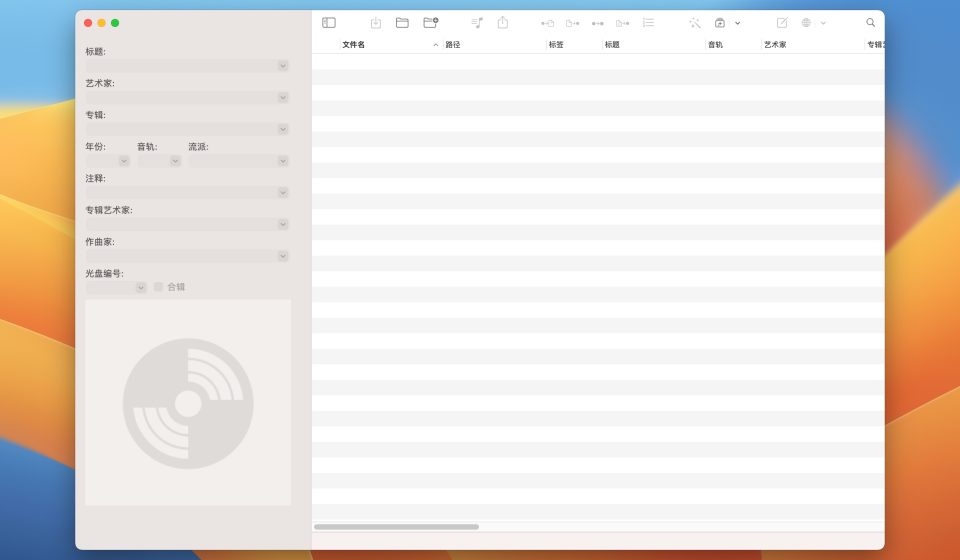
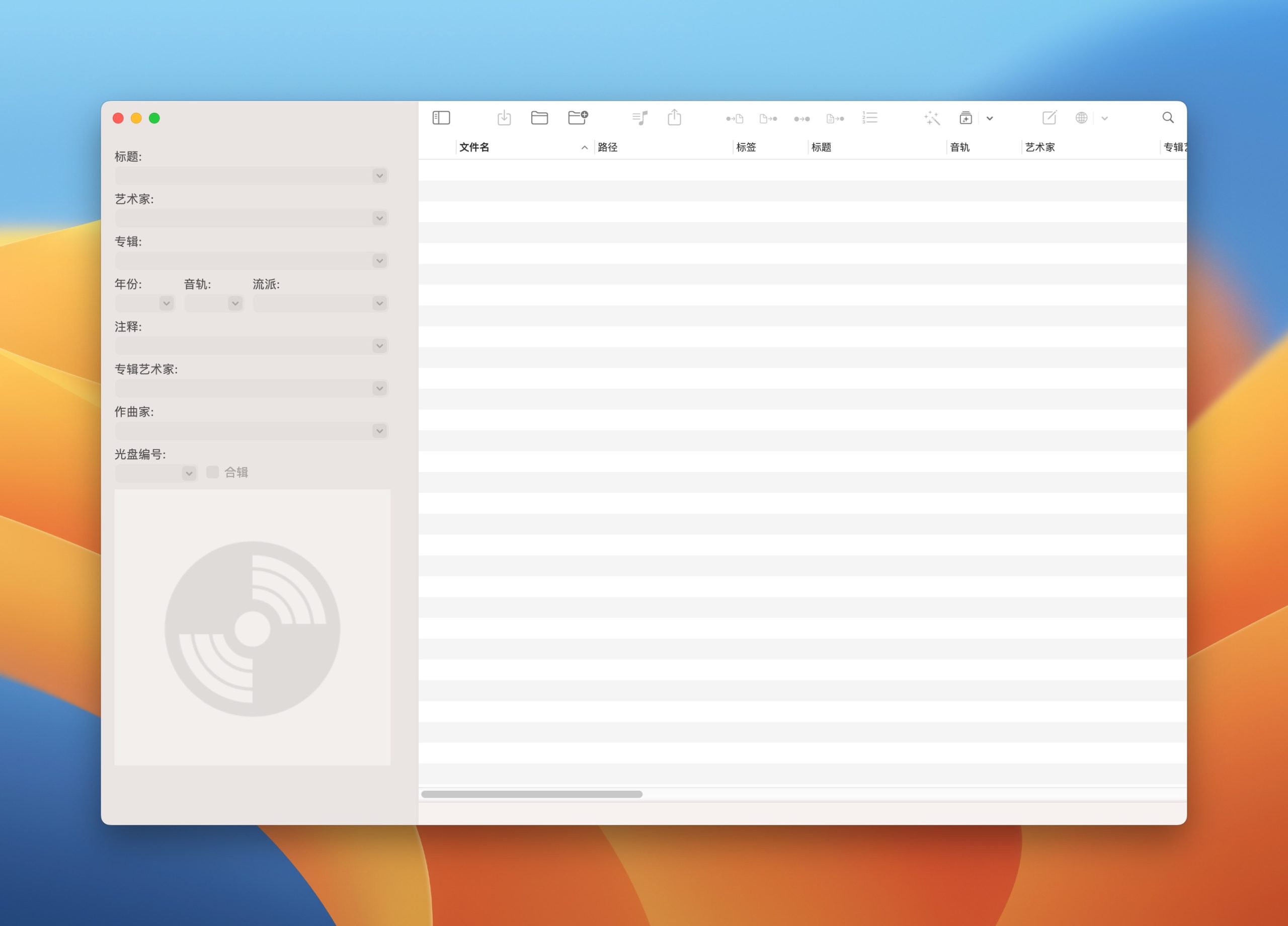
Mp3tag is a universal audio tag editor for Windows, macOS, and Android. It lets you edit and clean the metadata of your music files in bulk — titles, artists, albums, cover art, and more — across dozens of formats including MP3, MP4, FLAC, OGG, and OPUS.
What is Mp3tag used for?
- Editing tags (artist, album, title, genre, BPM, cover art) for many files at once.
- Renaming files based on tag information.
- Fetching correct tags and cover art from online databases like Discogs and MusicBrainz.
- Organizing large music collections for players and DJ software.
Key Features
- Batch tag editing across MP3, MP4/M4A, FLAC, OGG, OPUS, WAV, and more.
- Online tag and cover-art lookup (Discogs, MusicBrainz, freedb).
- Powerful file renaming from tags and action groups for repeated tasks.
- Cross-platform: Windows, macOS, and Android.
Pros & Cons
Pros: powerful batch editing, wide format support, great online tag lookup, free to use. Cons: interface is utilitarian rather than flashy, some advanced features have a learning curve.
Pricing
Mp3tag is free for Windows, macOS, and Android (donation-supported). It has been a trusted free tool for music collectors for decades.
Verdict
If you care about a clean, correctly-tagged music library, Mp3tag is the fastest, most reliable free tool for the job.
Unlock the Telegram group to access all tools on this site
A one-time payment of US$5 gives you access to the Telegram group and all tools on this site. No subscription.
Enable JavaScript to securely check payment and reveal the invite link.
Share this article