
PhotoDemon Review: A Tiny, Portable Photoshop Alternative for Windows
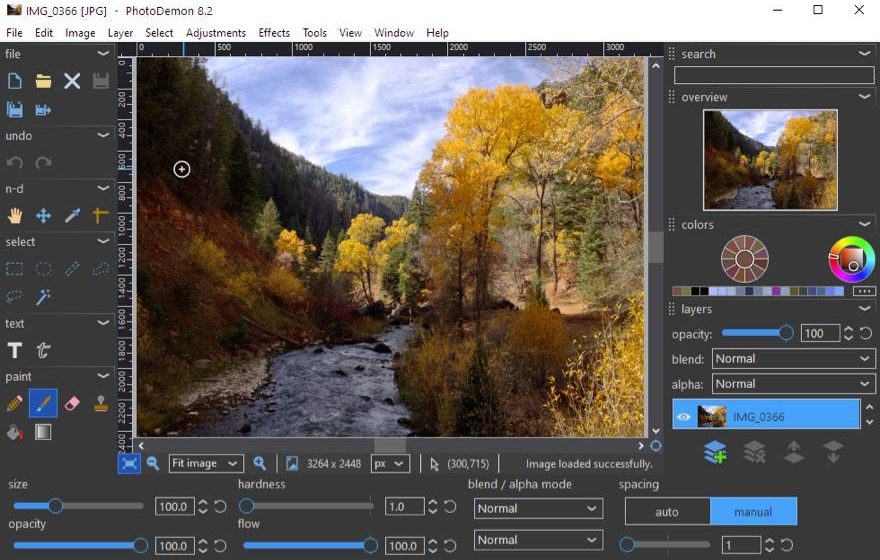
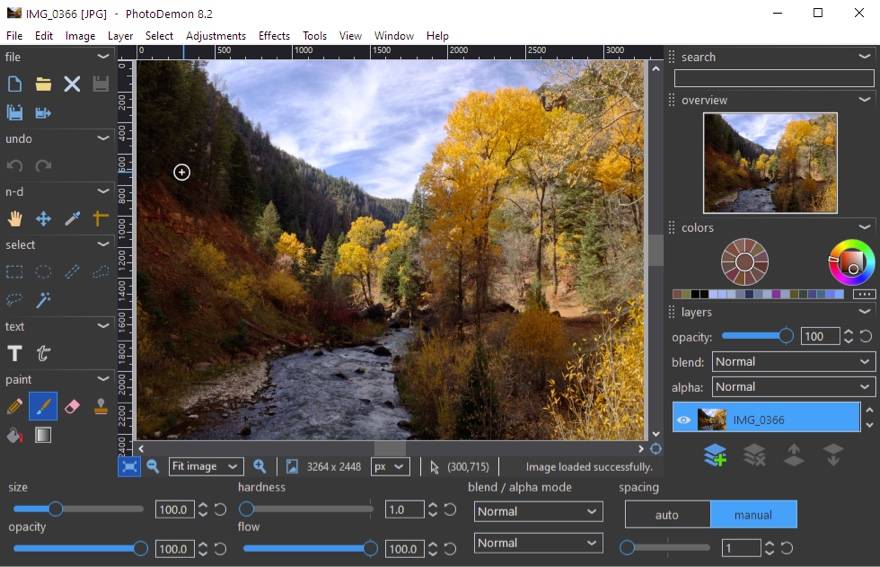
PhotoDemon is a free, open-source image editor for Windows that runs entirely from a single portable file (roughly 12–20 MB, no installation needed). It packs hundreds of editing tools and effects into a lightweight program, making it one of the best quick photo editors you can carry on a USB drive.
What is PhotoDemon used for?
- Quick photo retouching, resizing, cropping, and color correction.
- Layered editing with blend modes, text layers, and non-destructive changes.
- Batch editing, renaming, and converting multiple images at once.
- Filters and effects: noise removal, sharpen, artistic, blur, and more.
Key Features
- 200+ tools, adjustments, and effects in a lightweight portable app.
- Layers, color management, and wide format support (PSD, camera RAW, and more).
- Batch processing and macro recording for repeated tasks.
- Free, open-source (BSD), and works offline from a USB stick.
Pros & Cons
Pros: tiny and portable, genuinely free and open source, surprisingly full-featured, great for quick edits. Cons: Windows only, less advanced than heavyweight suites for professional retouching, some tools have a learning curve.
Pricing
PhotoDemon is completely free and open source (donation-supported). It works offline and needs no account.
Verdict
If you want a capable image editor you can run anywhere without installing anything, PhotoDemon is a hidden gem.
Unlock the Telegram group to access all tools on this site
A one-time payment of US$5 gives you access to the Telegram group and all tools on this site. No subscription.
Enable JavaScript to securely check payment and reveal the invite link.
Share this article