





































DaVinci Resolve is the rare piece of software that is used on Hollywood films and available for free. It combines video editing, color grading, audio post-production and visual effects in a single application, and the free version is more capable than most paid editors. It is also the most complex tool on this list, with a learning curve that runs into weeks rather than hours.
What DaVinci Resolve is
DaVinci Resolve is developed by Blackmagic Design, originally as a color grading system for broadcast and film. Over the years it absorbed editing, audio mixing and compositing, becoming an all-in-one post-production suite. It runs on Windows, macOS and Linux. The free version exports up to 4K 60fps and supports the vast majority of the editing and color tools.
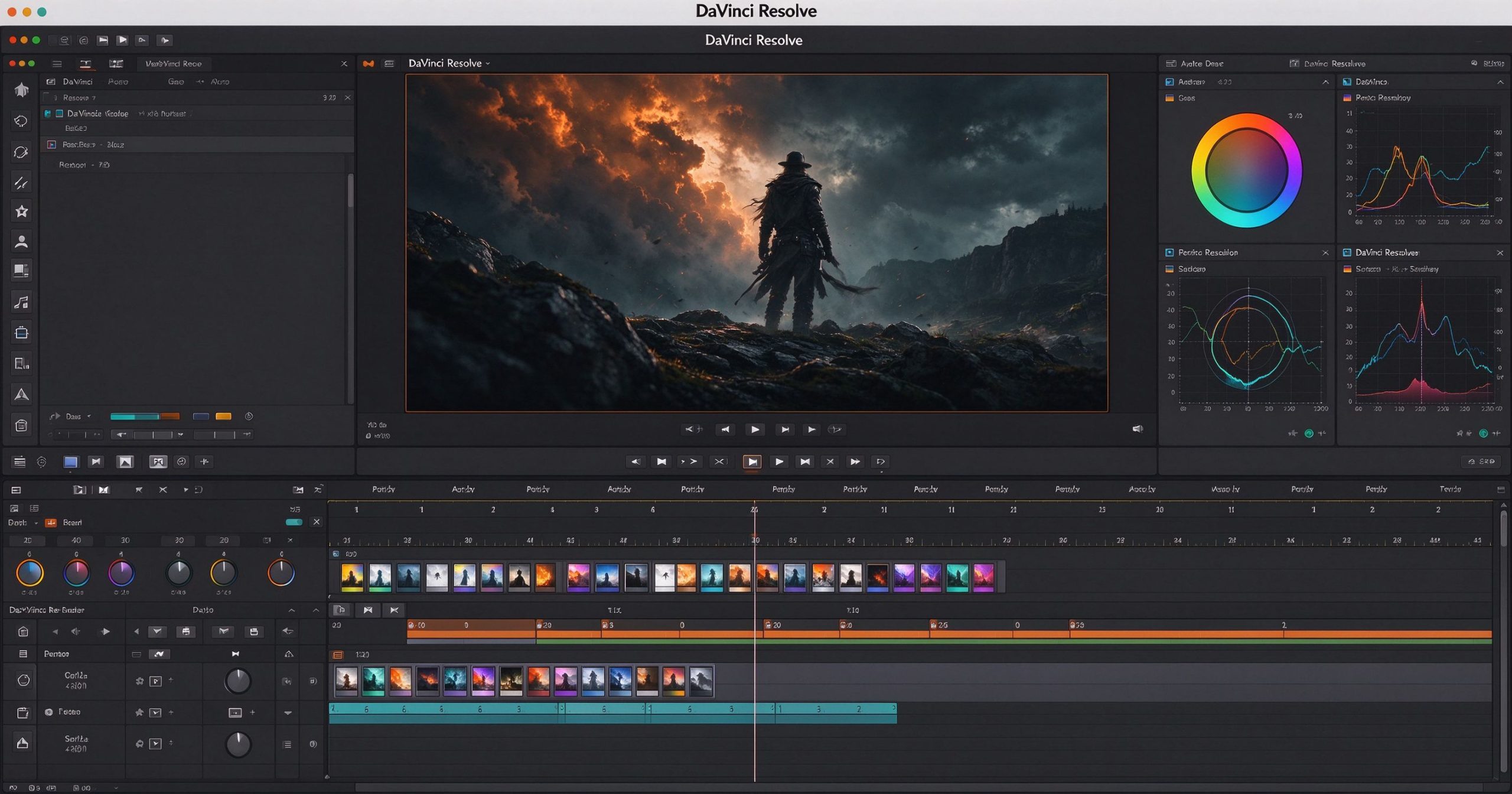
The interface is organized into pages: Media (import), Cut (fast rough edit), Edit (full timeline), Fusion (node-based VFX), Color (grading), Fairlight (audio) and Deliver (export). Each page is a separate application within the app, and switching between them is seamless. This modularity is powerful but overwhelming on first launch.
Where it is unmatched
Color grading. This is DaVinci’s original reputation and it still leads. The color page gives you primary and secondary grading, node-based workflows, power windows, tracker, noise reduction and film emulation. No other consumer editor comes close to the depth here. If color matters, DaVinci is the answer.
Fairlight audio. The built-in Fairlight page is a full DAW with multi-track editing, EQ, dynamics, noise reduction and mastering tools. You do not need to send your audio to a separate app.
Fusion VFX. The Fusion page offers node-based compositing, titles, tracking and keying. It is not After Effects, but it handles motion graphics and basic VFX without leaving the application.
Price. The free version is genuinely professional. Resolve Studio costs $295 as a one-time purchase (not a subscription) and unlocks higher resolution, more effects, AI tools and collaborative multi-user editing. That is a fraction of what Premiere Pro costs per year.
Where it costs you time
The learning curve is real. The page-based interface, node trees and color wheels are not intuitive if you have only used consumer editors. Expect to spend a weekend on tutorials before your first serious project. The Cut page helps, but you still need to learn the Edit page for real work.
Hardware requirements are steep. Real-time playback of multiple 4K layers demands a decent GPU, and the app itself installs at several gigabytes. On a modest laptop, long projects can become sluggish.
Project management is less flexible than Premiere Pro’s dynamic link, and the ecosystem of third-party plugins is smaller. Collaboration features are limited to the paid Studio version.
What it costs
DaVinci Resolve is free to download and use. The paid Studio version is a one-time $295 purchase, not a subscription. There is no recurring fee, no watermark on the free version, and no artificial limits on project length.
How it compares
For quick social video on a phone, CapCut is faster. For browser-based editing, Kapwing is simpler. For free Windows editing with effects, VSDC is lighter. DaVinci Resolve wins when color grading, audio post or professional output quality is the priority.
Frequently asked questions
Is DaVinci Resolve really free? Yes. The free version exports 4K and includes nearly all editing and color tools. Studio is a one-time $295 upgrade.
Can it edit YouTube videos? Yes, and it is more than capable. The learning curve is the cost, not the feature set.
Does it run on Mac? Yes, with native Apple Silicon support.
Verdict
DaVinci Resolve is the best value in professional video editing. The free version rivals tools that cost hundreds per year, and the Studio upgrade is a one-time fee. The trade-off is complexity: if you need to edit a single TikTok today, use something simpler. If you want to learn professional post-production and never pay a subscription, this is the tool.
Official download: DaVinci Resolve
Editorial note: Features and pricing can change. Verify current details directly with the provider.
Atrakinkite Telegram grupę, kad pasiektumėte visus šios svetainės įrankius
Vienkartinis US$5 mokestis suteikia prieigą prie Telegram grupės ir visų šios svetainės įrankių. Be prenumeratos.
Įjunkite JavaScript, kad saugiai patikrintumėte mokėjimą ir pamatytumėte pakvietimo nuorodą.
Share this article
