





































InShot is the phone-based video editor that asks nothing of you: open the app, pick a clip, trim it, add music, export. It is not a professional tool, and it does not pretend to be. It exists because most people need to make a social video in five minutes and do not want to learn a timeline. That narrow focus makes it one of the most downloaded video editors on mobile.
What InShot is
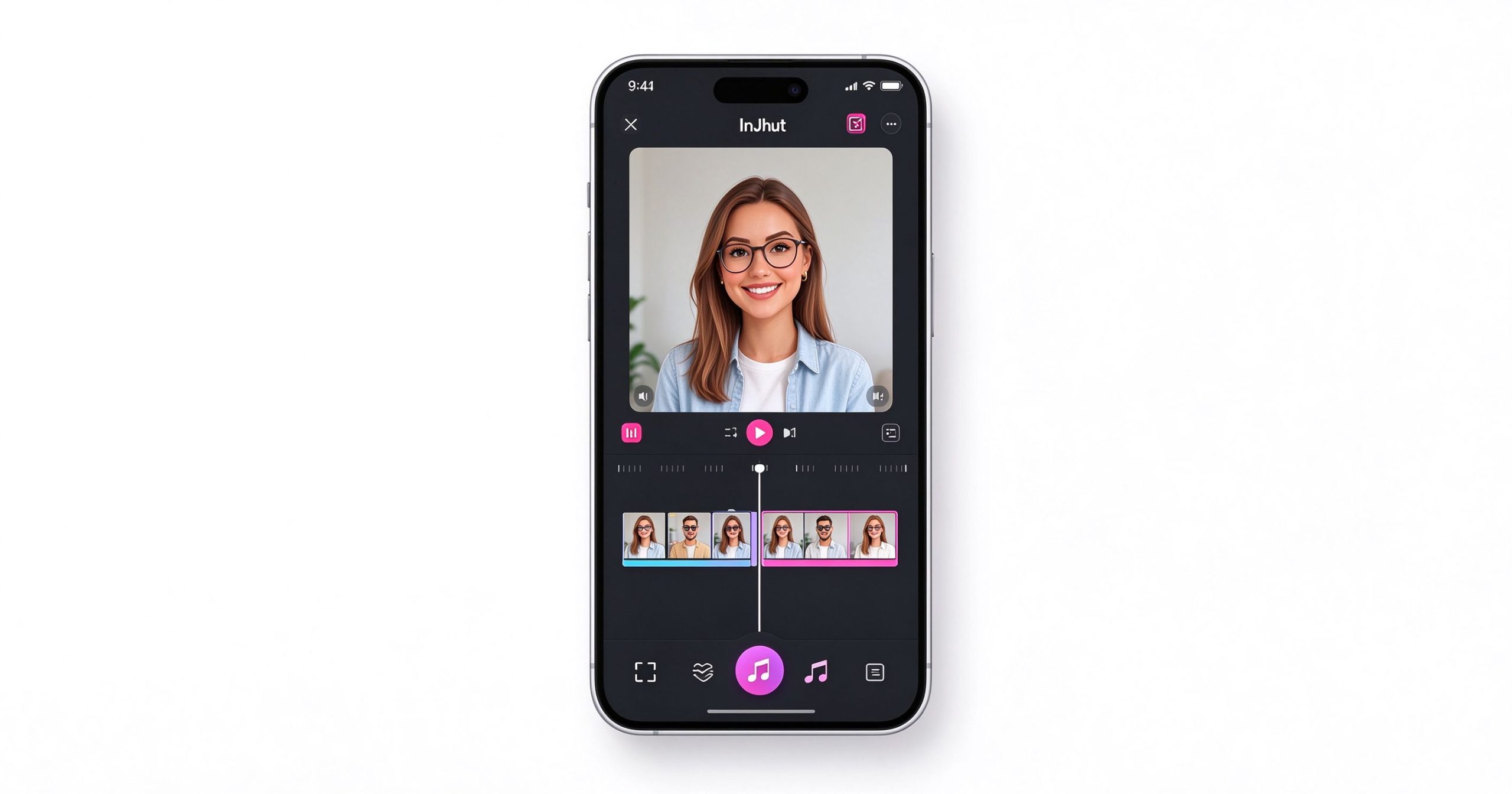
InShot is a mobile-only video and photo editor available on iOS and Android. The workflow is linear: you import clips, arrange them on a single-track timeline, trim and split them, add transitions, text, stickers, filters and background music, then export directly to Instagram, TikTok or YouTube. There is no multi-track audio, no keyframing, no color grading and no desktop version.
What it does, it does simply. The interface is large-button and gesture-based. You can cut, speed up, reverse, rotate, flip, blur the background, add a voiceover, or overlay another video in a picture-in-picture frame. The music library includes licensed tracks and sound effects. Text overlays and stickers cover the common social media cases.
Where it works
Zero learning curve. If you can trim a video in your phone’s gallery, you can use InShot. Every button is labeled, the timeline is one track, and there are no hidden panels. This is the app you recommend to someone who has never edited video before.
Social-ready exports. InShot defaults to the right aspect ratio for each platform: 9:16 for Stories and Shorts, 1:1 for feed posts, 16:9 for YouTube. You can resize a video and add a blurred background to fill the frame without cropping.
Quick text and stickers. Adding captions, emojis and animated stickers is a few taps. It is not auto-captioning like CapCut, but for short overlay text it is fast.
Where it limits you
The free version adds a watermark to exported videos. Removing it requires the Pro subscription, which is about $3.99 per month or $14.99 per year. The watermark is small but visible, and it makes the free version unsuitable for brand or client work.
There is no multi-track editing, no chroma key, no keyframe animation and no color grading. Projects longer than a few clips become unwieldy on the single timeline. Audio mixing is limited to volume sliders; you cannot duck music under voice.
The asset library (filters, stickers, music) pushes Pro content aggressively. Many of the trending effects are locked behind the subscription, and the free selection feels dated.
What it costs
InShot is free to download, with a watermark on exported videos. InShot Pro removes the watermark, unlocks all filters and music, adds ad-free use and costs roughly $3.99 monthly or $14.99 annually. A one-time lifetime purchase is sometimes available.
How it compares
For more powerful mobile editing with free auto-captions, CapCut is the better free choice. For browser-based editing, Kapwing works on any device. For turning long videos into shorts, OpusClip automates the process. InShot wins when you want the simplest possible phone editor and are willing to pay to remove the watermark.
Frequently asked questions
Is InShot free? The app is free to download, but exports carry a watermark. Pro removes it.
Does InShot have auto-captions? It does not include automatic speech-to-text captioning. You add text manually.
Can I use InShot on a computer? No, InShot is mobile-only. There is no desktop or web version.
Verdict
InShot is the simplest mobile video editor available, and that is both its appeal and its ceiling. It is perfect for quick personal clips and first-time editors, but anyone who needs auto-captions, multi-track editing or watermark-free exports without paying should try CapCut first. Pay for InShot Pro only if you have already tried the alternatives and prefer this interface.
Download: App Store / Google Play
Editorial note: Features and pricing can change. Verify current details directly with the provider.
Atrakinkite Telegram grupę, kad pasiektumėte visus šios svetainės įrankius
Vienkartinis US$5 mokestis suteikia prieigą prie Telegram grupės ir visų šios svetainės įrankių. Be prenumeratos.
Įjunkite JavaScript, kad saugiai patikrintumėte mokėjimą ir pamatytumėte pakvietimo nuorodą.
Share this article
