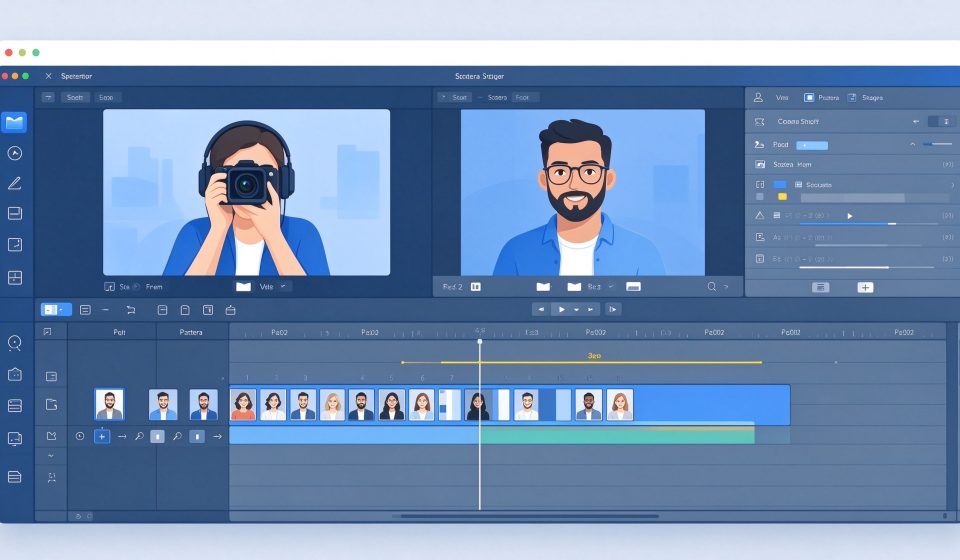

Camtasia is a screen recording and video editing suite by TechSmith. It is the industry standard for creating software tutorials, online courses, and product demos. It records your screen and webcam, then lets you edit the footage with templates, annotations, and quizzes.
What Is Camtasia?
First released in 2002, Camtasia is designed specifically for instructional video. It combines a recorder with a timeline editor, so you do not need to switch between apps. It runs on Windows and macOS and is widely used by trainers, educators, and software companies.
Key Features
- Screen recording: Capture your screen, webcam, and audio simultaneously.
- Templates: Start with a pre-built intro, lower third, and outro theme.
- Annotations: Add callouts, arrows, shapes, and text to highlight actions.
- Quizzes: Insert interactive questions into videos for online courses.
- Cursor effects: Highlight clicks, smooth cursor movement, and zoom in on actions.
Pricing
Camtasia costs $299.99 per user for a perpetual license, or $151.99 per year as a subscription. A free trial is available.
Pros and Cons
Pros: Excellent for tutorials, built-in screen recorder, great templates, easy to learn, reliable.
Cons: Expensive, not for general video editing, heavy on system resources, limited VFX compared to Premiere.
Who Should Use It?
Camtasia is for anyone who creates software demos, online courses, or how-to videos. If you only need to record your screen occasionally, OBS Studio is free. But if you produce tutorials regularly, Camtasia saves hours of editing time.
Unlock the Telegram group to access all tools on this site
A one-time payment of US$5 gives you access to the Telegram group and all tools on this site. No subscription.
Enable JavaScript to securely check payment and reveal the invite link.
Share this article