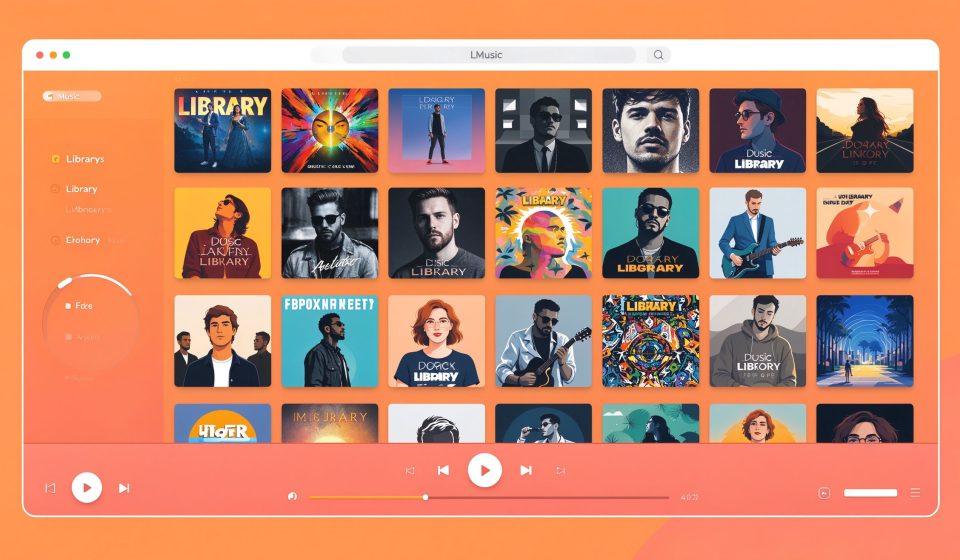

MusicBee is a free music player and library manager for Windows. It handles large music collections, supports all major formats, and includes built-in ripping, tagging, and scrobbling. It is often called the best iTunes replacement for Windows.
What Is MusicBee?
Created by Steven Mayall and first released in 2008, MusicBee is designed around local music libraries. It imports your existing collection, auto-tags files, and lets you create smart playlists. It also supports podcasts, web radio, and sync with portable devices.
Key Features
- Library management: Auto-tag, rename, and organize thousands of tracks with one tool.
- Gapless playback: No silence between tracks, with ReplayGain normalization.
- CD ripping: Rip audio CDs to FLAC, MP3, or other formats with metadata lookup.
- Visualizations and skins: Customize the player with skins, visualizers, and layouts.
- Wasapi and ASIO: Low-latency audio output for audiophiles.
Pricing
MusicBee is completely free. The optional MusicBee Store supports the developer.
Pros and Cons
Pros: Free, excellent library management, supports all formats, gapless playback, highly customizable.
Cons: Windows only, no macOS or Linux version, interface can be overwhelming, no built-in streaming.
Who Should Use It?
MusicBee is for Windows users with large local music collections who want to organize, tag, and play their files without iTunes. It is especially popular with people moving away from iTunes and audiophiles who want low-latency playback.
Unlock the Telegram group to access all tools on this site
A one-time payment of US$5 gives you access to the Telegram group and all tools on this site. No subscription.
Enable JavaScript to securely check payment and reveal the invite link.
Share this article