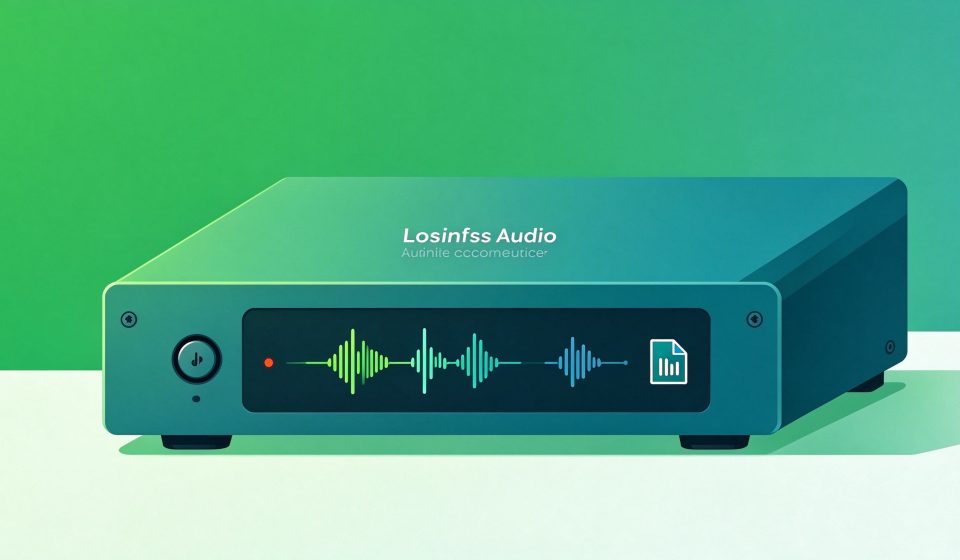

XRECODE3 is a Windows audio converter that handles over 30 input formats and outputs to MP3, FLAC, WAV, M4A, OGG, and more. It supports batch conversion, CD ripping, and metadata editing in a single drag-and-drop window.
What Is XRECODE3?
Developed by XRECODE Software, the app has been around since 2008 and is now on version 3. It is built for people who rip CDs, download FLAC albums, and need to convert large libraries into a format that their phone or car supports.
Key Features
- 30+ input formats: MP3, FLAC, WAV, APE, WavPack, OPUS, MKA, AC3, DSD, and more.
- Batch conversion: Drag in hundreds of files and convert them all at once.
- CD ripping: Extract tracks directly from audio CDs with metadata lookup.
- Tag editing: Edit ID3 tags and rename files using patterns.
- Parallel processing: Uses multiple CPU cores for fast batch jobs.
Pricing
XRECODE3 is shareware: $10 for a lifetime license. There is no subscription. A free trial lets you convert up to 50 files per session.
Pros and Cons
Pros: Supports obscure formats, fast batch conversion, cheap one-time price, CD ripper included, clean UI.
Cons: Windows only, no built-in audio editing, no macOS version, no music database integration.
Who Should Use It?
XRECODE3 is for music collectors, DJs, and audiophiles who need to convert large FLAC or DSD libraries into phone-friendly formats. For single-file conversions, free online tools work; for batch work, XRECODE3 is worth the $10.
Unlock the Telegram group to access all tools on this site
A one-time payment of US$5 gives you access to the Telegram group and all tools on this site. No subscription.
Enable JavaScript to securely check payment and reveal the invite link.
Share this article