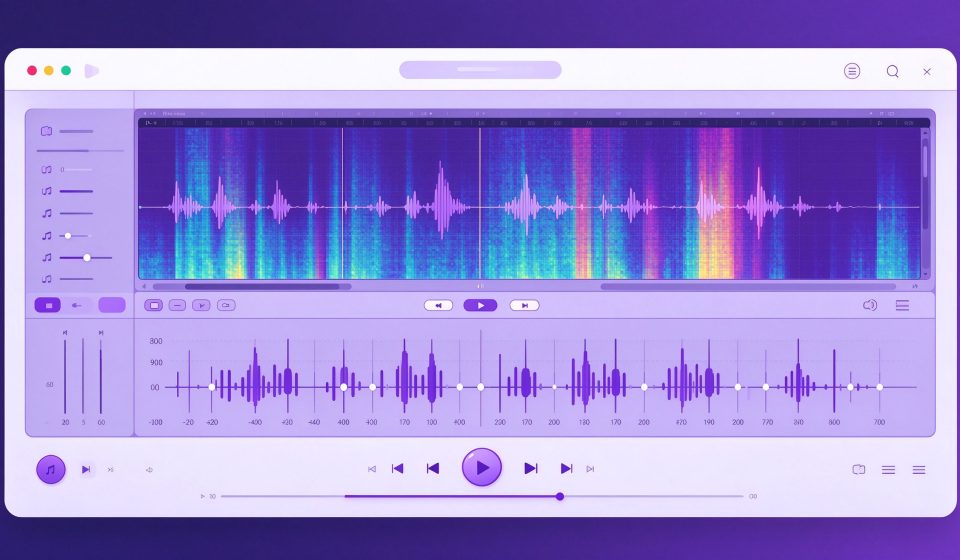

Ocenaudio is a free, cross-platform audio editor that prioritizes speed. Unlike Audacity, which loads projects into a multitrack timeline, Ocenaudio opens individual audio files instantly and lets you edit them with a clean, fast workflow.
What Is Ocenaudio?
Developed by Brazil-based company Ocenaudio, the app has been around since 2013. It is built on the O-framework and uses the Same Platform Technology for audio processing, which means effects play in real time without waiting for rendering.
Key Features
- Real-time effects: Apply EQ, reverb, and filters and hear the result instantly, before committing.
- Memory management: Opens large files without loading them entirely into RAM.
- Spectrogram view: Visualize frequency content alongside the waveform.
- Batch processing: Apply the same effects chain to multiple files at once.
- VST plugin support: Load third-party VST effects on Windows and macOS.
Pricing
Ocenaudio is completely free. The developer accepts donations to support continued development.
Pros and Cons
Pros: Blazing fast, clean UI, real-time effects, cross-platform, great for quick edits and podcast cleanup.
Cons: Single-file editing only (no multitrack), fewer built-in effects than Audacity, no recording features, smaller community.
Who Should Use It?
Ocenaudio is perfect for podcasters, journalists, and anyone who needs to trim, clean up, or convert a single audio file quickly. If you need multitrack recording or complex mixing, use Audacity or a DAW. For quick audio cleanup, Ocenaudio is the fastest free option.
Unlock the Telegram group to access all tools on this site
A one-time payment of US$5 gives you access to the Telegram group and all tools on this site. No subscription.
Enable JavaScript to securely check payment and reveal the invite link.
Share this article