
VideoPad Review: NCH’s Lightweight Video Editor
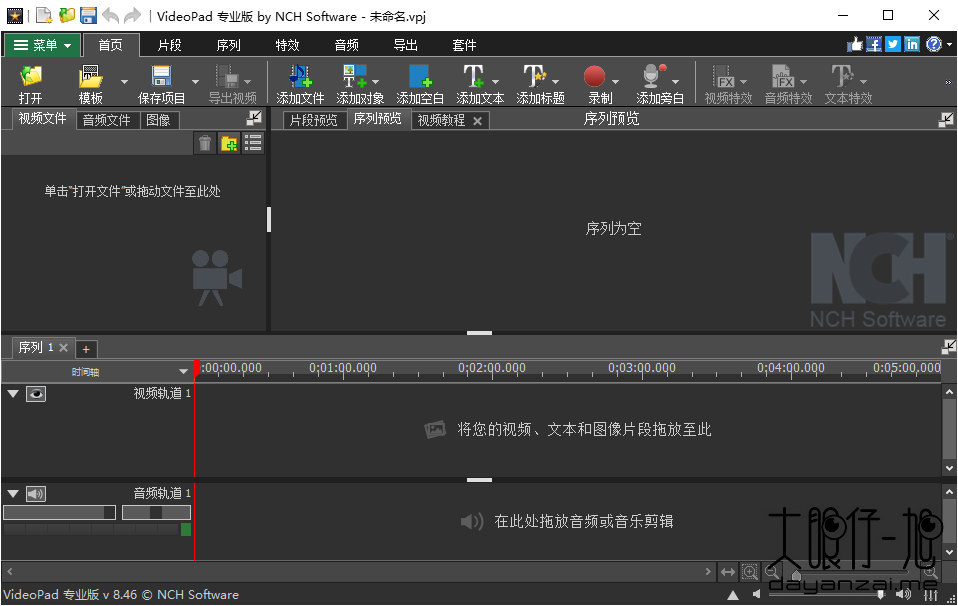
VideoPad is NCH Software’s video editor for Windows and macOS. It combines a simple drag-and-drop timeline with a solid set of editing tools, transitions, effects, and direct publishing options, making it a good lightweight alternative for home users and small content teams.
What is VideoPad used for?
- Cutting, trimming, splitting, and rearranging video clips on a timeline.
- Adding transitions, text, voiceover, and audio tracks.
- Effects, color adjustment, speed change, and 3D/360 video support.
- Exporting to MP4, DVD/Blu-ray, and publishing to YouTube and social media.
Key Features
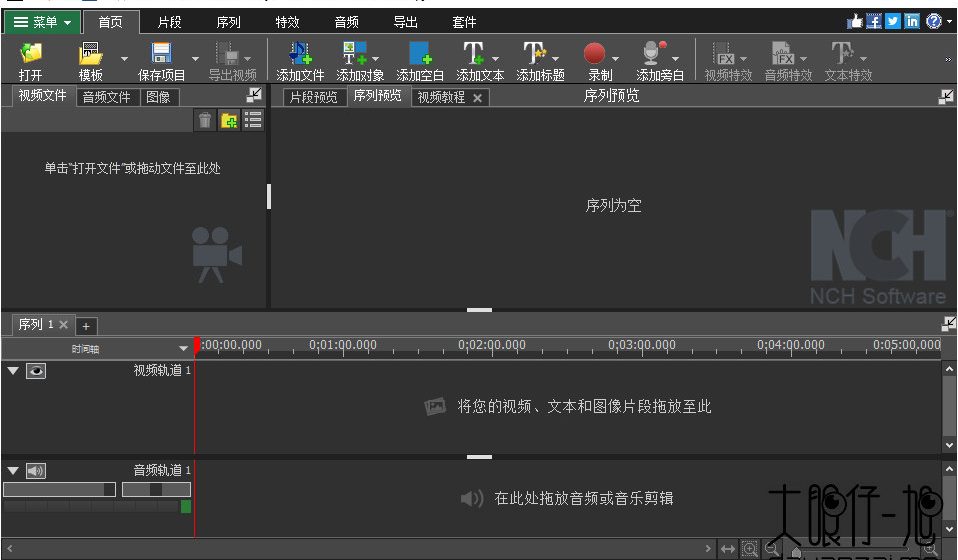
- Multi-track timeline with separate video, audio, and title tracks.
- Transitions, filters, and text/overlay tools.
- Screen recording and 3D/360 video editing.
- Direct export to YouTube, Facebook, Dropbox, and local disc.
Pros & Cons
Pros: easy to learn, lightweight installer, broad format support, good for quick projects. Cons: free version is limited to non-commercial use, advanced features need the paid Master’s edition, less powerful than pro NLEs for complex projects.
Pricing
VideoPad has a free version for non-commercial use; the full Master’s edition is available as a one-time license (or subscription) from NCH Software.
Verdict
For simple, fast video edits and direct publishing, VideoPad is a dependable lightweight editor, especially if you already use NCH’s other tools.
Unlock the Telegram group to access all tools on this site
A one-time payment of US$5 gives you access to the Telegram group and all tools on this site. No subscription.
Enable JavaScript to securely check payment and reveal the invite link.
Share this article