





































Adobe Premiere Pro is the video editor used by Hollywood studios, broadcast networks and YouTube creators. It is the timeline-based editor that defines professional post-production: multi-track editing, dynamic link with After Effects, team projects and industry-standard codecs. It is also expensive, complex and demanding on hardware. For serious video work, it is still the default.
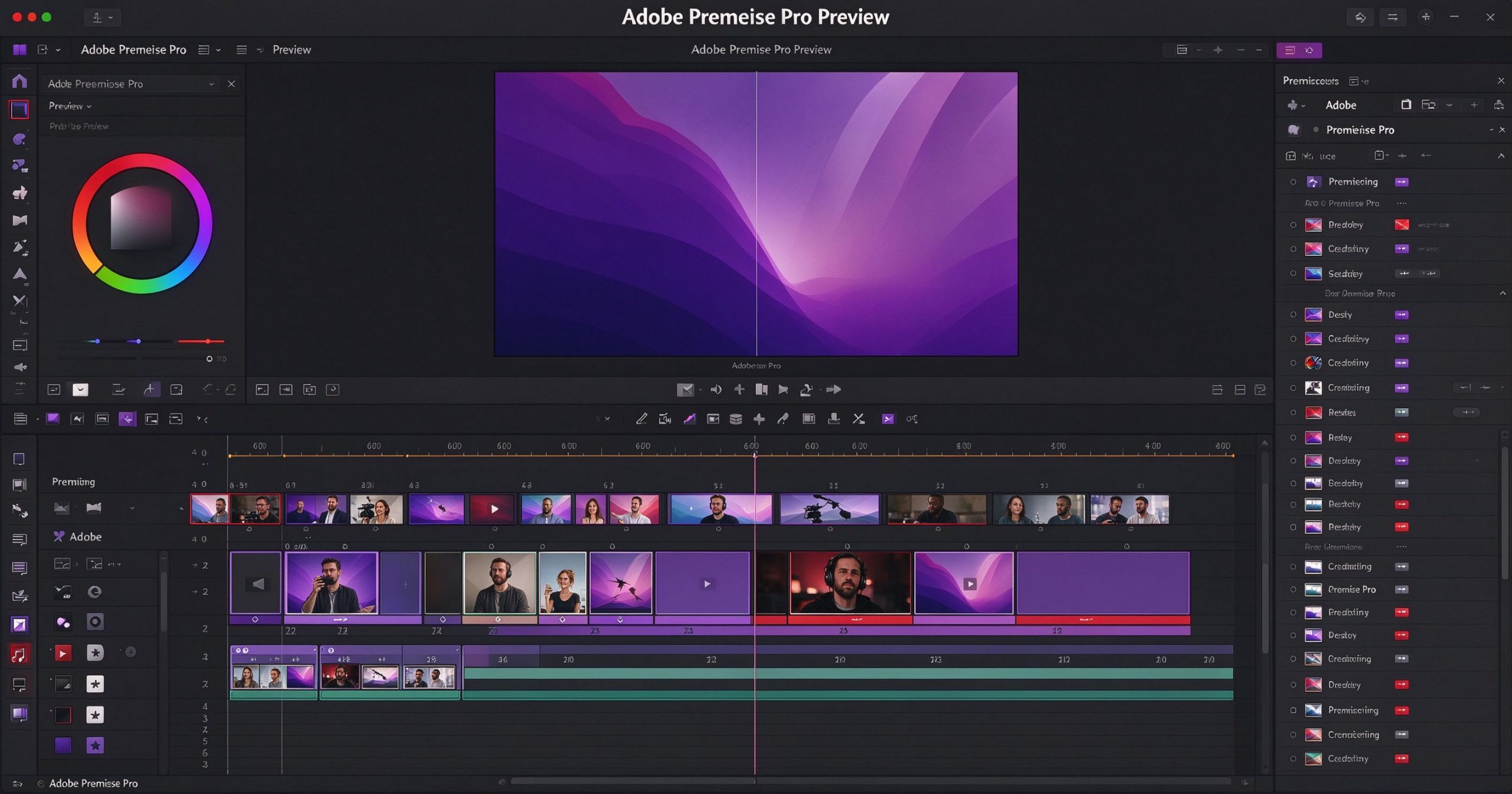
What Premiere Pro is
Premiere Pro is a professional non-linear video editor for Windows and macOS. You import footage, arrange it on a multi-track timeline, add transitions, effects, titles, color grading and audio mixing, then export to any format. It integrates tightly with After Effects for VFX, Photoshop for stills and Audition for audio.
The dynamic link feature lets you open an After Effects composition inside Premiere without rendering. Team Projects allow multiple editors to work on the same sequence remotely. Premiere supports every professional codec and camera format, from ARRI to RED to smartphone footage.
Where it leads
Industry ecosystem. Premiere Pro is what most professional editors use. Freelancers, post houses and broadcast teams all work in Premiere projects. If you need to collaborate or hand off a project, Premiere files are the standard.
Format and codec support. It handles virtually every video format, codec and frame rate. Multicam editing, proxy workflows and RAW footage from cinema cameras are all supported natively.
Integration. Dynamic Link with After Effects, Photoshop and Audition means you can move between editing, VFX, design and audio without intermediate exports. This workflow saves enormous time on complex projects.
AI features. Auto Reframe re-edits a horizontal video into vertical for social media. Text-based editing lets you cut the transcript instead of the timeline. Speech to text generates captions automatically.
Where it costs you
Price is the main objection. Premiere Pro alone is about $23 per month. The full Creative Cloud suite is about $60 per month. There is no perpetual license. For hobbyists, this is a significant cost.
The learning curve is steep. Premiere has hundreds of buttons, panels and settings. New editors should expect weeks of tutorials before they are productive. It is also resource-hungry: 4K multi-layer projects need a powerful machine.
For short social video, CapCut or InShot are faster. For free professional color grading, DaVinci Resolve rivals Premiere at no cost.
What it costs
Premiere Pro standalone is about $23 per month. The All Apps plan (60+ Adobe apps) is about $60 per month. There is a 7-day free trial.
Verdict
Premiere Pro is the professional standard for good reason: it handles every format, integrates with every Adobe tool and is what the industry expects. The subscription is expensive, and the learning curve is real, but for working editors and post-production teams, it is the default choice. Hobbyists and social creators should start with free alternatives.
Official site: Adobe Premiere Pro
Editorial note: Features and pricing can change. Verify current details directly with the provider.
Atrakinkite Telegram grupę, kad pasiektumėte visus šios svetainės įrankius
Vienkartinis US$5 mokestis suteikia prieigą prie Telegram grupės ir visų šios svetainės įrankių. Be prenumeratos.
Įjunkite JavaScript, kad saugiai patikrintumėte mokėjimą ir pamatytumėte pakvietimo nuorodą.
Share this article
