





































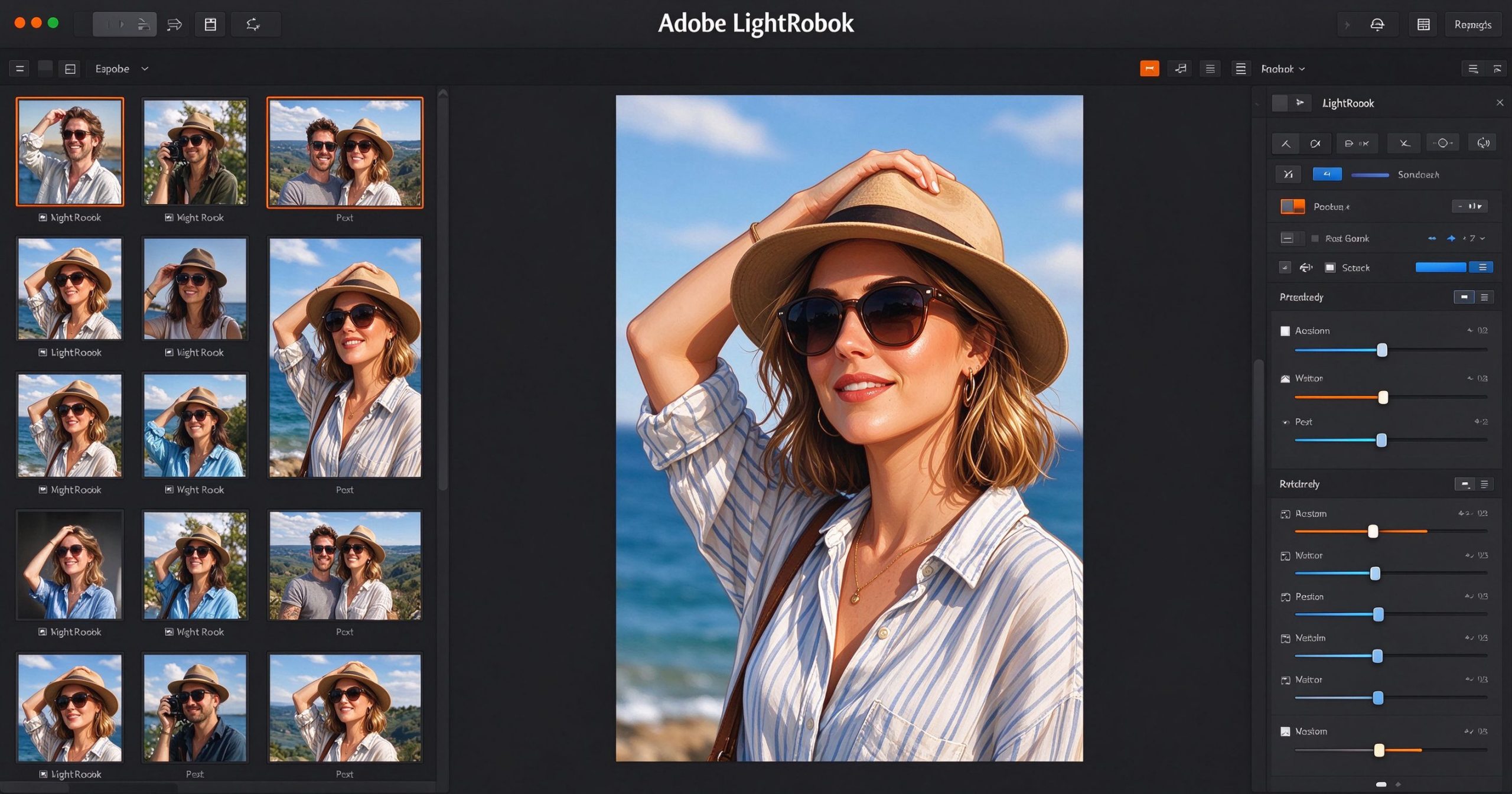
Adobe Lightroom is the photographer’s tool for organizing, editing and syncing large photo libraries. It is not a layer-based editor like Photoshop; it is a database-driven workflow tool that imports, tags, rates, edits and exports photos at scale. If you shoot in RAW and have thousands of images, Lightroom is the industry standard for keeping them usable.
What Lightroom is
Lightroom comes in two flavors: Lightroom Classic (desktop-only, catalog-based) and Lightroom (cloud-synced, cross-device). Both share the same editing engine. You import photos into a catalog, organize them with keywords, ratings and collections, then develop them with a non-destructive adjustment panel: exposure, contrast, white balance, curves, HSL, detail and lens corrections.
The cloud version syncs your edits and previews across desktop, web and mobile, so you can edit on your phone and finish on your computer. The Classic version keeps everything local and is faster for large libraries. Recent AI features include object selection, masking, denoise and AI-powered edits.
Where it shines
Photo organization. The catalog database makes thousands of photos searchable by keyword, rating, camera, lens or date. Collections let you group photos without duplicating files. This is the feature that makes Lightroom worth the price for working photographers.
RAW development. The engine processes RAW files with more latitude than any consumer editor. White balance, exposure recovery and color grading are deep enough for professional output. Presets let you apply a look across hundreds of photos in one click.
Non-destructive editing. Every adjustment lives as metadata; the original file is never touched. You can re-edit or revert at any time. This is essential for client work where you may need to revise a photo months later.
Cloud sync. Your edits and previews follow you across devices. The mobile app is genuinely good for culling and quick edits on the go.
Limitations
Lightroom is not a pixel editor. It cannot do compositing, detailed retouching or complex masking that Photoshop handles. For those tasks, you round-trip to Photoshop.
The subscription model ties you to Adobe. A Photography plan costs about $10 per month and includes both Lightroom versions and Photoshop. There is no perpetual license.
Performance on large catalogs can degrade over time, and the cloud version uses significant storage. Local RAW files are kept separately from the cloud catalog, which can be confusing for new users.
What it costs
The Creative Cloud Photography plan (Lightroom + Lightroom Classic + Photoshop + 1 TB cloud storage) is about $10 per month. There is no free version, though a 7-day trial is available.
Verdict
Lightroom is the standard for serious photo workflow because the organization and RAW development are unmatched. It is overkill for casual phone photographers, but if you shoot RAW, manage thousands of images or work with clients, the monthly cost is justified. Pair it with Photoshop for retouching, and you have the full professional photography toolkit.
Official site: Adobe Lightroom
Editorial note: Features and pricing can change. Verify current details directly with the provider.
Atrakinkite Telegram grupę, kad pasiektumėte visus šios svetainės įrankius
Vienkartinis US$5 mokestis suteikia prieigą prie Telegram grupės ir visų šios svetainės įrankių. Be prenumeratos.
Įjunkite JavaScript, kad saugiai patikrintumėte mokėjimą ir pamatytumėte pakvietimo nuorodą.
Share this article
