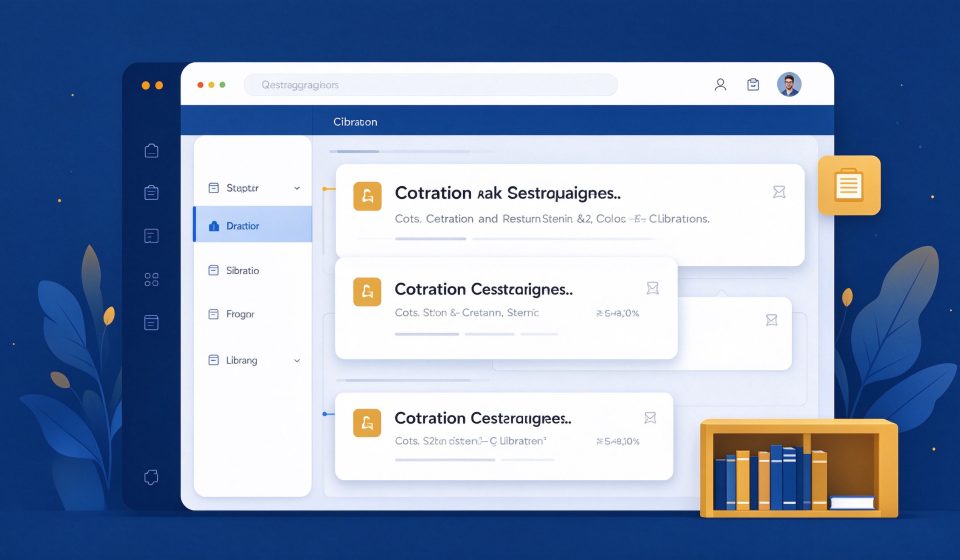

Zotero is a free, open-source reference manager that helps researchers collect, organize, cite, and share sources. It automatically pulls bibliographic data from web pages and library databases, and generates citations in thousands of styles.
What Is Zotero?
Developed by the Roy Rosenzweig Center for History and New Media at George Mason University, Zotero is designed to make research easier. It has a desktop app, a browser extension, and a cloud sync service. It is used by academics, students, and journalists worldwide.
Key Features
- One-click save: The browser extension captures books, articles, and web pages automatically.
- Citation generator: Insert citations and bibliographies in Word, LibreOffice, and Google Docs.
- PDF organization: Store PDFs alongside references and take notes.
- Group libraries: Share references with collaborators in real time.
- Open source: Free to use, with community plugins available.
Pricing
Zotero is free with 300 MB of cloud storage. Paid storage starts at $20 per year for 2 GB. The reference management features are free regardless of storage.
Pros and Cons
Pros: Free, powerful, browser integration, works with all major citation styles, great for collaboration.
Cons: Free storage is limited, interface can feel cluttered, Word plugin sometimes lags, mobile app is basic.
Who Should Use It?
Zotero is for students, academics, and writers who need to manage citations. It is the best free reference manager and a strong alternative to Mendeley and EndNote. If you write papers or reports, Zotero will save you hours of formatting.
Unlock the Telegram group to access all tools on this site
A one-time payment of US$5 gives you access to the Telegram group and all tools on this site. No subscription.
Enable JavaScript to securely check payment and reveal the invite link.
Share this article