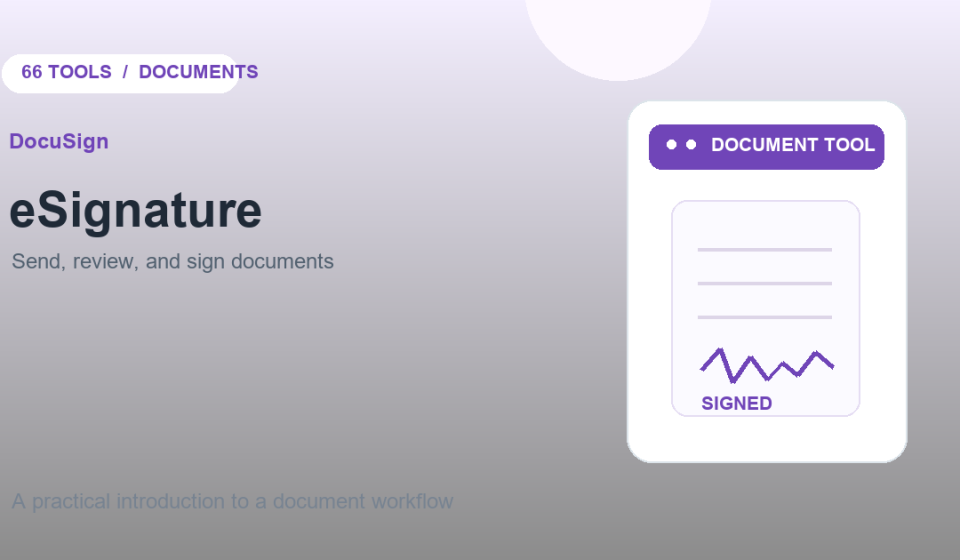

When a document needs signatures from several people, an eSignature tool can manage the review and signing steps without emailing multiple versions. DocuSign eSignature lets a sender upload a document, specify recipients, and place fields for signatures or other information.
How the DocuSign signing workflow works
- Start a signature request and add the document.
- Enter the recipients and choose their signing order if needed.
- Place signature, date, or text fields where each person should respond.
- Review the message and recipients, then send the request.
- Track the request and save the completed document when everyone has finished.
What to check before sending
Confirm the recipient email addresses, document version, and required fields. For multi-party agreements, make sure the signing order matches the process. The sender should review the completed file and any audit or completion information before filing it.
Is DocuSign right for a signature request?
DocuSign is designed for sending and managing electronic signature requests, which can be useful for approvals, agreements, and forms. The features available depend on the account and plan. If you only need to sign your own PDF, a basic PDF signing tool may be simpler.
Electronic signature considerations
Electronic signature rules and requirements vary by jurisdiction and document type. If an agreement has legal or compliance requirements, confirm that the chosen signing method and workflow meet them before sending. Do not treat a product feature page as legal advice.
Frequently asked questions
Can I sign a document sent through DocuSign?
Recipients can open the signing request, review the document, and complete the requested fields using the signing flow.
Can I send a document to multiple signers?
Yes. A sender can specify multiple recipients and configure the signing order for a request.
Learn more: DocuSign eSignature · DocuSign quick start
Unlock the Telegram group to access all tools on this site
A one-time payment of US$5 gives you access to the Telegram group and all tools on this site. No subscription.
Enable JavaScript to securely check payment and reveal the invite link.
Share this article