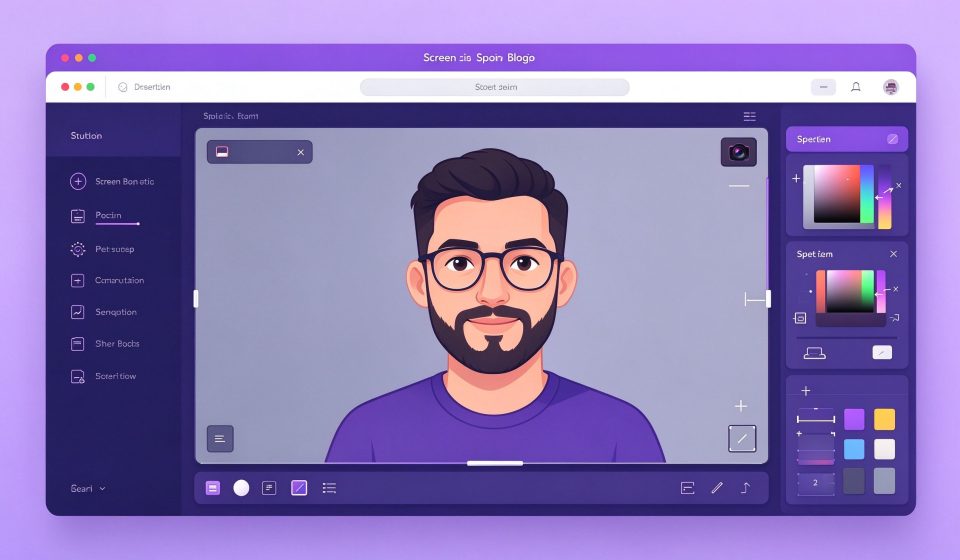

ScreenToGif is a free Windows tool that records your screen, webcam, or sketchboard and lets you edit frames before exporting as a GIF, video, or PNG sequence. It is lightweight, open source, and focused entirely on the capture-to-GIF workflow.
What Is ScreenToGif?
Developed by Nicke Manarin, ScreenToGif has been on GitHub since 2016. It opens four modules: recorder, webcam, sketchboard, and editor. The recorder captures a selected region; the editor lets you delete frames, add captions, crop, and change the frame rate.
Key Features
- Screen, webcam, and board recording: Switch between capture modes from one window.
- Frame-by-frame editor: Delete, duplicate, or modify individual frames.
- Captions and annotations: Add text, arrows, and shapes on specific frames.
- Multiple exports: Save as GIF, APNG, MP4, WebM, or a PNG folder.
- Optimization: Reduce colors and frame rate to shrink file size without visible quality loss.
Pricing
ScreenToGif is completely free and open source on GitHub. Donations are optional.
Pros and Cons
Pros: Free, tiny installer, powerful frame editor, multiple export formats, no watermark.
Cons: Windows only, no macOS/Linux version, no automatic scrolling capture, editor can feel rough on long recordings.
Who Should Use It?
ScreenToGif is ideal for developers writing bug reports, designers sharing prototypes, and anyone who needs to embed a short GIF in documentation or a chat. For long videos, use a proper screen recorder; for GIF loops, ScreenToGif is the best free tool on Windows.
Unlock the Telegram group to access all tools on this site
A one-time payment of US$5 gives you access to the Telegram group and all tools on this site. No subscription.
Enable JavaScript to securely check payment and reveal the invite link.
Share this article