





































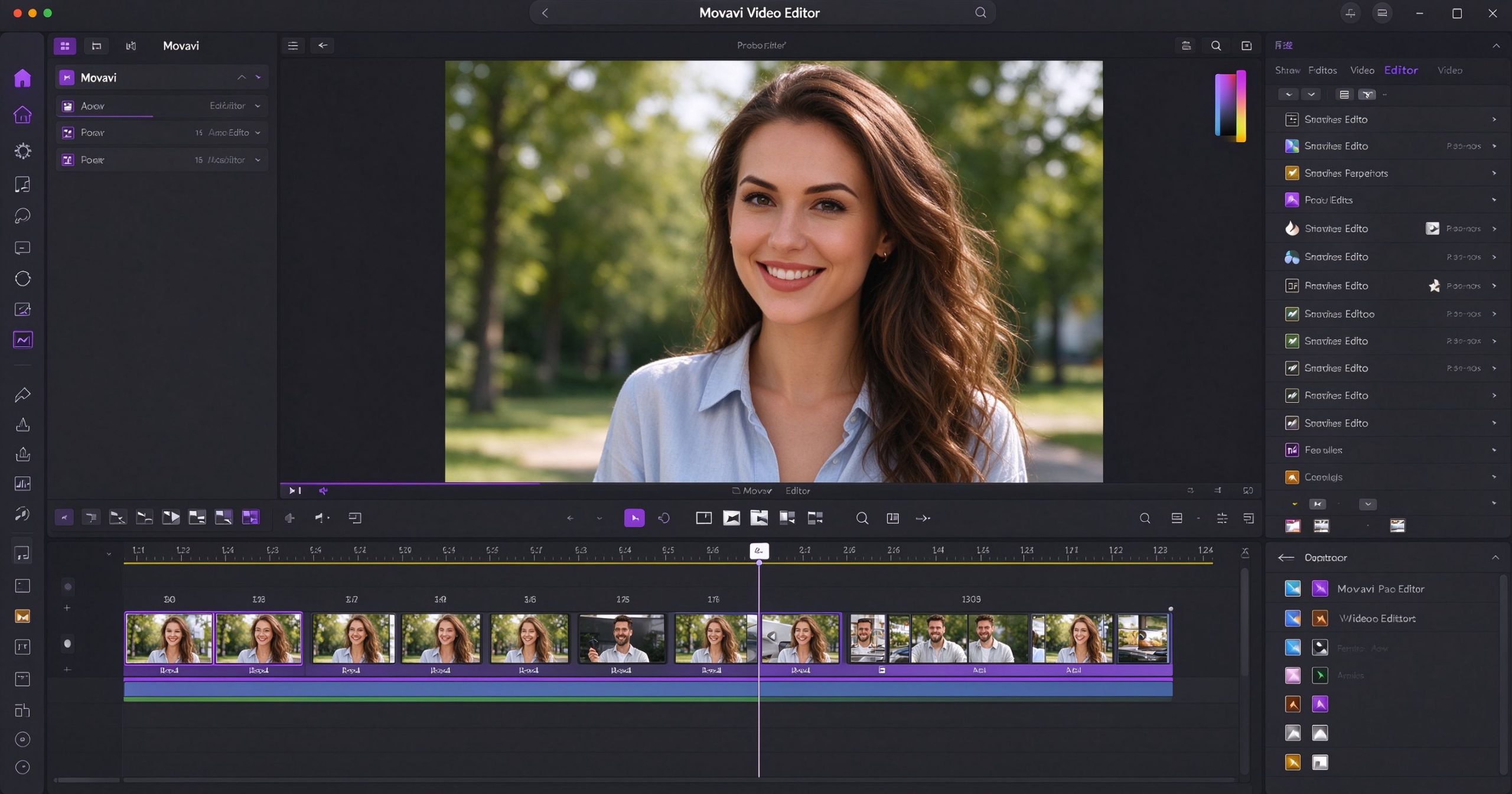
Movavi Video Editor is a consumer-grade video editor aimed at people who want to edit home videos without learning a professional tool. It is Windows and macOS software with a drag-and-drop timeline, built-in effects, transitions and titles. It is not as powerful as Premiere Pro or DaVinci Resolve, but it is easier to learn and handles everyday video projects well.
What Movavi is
Movavi Video Editor is a paid desktop application for Windows and macOS. You import clips, arrange them on a timeline, add transitions, filters, titles and background music, then export. The interface is clean and guided: wizards help you create slideshows, stabilize shaky footage and add chroma key. It also includes screen recording and basic audio editing.
Where it works
Ease of use. The interface is designed for beginners. Most effects and transitions are one-click. Built-in tutorials guide new users through common tasks. This is a good first video editor for someone who has never edited before.
Built-in media. Movavi includes royalty-free music, sound effects and stickers. You do not need to source assets separately for simple projects.
Stabilization and enhancement. One-click video stabilization, noise reduction and color correction handle common phone footage issues.
Limitations
Movavi is paid software with no free tier (only a trial that watermarks exports). A perpetual license costs around $60, or a subscription about $25 per year. For casual users, CapCut is free and more capable.
The editor is not suitable for complex projects. Multi-camera editing, advanced color grading and collaborative workflows are absent. It is a hobbyist tool, not a professional one.
Verdict
Movavi Video Editor is a good choice for beginners who want a guided, polished editing experience and do not want to learn a professional tool. For anyone on a budget, the free alternatives (CapCut, DaVinci Resolve) offer more power. Use the trial first before buying.
Official site: Movavi Video Editor
Editorial note: Features and pricing can change. Verify current details directly with the provider.
Atrakinkite Telegram grupę, kad pasiektumėte visus šios svetainės įrankius
Vienkartinis US$5 mokestis suteikia prieigą prie Telegram grupės ir visų šios svetainės įrankių. Be prenumeratos.
Įjunkite JavaScript, kad saugiai patikrintumėte mokėjimą ir pamatytumėte pakvietimo nuorodą.
Share this article
