
Krita Review: Free Digital Painting Studio
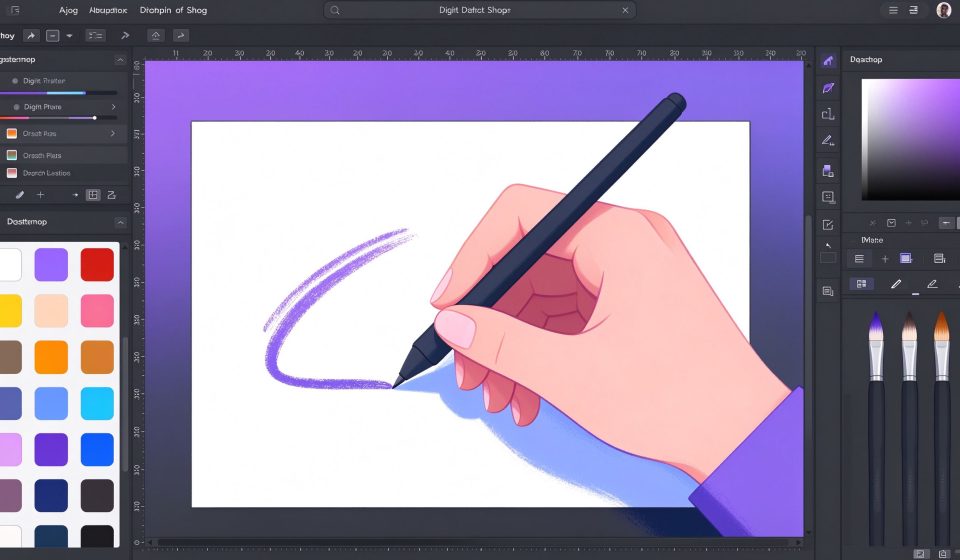
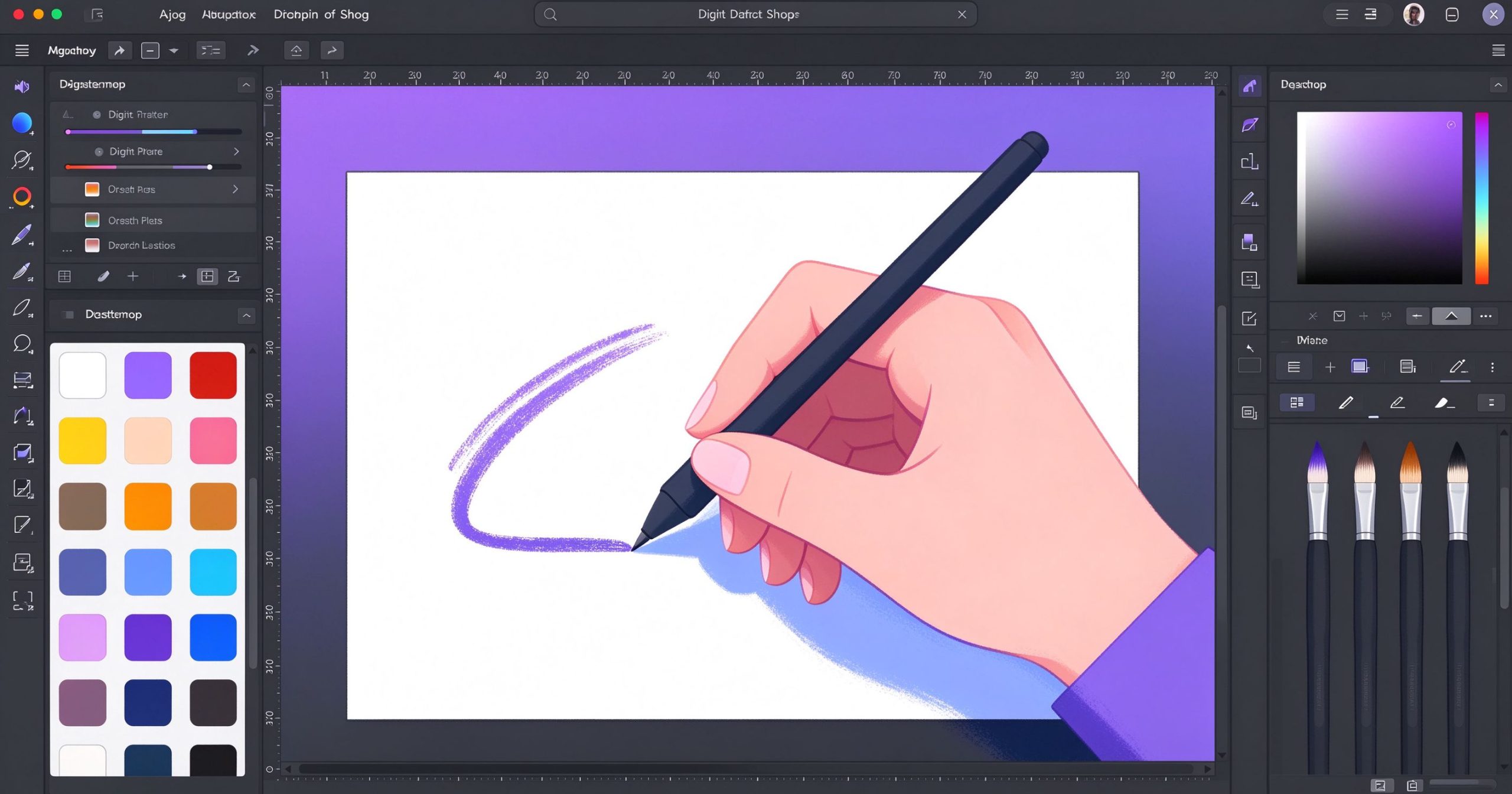
Krita is a free, open-source digital painting and illustration program designed for concept artists, illustrators, comic makers, and matte painters. It is widely regarded as the best free alternative to Photoshop for drawing and painting.
What is Krita used for?
- Digital painting, sketching, and concept art with professional brushes.
- Comic and storyboarding tools, vectors, and selection assistants.
- Color management, layers, masks, and filters.
- Stabilized brushes and a pop-up editor for precise line work.
Key Features
- Hundreds of preloaded brushes and brush engines.
- Wrap-around mode for seamless textures.
- OpenGL-accelerated canvas and resource manager.
- 100% free, open source, no subscription, no watermark.
Pros & Cons
Pros: Free, painting-focused, great brush engine. Cons: Less ideal for photo retouching, steep for total beginners.
Pricing
Krita is completely free and open source.
Verdict
The leading free choice for digital painters and illustrators on any budget.
TOOLS ACCESS COMMUNITY
Unlock the Telegram group to access all tools on this site
A one-time payment of US$5 gives you access to the Telegram group and all tools on this site. No subscription.
Enable JavaScript to securely check payment and reveal the invite link.
Share this article