
Inkscape Review: Free Open-Source Vector Graphics Editor
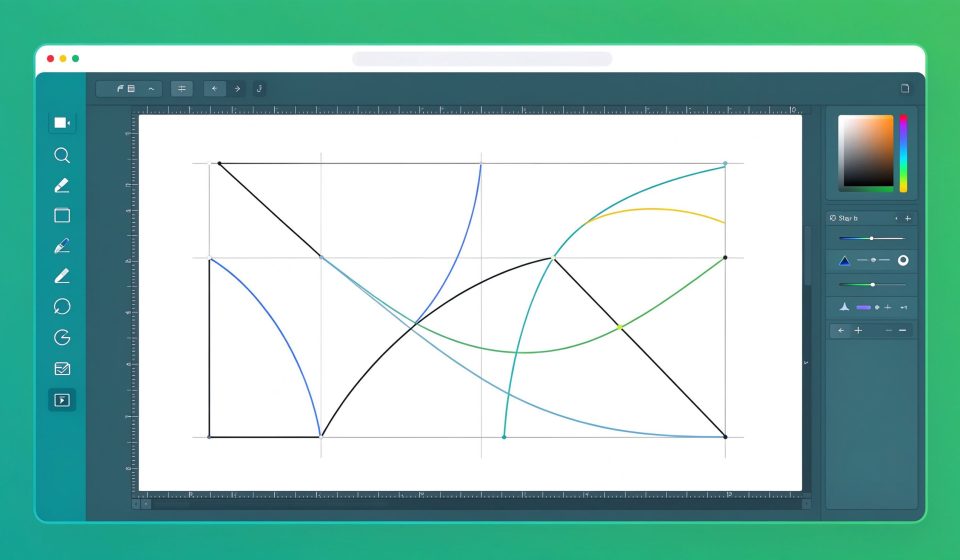
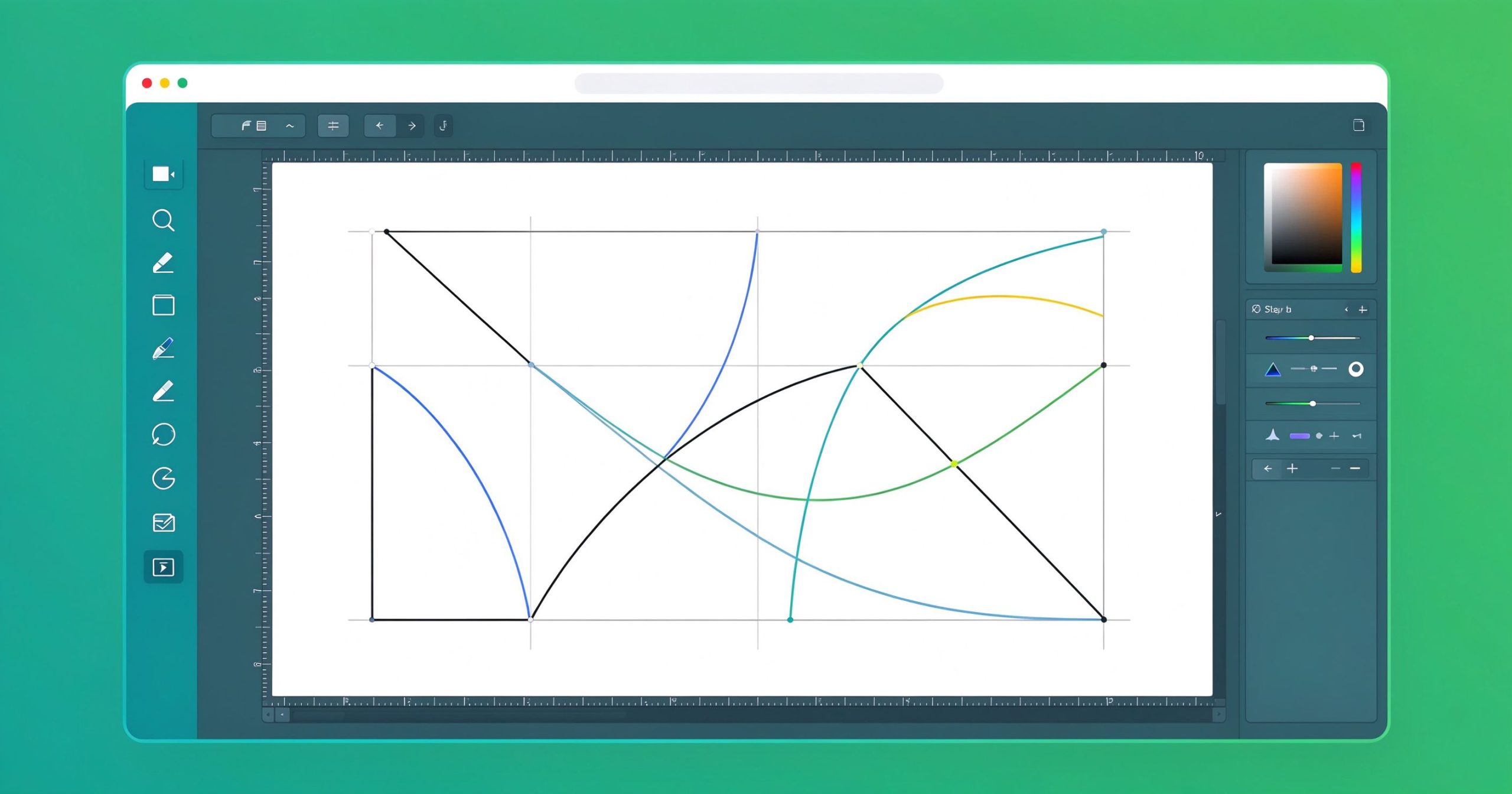
Inkscape is a free, open-source vector graphics editor used to create SVG logos, icons, illustrations, diagrams, and print-ready artwork. It runs on Windows, macOS, and Linux and is the leading free alternative to Adobe Illustrator.
What is Inkscape used for?
- SVG logo, icon, and illustration design with scalable paths.
- Bezier and freehand pen tools, shapes, text, and gradients.
- Export to PNG, PDF, EPS, and plain SVG for web and print.
- Node editing, boolean operations, and path effects.
Key Features
- Professional vector tools at zero cost, GPL licensed.
- Extensible via extensions and custom filters.
- Cross-platform with an active community.
- Free for personal and commercial work.
Pros & Cons
Pros: free, powerful SVG tools, Illustrator-compatible import, extensible. Cons: interface takes time to learn, fewer raster effects than Photoshop.
Pricing
Inkscape is free and open-source; donations support development.
Verdict
The best free choice for vector logo and SVG design without an Illustrator subscription.
TOOLS ACCESS COMMUNITY
Unlock the Telegram group to access all tools on this site
A one-time payment of US$5 gives you access to the Telegram group and all tools on this site. No subscription.
Enable JavaScript to securely check payment and reveal the invite link.
Share this article