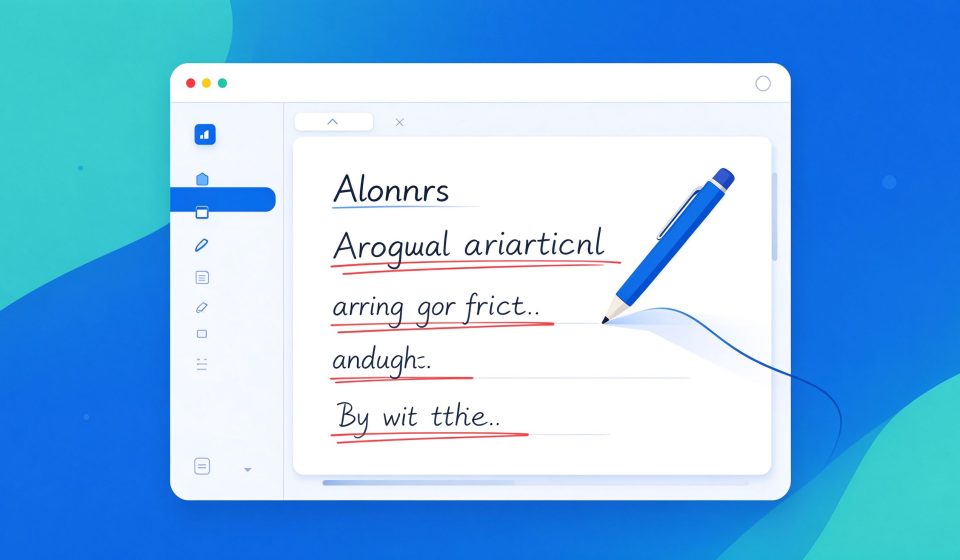

Grammarly is an AI writing assistant that checks grammar, spelling, punctuation, clarity, and tone in real time. It works in your browser, in Microsoft Office, and on mobile, making it the most popular writing tool for professionals and students.
What Is Grammarly?
Founded in 2009, Grammarly uses natural language processing to suggest corrections as you type. It goes beyond basic spell check to flag wordy sentences, passive voice, and tone issues. It also has a generative AI feature that can rewrite or draft text.
Key Features
- Real-time grammar check: Underline mistakes as you type in any web app.
- Tone detector: Tells you if your email sounds angry, confident, or casual.
- Generative AI: Rewrite, shorten, or expand sentences with one click.
- Plagiarism checker: Compare your text against billions of web pages (Premium).
- Integrations: Works in Gmail, Google Docs, Slack, Word, and desktop apps.
Pricing
Grammarly has a free tier. Premium costs $12 per month billed annually. Business is $15 per member per month.
Pros and Cons
Pros: Accurate, works everywhere, great tone suggestions, easy to use, browser extension.
Cons: Premium is expensive, can be intrusive, misses some nuanced errors, privacy concerns for sensitive documents.
Who Should Use It?
Grammarly is for anyone who writes emails, reports, or essays in English. It is especially useful for non-native speakers and professionals who want polished communication. For style editing, combine it with Hemingway Editor.
Unlock the Telegram group to access all tools on this site
A one-time payment of US$5 gives you access to the Telegram group and all tools on this site. No subscription.
Enable JavaScript to securely check payment and reveal the invite link.
Share this article