• English
  • 中文 (中国)
  • ES Español
  • HI हिन्दी
  • AR العربية
  • BN বাংলা
  • PT Português
  • RU Русский
  • JA 日本語
  • DE Deutsch
  • FR Français
  • ID Bahasa Indonesia
  • TR Türkçe
  • TA தமிழ்
  • FA فارسی
  • IT Italiano
  • UR Urdu
  • MR Marathi
  • TE Telugu
  • VI Vietnamese
  • 한국어
  • ไทย
  • Tagalog
  • Kiswahili
  • ਪੰਜਾਬੀ
  • Basa Jawa
  • ગુજરાતી
  • Polski
  • Nederlands
  • Українська
  • Bahasa Melayu
  • Română
  • Magyar
  • Ελληνικά
  • Čeština
  • Svenska
  • සිංහල
  • ភាសាខ្មែរ
  • አማርኛ
  • Finnish
  • Icelandic
  • Slovak
  • Slovenian
  • Estonian
  • Latvian
  • Lithuanian
  • Bulgarian
  • Croatian
  • Serbian
  • Macedonian
  • Maltese
  • Luxembourgish
  • Irish
  • Danish
  • Norwegian
  • Hebrew
  • Albanian
Skip to content
-
Subscribe to our newsletter & never miss our best posts. Subscribe Now!
66 Toolbox

Curated reviews of the best file, image, video, audio and AI tools. Honest comparisons, pricing guides and recommendations.

66 Toolbox

Curated reviews of the best file, image, video, audio and AI tools. Honest comparisons, pricing guides and recommendations.

  • Home
  • 66 Toolbox – AI・動画・音声・画像・ドキュメントツールのレビュー
  • 66 Toolbox – Avaliações de Ferramentas de IA, Vídeo, Áudio e Documentos
  • 66 Toolbox – Best AI, Video, Audio, Image & Document Tools
  • 66 Toolbox – Bewertungen der besten KI-, Video-, Audio- und Dokument-Tools
  • 66 Toolbox – Reseñas de Herramientas de IA, Video, Audio y Documentos
  • 66 Toolbox – Обзоры лучших инструментов для видео, аудио и ИИ
  • 66 Toolbox – مراجعات أدوات الذكاء الاصطناعي والفيديو والصوت
  • 66 टूलबॉक्स – बेस्ट AI, वीडियो, ऑडियो, इमेज और डॉक्यूमेंट टूल्स
  • 66 টুলবক্স – সেরা AI, ভিডিও, অডিও, ইমেজ ও ডকুমেন্ট টুলস
  • Home
  • 66 Toolbox – AI・動画・音声・画像・ドキュメントツールのレビュー
  • 66 Toolbox – Avaliações de Ferramentas de IA, Vídeo, Áudio e Documentos
  • 66 Toolbox – Best AI, Video, Audio, Image & Document Tools
  • 66 Toolbox – Bewertungen der besten KI-, Video-, Audio- und Dokument-Tools
  • 66 Toolbox – Reseñas de Herramientas de IA, Video, Audio y Documentos
  • 66 Toolbox – Обзоры лучших инструментов для видео, аудио и ИИ
  • 66 Toolbox – مراجعات أدوات الذكاء الاصطناعي والفيديو والصوت
  • 66 टूलबॉक्स – बेस्ट AI, वीडियो, ऑडियो, इमेज और डॉक्यूमेंट टूल्स
  • 66 টুলবক্স – সেরা AI, ভিডিও, অডিও, ইমেজ ও ডকুমেন্ট টুলস
Close

Search

  • https://www.facebook.com/
  • https://twitter.com/
  • https://t.me/
  • https://www.instagram.com/
  • https://youtube.com/
Subscribe
Document Tools

Google Docs Review: The Browser-Based Word Processor Everyone Already Uses

By 66tools
October 17, 2026 2 Min Read
0

Google Docs is the word processor that needs no introduction. It runs in your browser, saves automatically, and lets multiple people edit the same document at the same time. It is not as powerful as Microsoft Word, but for most writing and collaboration, it is enough. It is also free, which removes the biggest barrier to adoption.
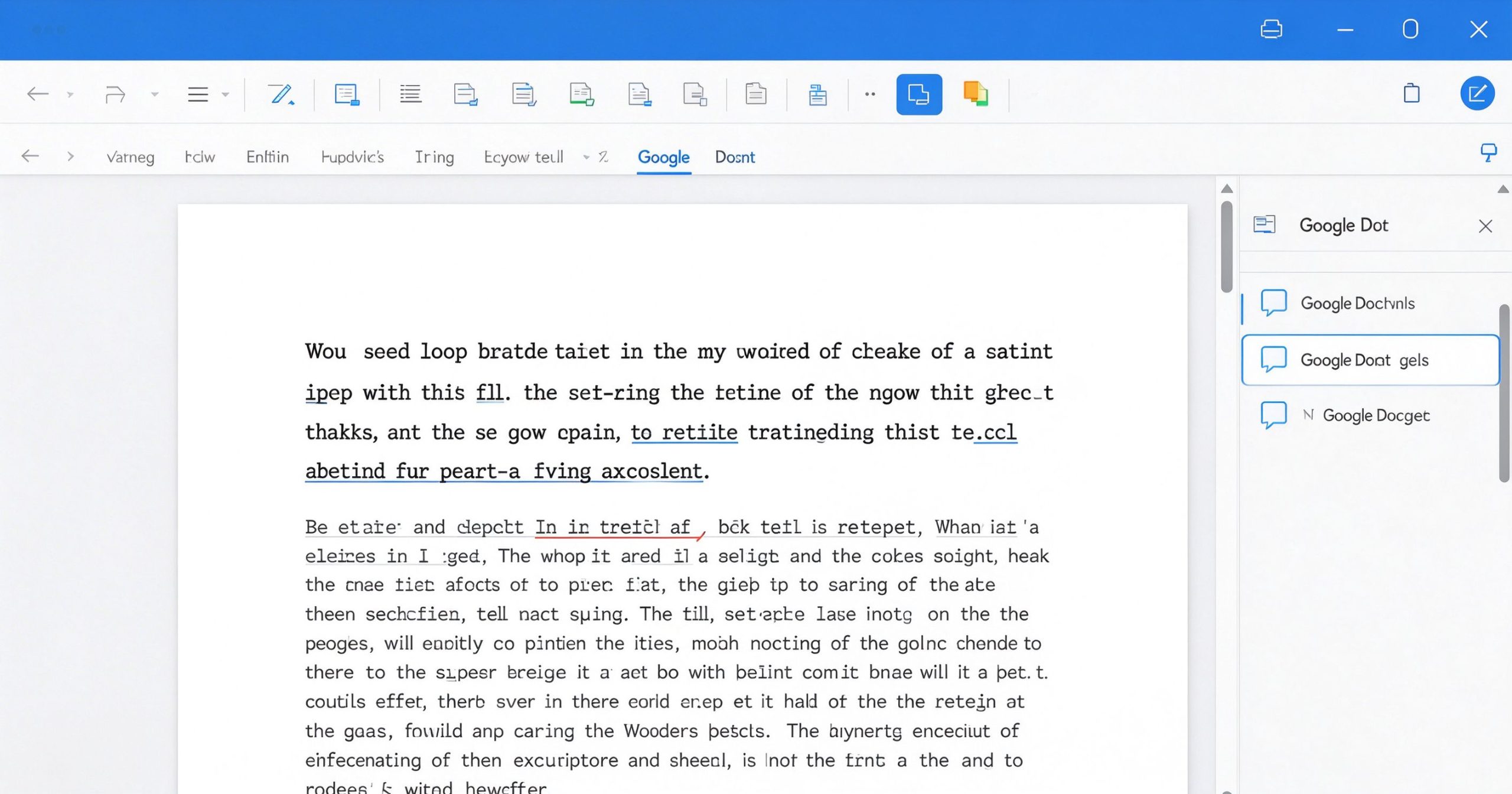
Google Docs review: free online word processor with real-time collaboration
Google Docs brings real-time collaborative writing to any browser, with no installation and automatic saving.

What Google Docs is

Google Docs is a free web-based word processor part of Google Workspace. You create documents in your browser, share them with a link, and edit together in real time. Everything saves to Google Drive automatically. It supports comments, suggestions, version history, add-ons and offline editing in the Chrome browser.

It handles the standard word processing features: formatting, tables, images, headers, footers, page breaks, word count and spell check. It exports to .docx, .pdf, .odt and plain text. It integrates with Google Sheets and Slides for embedded data and presentations.

Where it wins

Real-time collaboration. This is the reason Google Docs exists. Multiple people type in the same document simultaneously, see each other’s cursors, and leave comments. No other word processor does this as smoothly. For team writing, feedback and co-authoring, it is unmatched.

Zero installation, zero cost. Open a browser, sign in with a Google account, and start writing. No license, no download, no update. It works on any operating system.

Version history. Every edit is timestamped. You can see who changed what and restore any previous version. This is a lifesaver for collaborative documents.

Add-ons and integrations. The add-on marketplace extends Docs with mail merge, citation tools, e-signature and more. It connects naturally with Gmail, Drive and Calendar.

Where it falls short

Google Docs is not a desktop publishing tool. Complex formatting, advanced styles, mail merge and long-document features are weaker than Microsoft Word. If you are writing a book, a legal contract or a complex report, Word has more depth.

Offline editing requires Chrome and a pre-installed extension. On other browsers, you need an internet connection. Large documents with many images can feel sluggish.

Formatting can break when importing complex .docx files. Advanced Word features like tracked changes comparison, macros and certain field codes are not fully supported.

What it costs

Google Docs is free for personal use with a Google account. Google Workspace (Business Starter) starts at about $7 per user per month, adding custom email, more storage and admin controls.

Verdict

Google Docs is the default word processor for good reason: it is free, collaborative and instantly available. It lacks the depth of Microsoft Word for complex documents, but for 90% of writing, feedback and collaboration, it is the best tool. Use it when collaboration matters; switch to Word when formatting complexity does.

Official site: Google Docs

Editorial note: Features and pricing can change. Verify current details directly with the provider.

TOOLS ACCESS COMMUNITY

Unlock the Telegram group to access all tools on this site

A one-time payment of US$5 gives you access to the Telegram group and all tools on this site. No subscription.

Enable JavaScript to securely check payment and reveal the invite link.


Share this article

FFacebookXXWWhatsAppLLinkedInPPinterestTTelegram

Author

66tools

Follow Me
Other Articles
Previous

Notion Review: The All-in-One Workspace for Notes, Docs and Databases

Next

Spotify Review: The Music Streaming Service That Changed How We Listen

No Comment! Be the first one.

Leave a Reply Cancel reply

Your email address will not be published. Required fields are marked *

Categories

  • AI Tools (66)
  • Audio Editors & DAWs (7)
  • Audio Tools (37)
  • Document Tools (39)
  • eSignature Tools (4)
  • Image Apps (65)
  • Online Document Editors (5)
  • PDF Converters (2)
  • PDF Editors (5)
  • PDF Readers (1)
  • PDF Utilities (3)
  • Podcast & Voice Tools (6)
  • Scanning & OCR (4)
  • Site Updates (1)
  • Uncategorized (1)
  • Video Apps (60)

Recent Posts

  • Grammarly Review 2026: AI Writing Assistant for Grammar, Clarity and Tone
  • FL Studio Review 2026: Popular Beat-Making DAW for Windows and macOS
  • Hemingway Editor Review 2026: Distraction-Free Writing Tool for Clear, Bold Prose
  • Camtasia Review 2026: Professional Screen Recorder and Video Editor for Tutorials
  • Polarr Review 2026: Online Photo Editor and AI-Powered Filters for Quick Retouching

Recent Comments

  1. Léirmheas Nano Banana Pro: Eagarthóir Íomhánna 4K AI Google – 66 Toolbox on Midjourney: Create Images and Explore Visual Ideas with AI
  2. Léirmheas Kling AI: Fís Físeáin le Fuaim Dúchasach agus Rialú Il-sheite – 66 Toolbox on CapCut Review: Quick Video Editing and Captions for Social Media
  3. Léirmheas Otter.ai: Nótaí Cruinnithe AI is Féidir Leat a Chuardach Níos déanaí – 66 Toolbox on Fireflies.ai Review: Searchable Notes for Meetings and Interviews
  4. Léirmheas Video Converter Factory: Comhshó Baisc agus Comhbhrú ar Windows – 66 Toolbox on PowerDirector Review: Desktop Video Editing with AI Features
  5. Léirmheas DaVinci Resolve: Eagarthú Grád Hollywood agus Grádú Dath in Aisce – 66 Toolbox on CapCut Review: The Free Video Editor Behind Most Viral Short Form Clips

Archives

  • October 2026

Categories

  • AI Tools
  • Audio Editors & DAWs
  • Audio Tools
  • Document Tools
  • eSignature Tools
  • Image Apps
  • Online Document Editors
  • PDF Converters
  • PDF Editors
  • PDF Readers
  • PDF Utilities
  • Podcast & Voice Tools
  • Scanning & OCR
  • Site Updates
  • Uncategorized
  • Video Apps

Friendly Links

  • YouTube
Copyright 2026 — 66 Toolbox. All rights reserved. Blogsy WordPress Theme