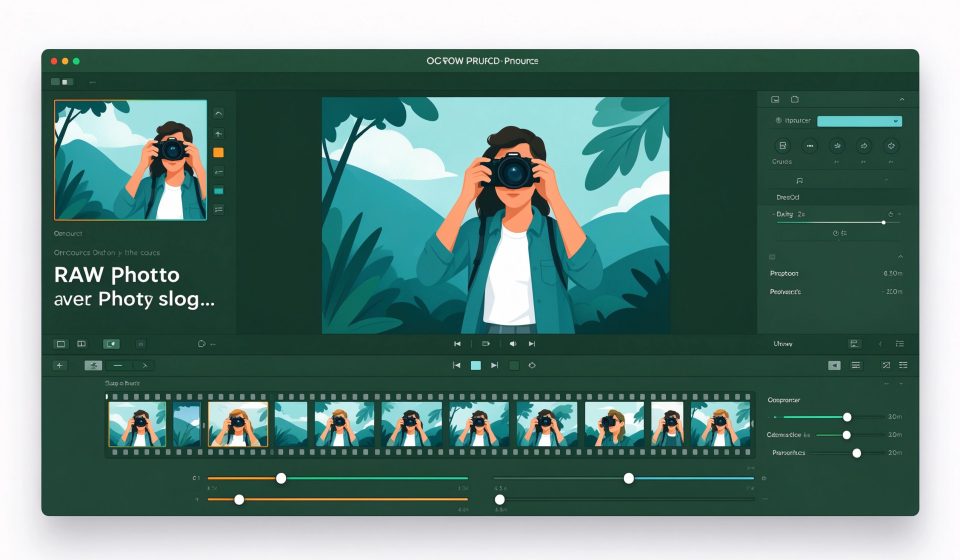

darktable is a free, open-source RAW photo editor and organizer for Windows, macOS, and Linux. It is often called the best free alternative to Adobe Lightroom, with non-destructive editing and a powerful set of color correction tools.
What Is darktable?
Started in 2009, darktable is a community project built by photographers. It manages your photo library, applies RAW processing, and supports tethered shooting. It imports RAW files from hundreds of camera models and edits them without touching the original file.
Key Features
- Non-destructive editing: All adjustments are stored as instructions, so you can re-edit at any time.
- RAW support: Handles files from Canon, Nikon, Sony, Fujifilm, and more.
- Color grading: Advanced tools like color balance, tone curve, and color zones.
- Tethered shooting: Control your camera directly from the software.
- Cross-platform: Runs on Windows, macOS, and Linux for free.
Pricing
darktable is completely free and open-source. There is no paid version. Donations are accepted to support development.
Pros and Cons
Pros: Free, powerful RAW editing, non-destructive, supports many cameras, active community.
Cons: Steep learning curve, interface feels dated, fewer tutorials than Lightroom, some camera profiles missing.
Who Should Use It?
darktable is for photographers who want Lightroom-style RAW editing without a subscription. It is especially good for Linux users and anyone who prefers open-source software. Beginners may find the UI overwhelming at first.
Unlock the Telegram group to access all tools on this site
A one-time payment of US$5 gives you access to the Telegram group and all tools on this site. No subscription.
Enable JavaScript to securely check payment and reveal the invite link.
Share this article