
CapCut Review: Free Social Video Editor
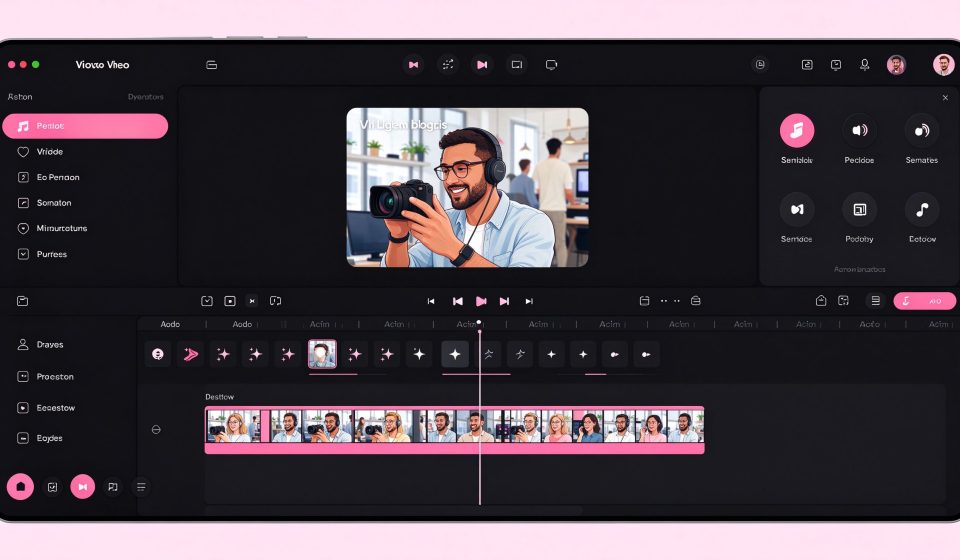
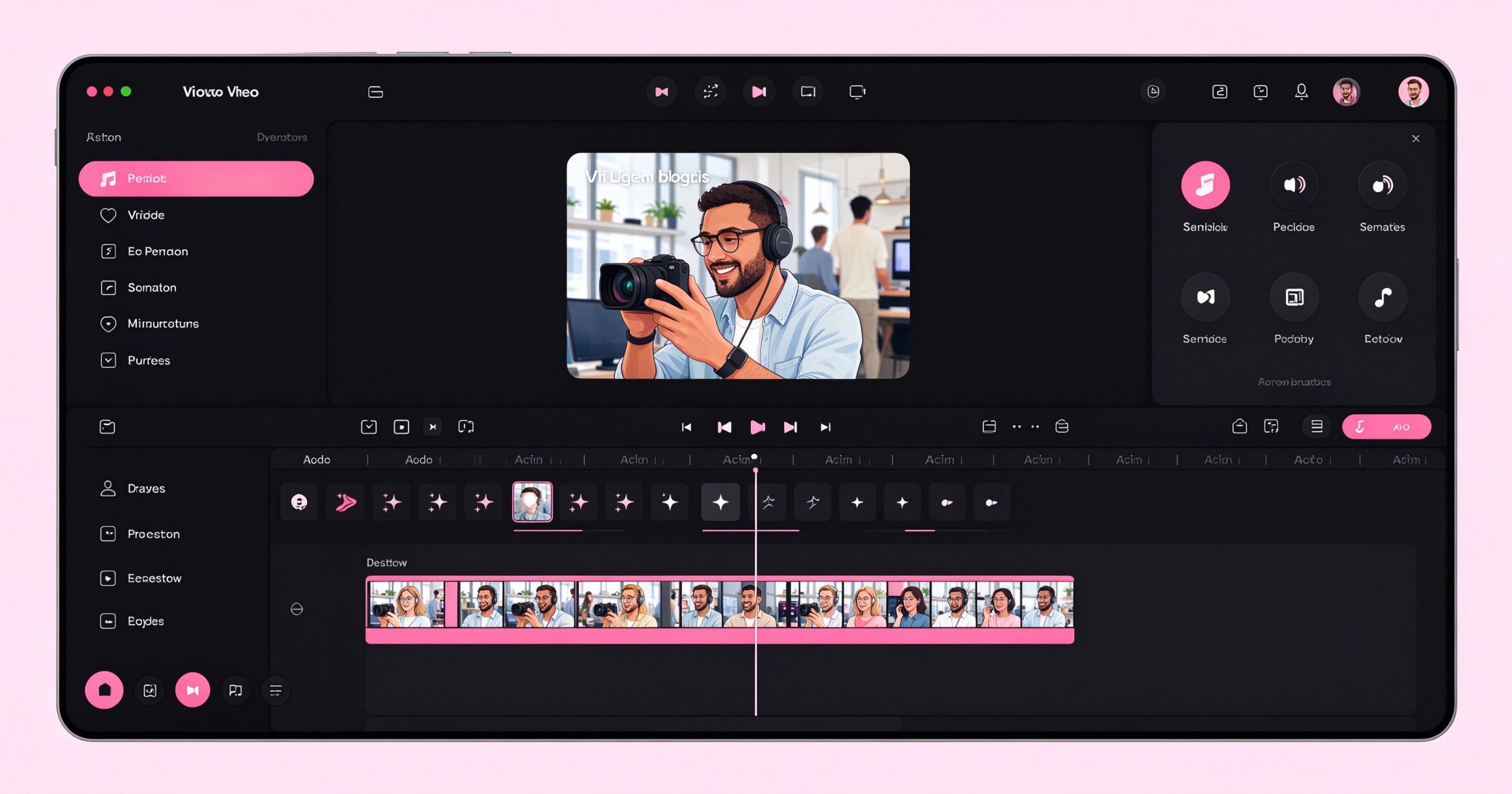
CapCut is a free, all-in-one video editor popular with TikTok, Reels, and Shorts creators. It offers templates, effects, captions, and music, making short-form editing fast and easy on mobile and desktop.
What is CapCut used for?
- Trim, cut, and arrange clips with auto captions and subtitles.
- Trends, transitions, filters, stickers, and royalty-free music.
- Text-to-speech and green-screen removal.
- Export directly to social platforms in vertical 9:16.
Key Features
- Huge template library for instant videos.
- AI captions and background removal.
- Mobile and desktop versions, cloud sync.
- Free to use with no watermark on most exports.
Pros & Cons
Pros: Free, fast, made for short-form social. Cons: Less suited for long-form or cinematic projects.
Pricing
Core editor is free; CapCut Pro adds premium assets and features.
Verdict
The best free editor for TikTok, Reels, and YouTube Shorts creators.
TOOLS ACCESS COMMUNITY
Unlock the Telegram group to access all tools on this site
A one-time payment of US$5 gives you access to the Telegram group and all tools on this site. No subscription.
Enable JavaScript to securely check payment and reveal the invite link.
Share this article