
Olive Review: Free Open-Source Non-Linear Video Editor
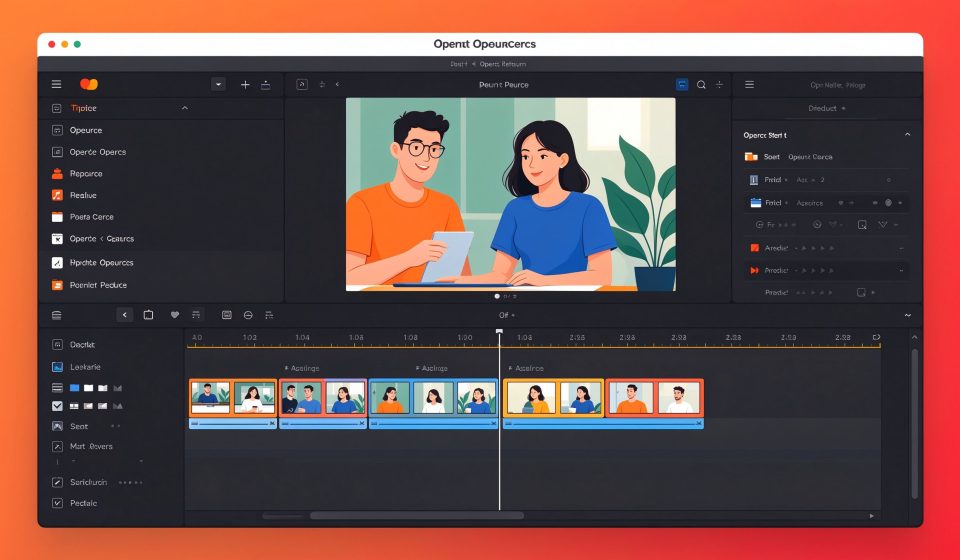
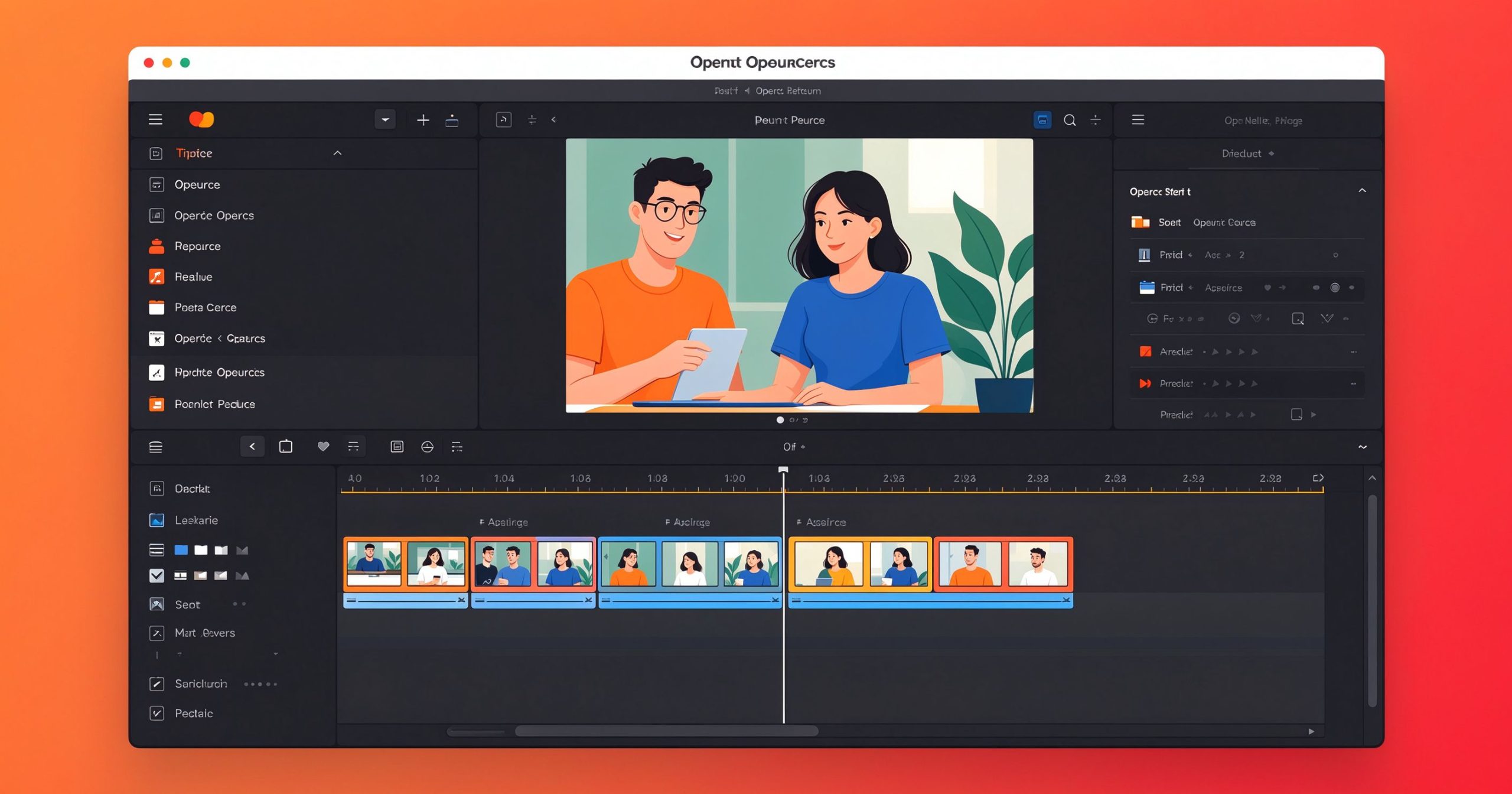
Olive is a free, open-source non-linear video editor built for a modern timeline workflow. It targets creators who want a Premiere-like editing experience without a subscription or watermark.
What is Olive used for?
- Multi-track timeline with clips, transitions, and titles.
- Keyframed effects, color grading, and compositing.
- Wide codec support and proxy editing for smooth playback.
- Free export in common formats.
Key Features
- Clean, professional timeline and node-based effects.
- Free forever, open-source, cross-platform.
- Active development and community tutorials.
- No watermark, no account required.
Pros & Cons
Pros: free, modern UI, professional effects, lightweight. Cons: younger project, fewer built-in transitions than mature editors.
Pricing
Olive is free and open-source.
Verdict
A promising free editor for creators who want a clean timeline without paying.
TOOLS ACCESS COMMUNITY
Unlock the Telegram group to access all tools on this site
A one-time payment of US$5 gives you access to the Telegram group and all tools on this site. No subscription.
Enable JavaScript to securely check payment and reveal the invite link.
Share this article