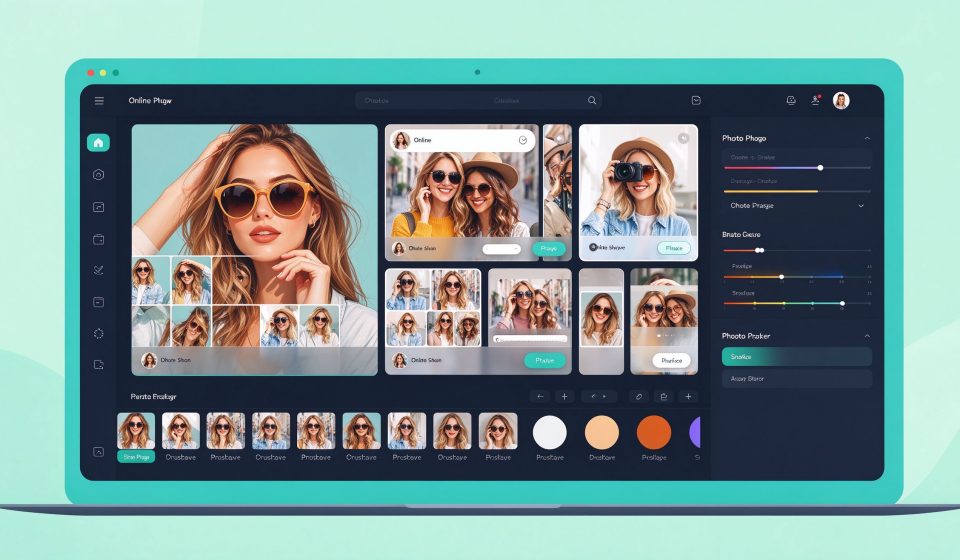

BeFunky is a browser-based photo editor and collage maker. It combines photo editing, graphic design, and collage creation in one tool, making it popular with casual users who want quick results without learning Photoshop.
What Is BeFunky?
Launched in 2007, BeFunky is built around a three-tab interface: Photo Editor, Collage Maker, and Graphic Designer. It has hundreds of templates, filters, and effects, including one-click “Cartoonizer” and “Painter” effects that turn photos into art.
Key Features
- One-click effects: Cartoon, oil painting, pop art, and vintage filters.
- Collage maker: Hundreds of layouts for photo grids, banners, and social media posts.
- Graphic design: Create flyers, posters, and social graphics with templates.
- Touch up tools: Skin smoothing, teeth whitening, and red-eye removal.
- No install: Runs in any browser on any device.
Pricing
BeFunky has a free version with ads and watermarks. BeFunky Plus costs $4.99 per month billed annually or $9.99 month-to-month.
Pros and Cons
Pros: Easy to use, great collage templates, fun one-click effects, no installation, works on Chromebooks.
Cons: Free version has watermarks, fewer features than Photoshop, slow on large files, no layers in free tier.
Who Should Use It?
BeFunky is perfect for casual users, bloggers, and social media managers who want to edit photos and make collages quickly. It is not for professional photographers; for that, use GIMP or darktable.
Unlock the Telegram group to access all tools on this site
A one-time payment of US$5 gives you access to the Telegram group and all tools on this site. No subscription.
Enable JavaScript to securely check payment and reveal the invite link.
Share this article