• English
  • 中文 (中国)
  • ES Español
  • HI हिन्दी
  • AR العربية
  • BN বাংলা
  • PT Português
  • RU Русский
  • JA 日本語
  • DE Deutsch
  • FR Français
  • ID Bahasa Indonesia
  • TR Türkçe
  • TA தமிழ்
  • FA فارسی
  • IT Italiano
  • UR Urdu
  • MR Marathi
  • TE Telugu
  • VI Vietnamese
  • 한국어
  • ไทย
  • Tagalog
  • Kiswahili
  • ਪੰਜਾਬੀ
  • Basa Jawa
  • ગુજરાતી
  • Polski
  • Nederlands
  • Українська
  • Bahasa Melayu
  • Română
  • Magyar
  • Ελληνικά
  • Čeština
  • Svenska
  • සිංහල
  • ភាសាខ្មែរ
  • አማርኛ
  • Finnish
  • Icelandic
  • Slovak
  • Slovenian
  • Estonian
  • Latvian
  • Lithuanian
  • Bulgarian
  • Croatian
  • Serbian
  • Macedonian
  • Maltese
  • Luxembourgish
  • Irish
  • Danish
  • Norwegian
  • Hebrew
  • Albanian
Skip to content
-
Subscribe to our newsletter & never miss our best posts. Subscribe Now!
66 Toolbox

Curated reviews of the best file, image, video, audio and AI tools. Honest comparisons, pricing guides and recommendations.

66 Toolbox

Curated reviews of the best file, image, video, audio and AI tools. Honest comparisons, pricing guides and recommendations.

  • Home
  • 66 Toolbox – AI・動画・音声・画像・ドキュメントツールのレビュー
  • 66 Toolbox – Avaliações de Ferramentas de IA, Vídeo, Áudio e Documentos
  • 66 Toolbox – Best AI, Video, Audio, Image & Document Tools
  • 66 Toolbox – Bewertungen der besten KI-, Video-, Audio- und Dokument-Tools
  • 66 Toolbox – Reseñas de Herramientas de IA, Video, Audio y Documentos
  • 66 Toolbox – Обзоры лучших инструментов для видео, аудио и ИИ
  • 66 Toolbox – مراجعات أدوات الذكاء الاصطناعي والفيديو والصوت
  • 66 टूलबॉक्स – बेस्ट AI, वीडियो, ऑडियो, इमेज और डॉक्यूमेंट टूल्स
  • 66 টুলবক্স – সেরা AI, ভিডিও, অডিও, ইমেজ ও ডকুমেন্ট টুলস
  • Home
  • 66 Toolbox – AI・動画・音声・画像・ドキュメントツールのレビュー
  • 66 Toolbox – Avaliações de Ferramentas de IA, Vídeo, Áudio e Documentos
  • 66 Toolbox – Best AI, Video, Audio, Image & Document Tools
  • 66 Toolbox – Bewertungen der besten KI-, Video-, Audio- und Dokument-Tools
  • 66 Toolbox – Reseñas de Herramientas de IA, Video, Audio y Documentos
  • 66 Toolbox – Обзоры лучших инструментов для видео, аудио и ИИ
  • 66 Toolbox – مراجعات أدوات الذكاء الاصطناعي والفيديو والصوت
  • 66 टूलबॉक्स – बेस्ट AI, वीडियो, ऑडियो, इमेज और डॉक्यूमेंट टूल्स
  • 66 টুলবক্স – সেরা AI, ভিডিও, অডিও, ইমেজ ও ডকুমেন্ট টুলস
Close

Search

  • https://www.facebook.com/
  • https://twitter.com/
  • https://t.me/
  • https://www.instagram.com/
  • https://youtube.com/
Subscribe
Image Apps

GIMP Review: The Free Photoshop Alternative That Actually Gets the Job Done

By 66tools
October 17, 2026 3 Min Read
5

GIMP (GNU Image Manipulation Program) has been the default free Photoshop alternative for over two decades. It is open-source, cross-platform, and powerful enough to handle everything from photo retouching to digital painting. It is also famously counterintuitive, with an interface that assumes you already know how Photoshop works. That gap between capability and usability is the whole story of GIMP.
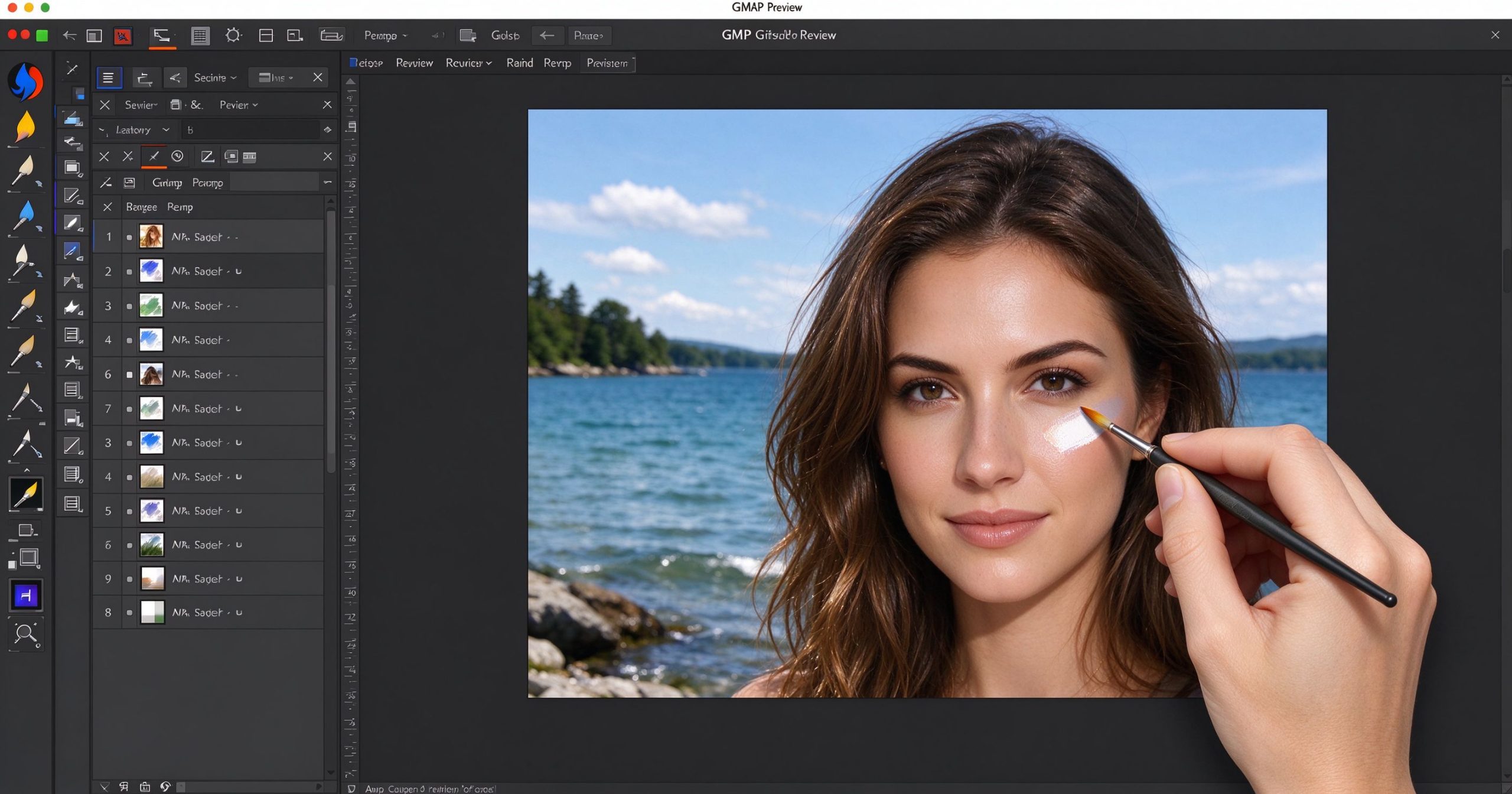
GIMP review: free open-source Photoshop alternative for photo editing
GIMP brings layer-based photo editing to Windows, Mac and Linux at no cost, with a steeper learning curve than commercial alternatives.

What GIMP is

GIMP is a free, open-source raster graphics editor first released in 1996 and maintained by a volunteer community. It runs on Windows, macOS and Linux. It supports layers, masks, brushes, filters, color correction, batch processing and plugin scripting. It opens PSD files (with some limitations) and exports to every common image format.

The feature list is genuinely long: path tools, selection editing, layer effects, histogram adjustment, channel mixing, frequency separation, GEGL filters, Python-Fu scripting and a full set of painting tools. For many tasks, it matches Photoshop feature for feature. The difference is not what it can do, but how long it takes to find the command.

Where GIMP shines

Price. It is free, forever, on every platform. No subscription, no watermark, no trial. For someone who needs to edit photos occasionally and does not want to pay Adobe’s monthly fee, this is the only serious free option that handles layers and masks.

Plugins and scripting. The GIMP community has produced thousands of plugins, including the popular G’MIC filter pack and Resynthesizer for content-aware fill. Python-Fu and Script-Fu let you automate repetitive tasks. If you can describe what you want in code, GIMP will do it.

Resource efficiency. GIMP runs comfortably on modest hardware. It does not require a subscription check, a login or a constant internet connection. It is fast on a laptop that would struggle with the latest Photoshop.

Where it frustrates

The interface is the biggest barrier. Menus are nested unexpectedly, tool options are in a separate dialog, and the default single-window mode only arrived in version 2.10. If you come from Photoshop, the keyboard shortcuts are close enough to be wrong but not close enough to be comfortable.

PSD compatibility is good but not perfect. Layer effects, smart objects and text layers may not round-trip cleanly. Commercial fonts in PSD files may render differently. For production work that starts and ends in GIMP, this is irrelevant; for collaboration with Photoshop users, expect friction.

There is no CMYK soft-proofing, no proper RAW converter built in, and no Adobe Sensei-style AI features. The development pace is slow, and major version releases are years apart.

What it costs

GIMP is completely free. There is no paid tier, no enterprise version and no upsell. Donations to the project are voluntary. You can download it from gimp.org or your Linux distribution’s package manager.

How it compares

For browser-based editing that opens PSD files, Photopea is faster to start and more familiar to Photoshop users. For one-click photo enhancement, Fotor is simpler. For RAW development specifically, RawTherapee is more powerful. GIMP wins when you need a free, local, full-featured layer editor and are willing to learn its quirks.

Frequently asked questions

Is GIMP as good as Photoshop? For most everyday photo editing, yes. For professional print production, complex PSD workflows or AI-powered features, Photoshop remains ahead.

Can GIMP open PSD files? Yes, with some limitations on layer effects and smart objects.

Is GIMP good for digital painting? It has capable brush engines, but dedicated painting software like Krita is better optimized for that.

Verdict

GIMP is the best free layer-based image editor available. It is not the easiest to learn, and it will never be as polished as Photoshop, but it is fully featured and costs nothing. Start here if you need serious editing on a budget; upgrade only when a specific Photoshop feature becomes non-negotiable for your work.

Official download: GIMP

Editorial note: Features and pricing can change. Verify current details directly with the provider.

TOOLS ACCESS COMMUNITY

Unlock the Telegram group to access all tools on this site

A one-time payment of US$5 gives you access to the Telegram group and all tools on this site. No subscription.

Enable JavaScript to securely check payment and reveal the invite link.


Share this article

FFacebookXXWWhatsAppLLinkedInPPinterestTTelegram

Author

66tools

Follow Me
Other Articles
Previous

ChatGPT Review: The AI Chatbot That Set the Benchmark Everyone Else Is Chasing

Next

Snapseed Review: Google’s Free Photo Editor That Lives in Your Pocket

5 Comments
  1. Adobe Photoshop -arvostelu: Alan standardi kuvankäsittely ammattilaisille – 66 Toolbox says:
    October 22, 2026 at 12:34 am

    […] Photoshop-tiedostot avautuvat Photopeassa, GIMP:ssä ja Illustratorissa. Satojen kehittäjien laajennukset laajentavat sitä. Se integroituu […]

    Reply
  2. Adobe Photoshop Anmeldelse: Den Industristandard Billededitor til Professionelle – 66 Toolbox says:
    October 22, 2026 at 12:39 am

    […] Photoshop-filer åbner i Photopea, GIMP og Illustrator. Plugins fra hundredvis af udviklere udvider det. Det integrerer med Lightroom, […]

    Reply
  3. Adobe Photoshop pārskats: nozares standarta attēlu redaktors profesionāļiem – 66 Toolbox says:
    October 22, 2026 at 3:50 am

    […] Photoshop faili atveras Photopea, GIMP un Illustrator. Spraudņi no simtiem izstrādātāju to paplašina. Tā integrējas ar Lightroom, […]

    Reply
  4. Отзив за Adobe Photoshop: Индустриалният стандартен редактор на изображения за професионалисти – 66 Toolbox says:
    October 22, 2026 at 4:14 am

    […] Photoshop файлове се отварят в Photopea, GIMP и Illustrator. Плъгини от стотици разработчици го […]

    Reply
  5. Adobe Photoshop recenzija: Standardni uređivač slika u industriji za profesionalce – 66 Toolbox says:
    October 22, 2026 at 4:58 am

    […] Photoshop datoteke se otvaraju u Photopei, GIMP-u i Illustratoru. Dodaci stotina razvojnih inženjera ga proširuju. Integrira se s Lightroomom, […]

    Reply
Show Comments

Leave a Reply Cancel reply

Your email address will not be published. Required fields are marked *

Categories

  • AI Tools (66)
  • Audio Editors & DAWs (7)
  • Audio Tools (37)
  • Document Tools (39)
  • eSignature Tools (4)
  • Image Apps (65)
  • Online Document Editors (5)
  • PDF Converters (2)
  • PDF Editors (5)
  • PDF Readers (1)
  • PDF Utilities (3)
  • Podcast & Voice Tools (6)
  • Scanning & OCR (4)
  • Site Updates (1)
  • Uncategorized (1)
  • Video Apps (60)

Recent Posts

  • Grammarly Review 2026: AI Writing Assistant for Grammar, Clarity and Tone
  • FL Studio Review 2026: Popular Beat-Making DAW for Windows and macOS
  • Hemingway Editor Review 2026: Distraction-Free Writing Tool for Clear, Bold Prose
  • Camtasia Review 2026: Professional Screen Recorder and Video Editor for Tutorials
  • Polarr Review 2026: Online Photo Editor and AI-Powered Filters for Quick Retouching

Recent Comments

  1. Léirmheas Nano Banana Pro: Eagarthóir Íomhánna 4K AI Google – 66 Toolbox on Midjourney: Create Images and Explore Visual Ideas with AI
  2. Léirmheas Kling AI: Fís Físeáin le Fuaim Dúchasach agus Rialú Il-sheite – 66 Toolbox on CapCut Review: Quick Video Editing and Captions for Social Media
  3. Léirmheas Otter.ai: Nótaí Cruinnithe AI is Féidir Leat a Chuardach Níos déanaí – 66 Toolbox on Fireflies.ai Review: Searchable Notes for Meetings and Interviews
  4. Léirmheas Video Converter Factory: Comhshó Baisc agus Comhbhrú ar Windows – 66 Toolbox on PowerDirector Review: Desktop Video Editing with AI Features
  5. Léirmheas DaVinci Resolve: Eagarthú Grád Hollywood agus Grádú Dath in Aisce – 66 Toolbox on CapCut Review: The Free Video Editor Behind Most Viral Short Form Clips

Archives

  • October 2026

Categories

  • AI Tools
  • Audio Editors & DAWs
  • Audio Tools
  • Document Tools
  • eSignature Tools
  • Image Apps
  • Online Document Editors
  • PDF Converters
  • PDF Editors
  • PDF Readers
  • PDF Utilities
  • Podcast & Voice Tools
  • Scanning & OCR
  • Site Updates
  • Uncategorized
  • Video Apps

Friendly Links

  • YouTube
Copyright 2026 — 66 Toolbox. All rights reserved. Blogsy WordPress Theme