
AviUtl Review: A Lightweight Free Video Editor with Endless Plugin Power
AviUtl is a free video editing and effects program for Windows, long beloved in the Japanese creator community. It is small and fast, but its real strength is its enormous ecosystem of community plugins and scripts that can produce effects rivaling much pricier editors.
What is AviUtl used for?
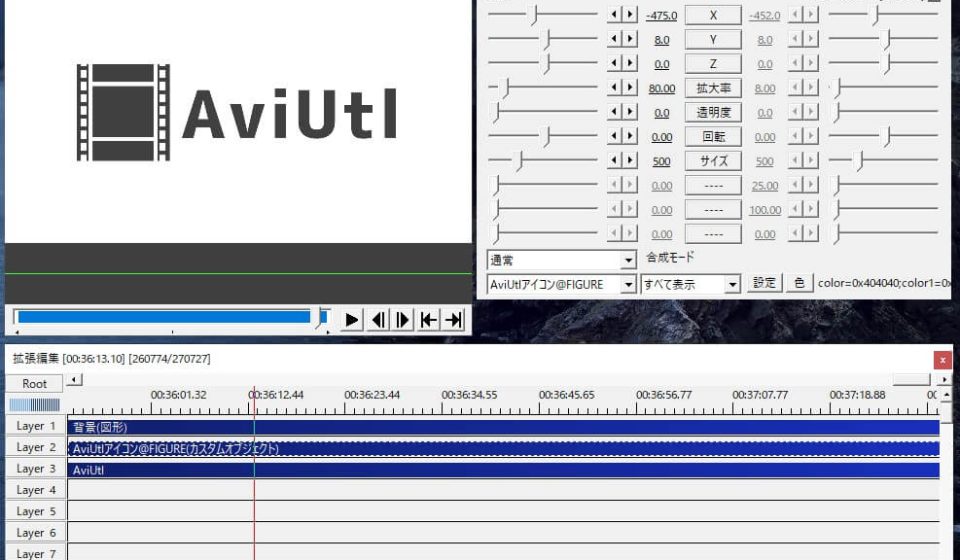
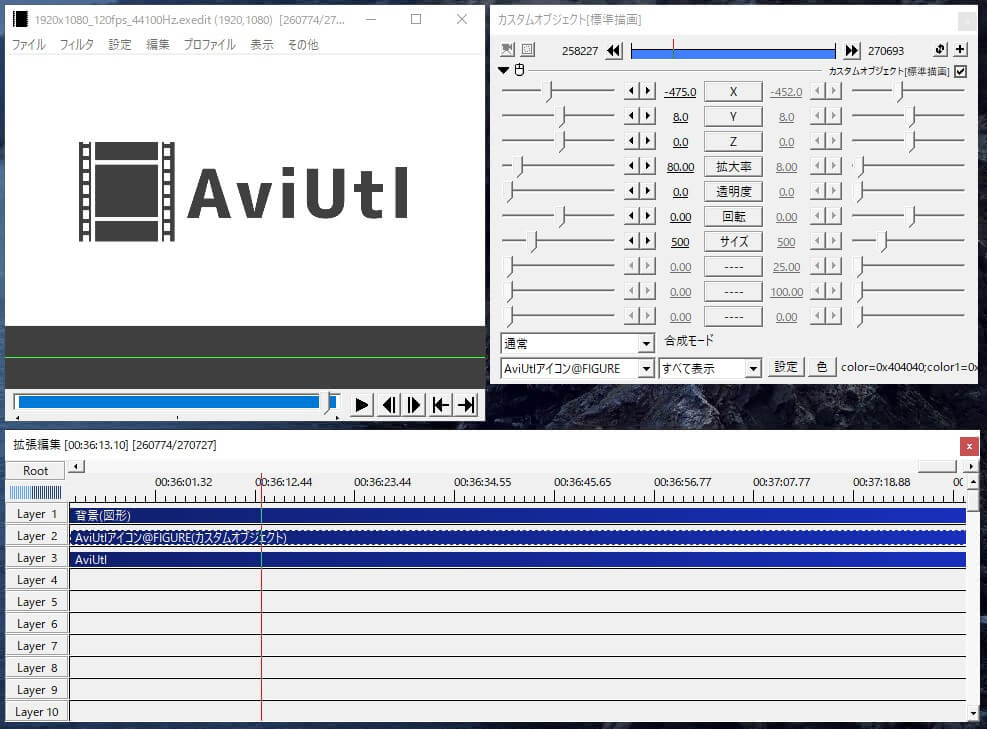
- Editing videos with a layer-based timeline and separate preview windows.
- Adding text, image, and shape objects with detailed keyframe animation.
- Creating transitions, filters, and complex effects via plugins.
- Producing game recordings, anime-style edits, and music videos.
Key Features
- Lightweight and fast, with a customizable, modular UI.
- Huge library of community plugins and scripts for extra effects.
- Multi-layer editing and precise keyframe control.
- Free to use for Windows.
Pros & Cons
Pros: free, extremely capable with plugins, great for anime/creative edits, low system requirements. Cons: primarily Windows and Japanese-oriented documentation, interface takes time to learn, setup of plugins can be fiddly.
Pricing
AviUtl is free software for Windows, developed by the community over many years.
Verdict
For creators who love custom effects and don’t want to spend money, AviUtl is an underrated powerhouse once you learn its workflow.
Unlock the Telegram group to access all tools on this site
A one-time payment of US$5 gives you access to the Telegram group and all tools on this site. No subscription.
Enable JavaScript to securely check payment and reveal the invite link.
Share this article