





































Stable Diffusion is the open-source AI image generator that put local image creation on everyone’s GPU. Unlike Midjourney or DALL-E, you run it on your own computer, generate unlimited images, and tweak every parameter. It is free, private and endlessly customizable. It is also technical to set up, and the quality depends heavily on which model, sampler and settings you choose.
What Stable Diffusion is
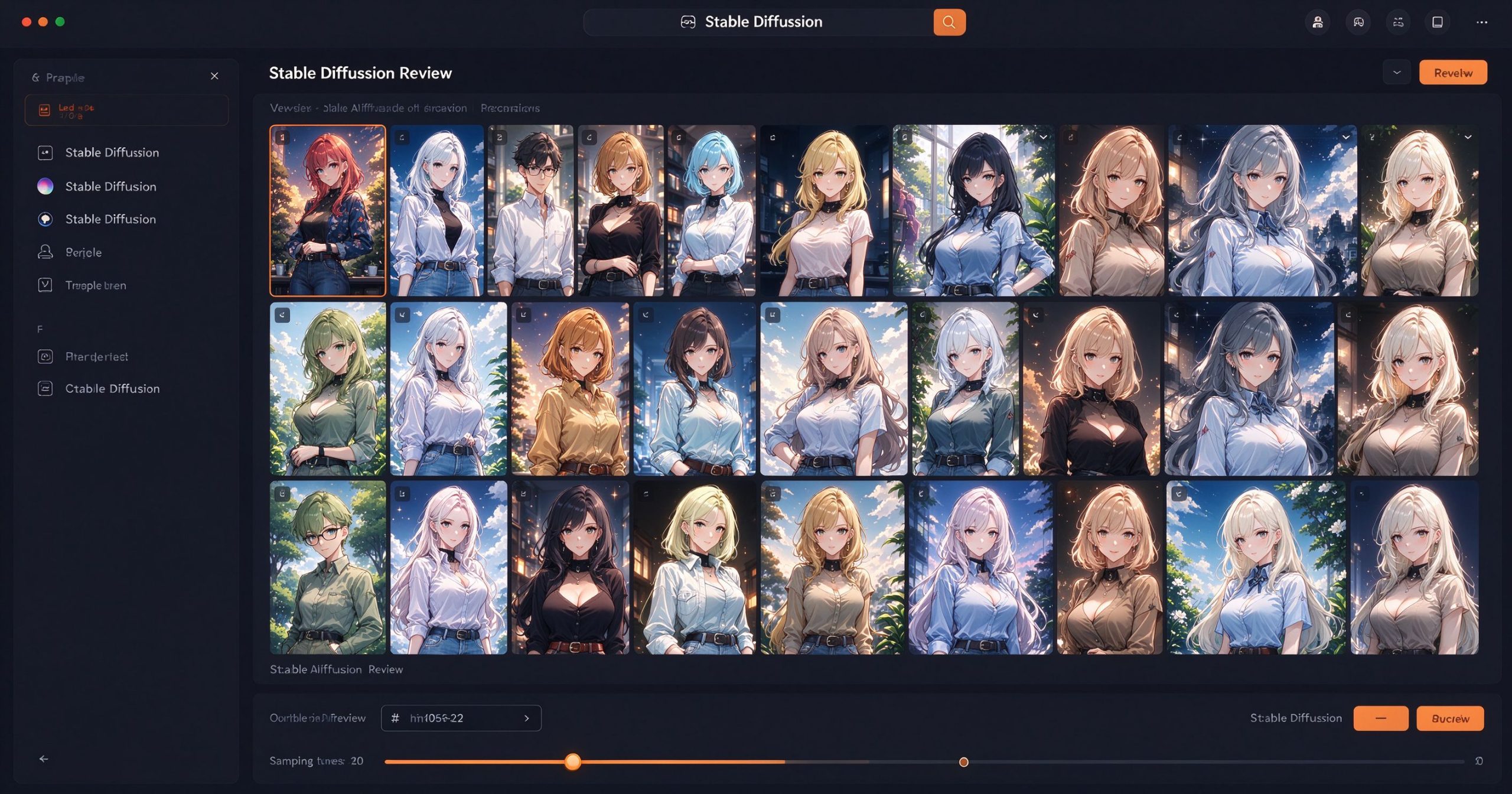
Stable Diffusion is an open-source text-to-image model originally released by Stability AI in 2022. It runs locally on your computer using a GPU with at least 4 GB of VRAM. You can run it through ComfyUI, Automatic1111, Forge or other interfaces. The model weights are free to download and modify.
The ecosystem is what makes it powerful. Thousands of community-trained models exist for specific styles: anime, realism, landscapes, product shots, people. LoRA fine-tunes add specific characters or objects. ControlNet lets you pose, sketch or depth-map your composition. This level of control is not available in any closed service.
Where it is unmatched
Local and private. Images never leave your machine. No server, no rate limit, no data sent to a company. This matters for sensitive work, client projects or anyone concerned about privacy.
Unlimited generation. Once you have the model downloaded, generating images costs only electricity. There is no per-image fee and no monthly subscription. Generate thousands of images for free.
Control and customization. ControlNet, LoRA, embeddings and model merging let you fine-tune the output to a degree that closed services cannot match. If you want a specific character in a specific pose with a specific style, Stable Diffusion is the tool.
Open ecosystem. The community produces new models, scripts and workflows daily. Sites like Civitai host thousands of community models you can download and use.
Where it frustrates
Setup is technical. You need a compatible NVIDIA GPU, enough VRAM, and the patience to install Python, dependencies and model files. Beginners can use pre-packaged versions, but the learning curve is real.
Quality is inconsistent. The default model is good but not as polished as Midjourney. You need to download the right community model for your style. Prompts are finicky: small changes can dramatically alter the output.
Hardware requirements are steep. 4 GB VRAM works but slowly. 8 GB or more is comfortable. Apple Silicon is supported but slower than NVIDIA. Without a good GPU, cloud options exist but defeat the local advantage.
What it costs
Stable Diffusion itself is free and open-source. You need a reasonably powerful GPU (one-time hardware cost). Interfaces like ComfyUI and Automatic1111 are free. Some community models may have usage restrictions, but most are free to use.
Verdict
Stable Diffusion is the most powerful and flexible AI image generator for people with a capable GPU and the patience to learn. It is free, private and endlessly customizable. If you want a polished, no-setup experience, Midjourney or DALL-E 3 are easier. But if you want control, privacy and unlimited generation on your own hardware, Stable Diffusion is the answer.
Official site: Stability AI | ComfyUI workflow: ComfyUI Review
Editorial note: Features and pricing can change. Verify current details directly with the provider.
Atrakinkite Telegram grupę, kad pasiektumėte visus šios svetainės įrankius
Vienkartinis US$5 mokestis suteikia prieigą prie Telegram grupės ir visų šios svetainės įrankių. Be prenumeratos.
Įjunkite JavaScript, kad saugiai patikrintumėte mokėjimą ir pamatytumėte pakvietimo nuorodą.
Share this article
