





































Runway is the AI video generation platform that turned text-to-video from a research demo into a usable creative tool. You type a prompt, upload an image, and the model generates a video clip. It also includes AI editing tools: green screen removal, motion tracking, frame interpolation and text-to-video. It is not Hollywood-grade, but it is the closest thing to generating video from words that exists today.
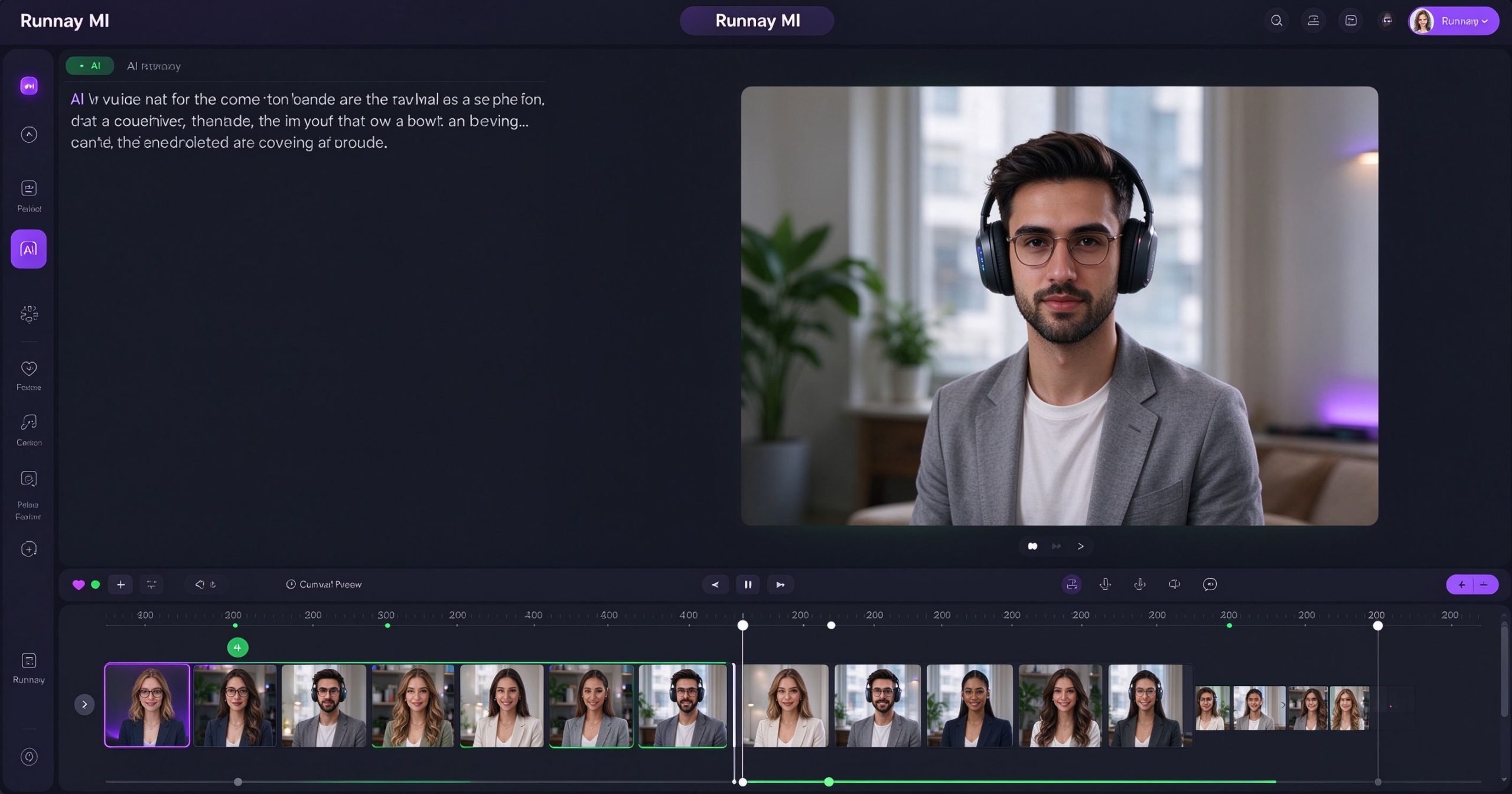
What Runway is
Runway is a browser-based creative tool focused on AI video. Its flagship feature is Gen-3, a text-to-video model that generates short clips from prompts or reference images. You describe a scene, choose a duration and aspect ratio, and the model produces a video. The clips are typically 4 to 16 seconds long.
Beyond generation, Runway includes AI editing tools: Green Screen removes backgrounds automatically, Motion Brush animates specific parts of an image, Frame Interpolation smooths choppy footage, and Speed Blur adds motion effects. These are the same tools professional editors use, automated.
Where it excels
Text-to-video quality. Runway’s Gen-3 produces coherent, cinematic clips from text prompts. The motion is smooth, the lighting is consistent, and the results are usable for concept art, storyboards and social content. It is not photorealistic, but it is evocative.
Image-to-video. Upload a single image and animate it. This is useful for bringing concept art, book illustrations or product shots to life. The camera moves and subject motion are generated from the image.
AI editing tools. Green Screen, Motion Brush and Frame Interpolation save hours of manual work. These are features that previously required After Effects or a dedicated VFX artist.
Browser-based. No installation, no powerful GPU required. The heavy lifting runs on Runway’s servers. You need a decent internet connection, but not a powerful computer.
Where it limits you
Clips are short. Gen-3 generates 4 to 16 seconds per generation. You cannot create a 2-minute video in one prompt. Longer projects require stitching multiple generations together, which introduces consistency challenges.
Consistency between shots is hard. Characters and objects may look different across generations. You can use reference images, but perfect continuity is not guaranteed.
Price adds up. The free tier gives you limited credits. Paid plans start at about $12 per month, and each generation consumes credits. Heavy users can burn through credits quickly.
The output is stylized rather than photorealistic. For live-action video, Kling AI and Pika are alternatives worth comparing.
What it costs
The free tier includes limited credits. Standard is about $12 per month (annual billing) with 625 credits. Pro is about $28 per month with 2250 credits. Unlimited is about $76 per month. Credits are consumed per generation.
Verdict
Runway is the most accessible AI video generation platform for creators. The text-to-video quality is impressive, and the built-in editing tools save real time. It is not a replacement for a professional video editor, and clips are short, but for generating concept shots, animating images and experimenting with AI video, it is the best starting point.
Official site: Runway
Editorial note: Features and pricing can change. Verify current details directly with the provider.
Atrakinkite Telegram grupę, kad pasiektumėte visus šios svetainės įrankius
Vienkartinis US$5 mokestis suteikia prieigą prie Telegram grupės ir visų šios svetainės įrankių. Be prenumeratos.
Įjunkite JavaScript, kad saugiai patikrintumėte mokėjimą ir pamatytumėte pakvietimo nuorodą.
Share this article
