





































Notion is the workspace app that turned note-taking into a flexible building block. Pages hold text, tables, calendars, kanban boards, embeds and databases, all linked together. It is part document editor, part project manager, part wiki. It is also famously flexible to the point of paralysis: you can build anything, which means many users spend more time organizing than doing.
What Notion is
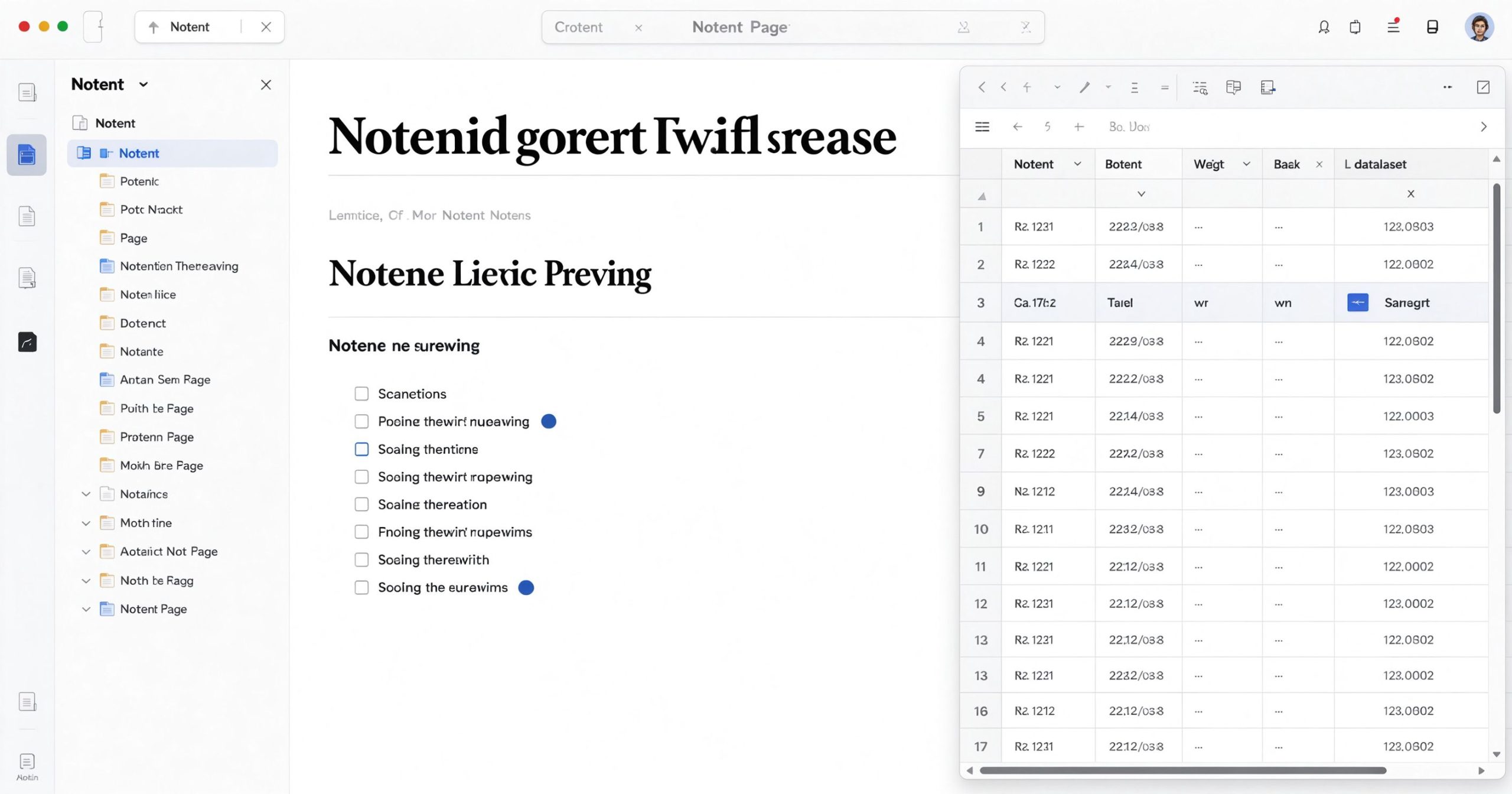
Notion is a cloud-based workspace available on web, desktop and mobile. Every page is built from blocks: paragraphs, headings, to-do items, images, embeds, tables and database views. Pages can contain other pages, creating a nested structure. Databases can be viewed as tables, boards, calendars, timelines or galleries, all from the same underlying data.
Teams use Notion for documentation, project tracking, meeting notes, wikis and CRM. Individuals use it for personal notes, reading lists, habit trackers and life organization. The free tier is generous enough for most individuals.
Where it works
Flexibility. Notion is a blank canvas. You can build a meeting notes template, a product roadmap, a content calendar or a personal wiki, all in the same workspace. The block-based system means nothing is fixed.
Databases. This is Notion’s killer feature. A single database can show tasks as a kanban board, a calendar and a table simultaneously. Filtering, sorting and relations between databases let you build lightweight CRM and project management tools without separate software.
Templates. The community has built thousands of templates: OKR trackers, habit journals, content calendars, reading lists. You can start from a template and customize it in minutes.
Collaboration. Real-time editing, comments, sharing permissions and guest access make Notion a decent team wiki. The free tier includes unlimited pages for personal use.
Where it frustrates
Flexibility is also the problem. New users open Notion, see a blank page, and do not know where to start. The tool becomes a hobby: people spend weeks designing the perfect system instead of using it.
Performance degrades on large pages and heavy databases. Embeds and images can slow the app. Offline access is limited on mobile. It is not a fast writing tool like Google Docs.
The AI features (Notion AI) are a paid add-on and are less capable than dedicated AI tools. The mobile app is functional but not as polished as the web version.
What it costs
The free tier includes unlimited blocks for personal use, 5 MB file uploads and 7-day page history. Plus is about $10 per member per month (annual billing) with unlimited file uploads and 30-day history. Business and Enterprise add admin controls and advanced permissions.
Verdict
Notion is the best all-in-one workspace for people who want to build their own system. It is not the fastest note-taker or the most powerful project manager, but it replaces multiple apps with one flexible canvas. Start on the free tier, use a template, and resist the urge to over-engineer your setup.
Official site: Notion
Editorial note: Features and pricing can change. Verify current details directly with the provider.
Atrakinkite Telegram grupę, kad pasiektumėte visus šios svetainės įrankius
Vienkartinis US$5 mokestis suteikia prieigą prie Telegram grupės ir visų šios svetainės įrankių. Be prenumeratos.
Įjunkite JavaScript, kad saugiai patikrintumėte mokėjimą ir pamatytumėte pakvietimo nuorodą.
Share this article
