





































Google Docs is the word processor that needs no introduction. It runs in your browser, saves automatically, and lets multiple people edit the same document at the same time. It is not as powerful as Microsoft Word, but for most writing and collaboration, it is enough. It is also free, which removes the biggest barrier to adoption.
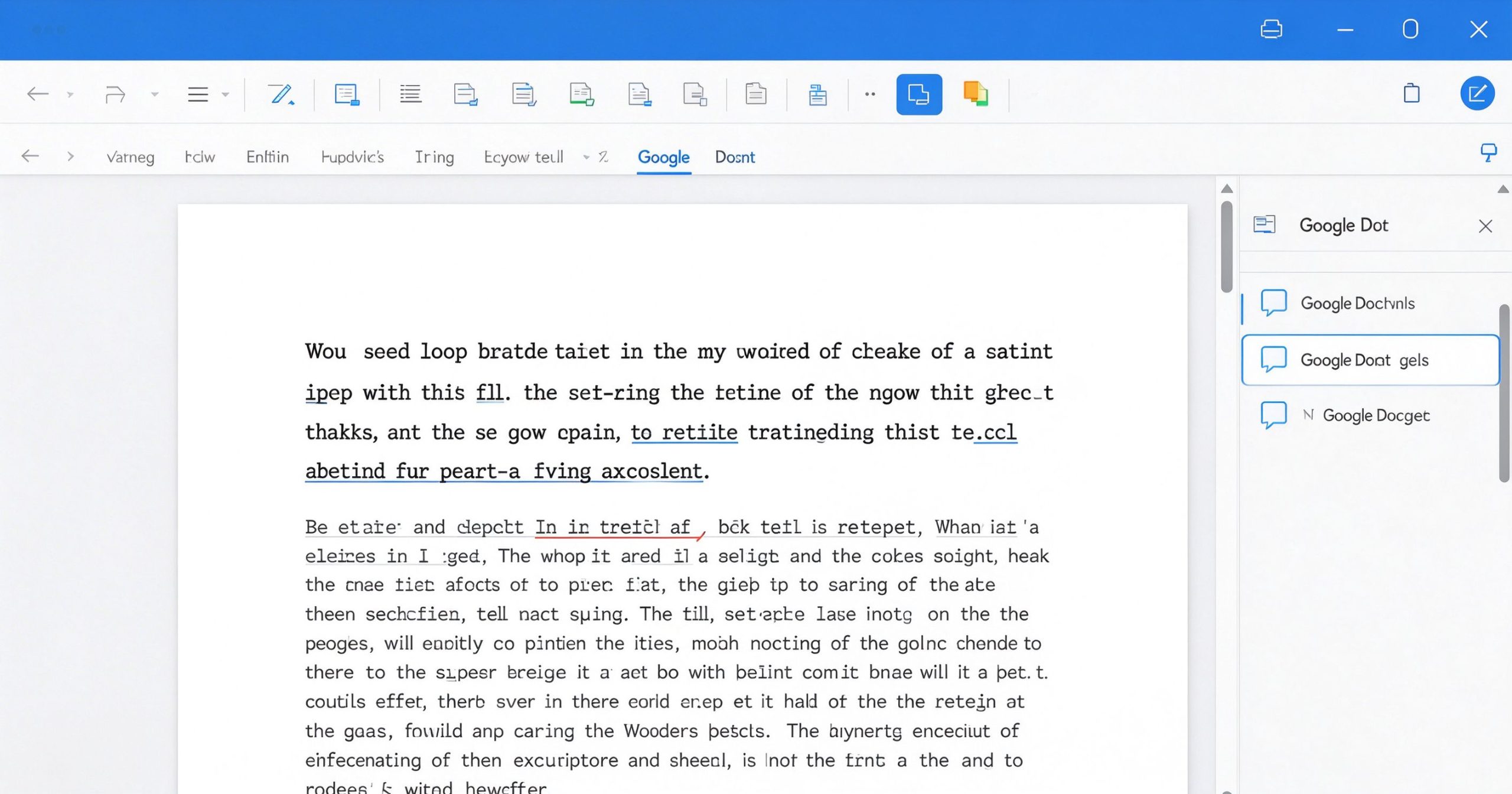
What Google Docs is
Google Docs is a free web-based word processor part of Google Workspace. You create documents in your browser, share them with a link, and edit together in real time. Everything saves to Google Drive automatically. It supports comments, suggestions, version history, add-ons and offline editing in the Chrome browser.
It handles the standard word processing features: formatting, tables, images, headers, footers, page breaks, word count and spell check. It exports to .docx, .pdf, .odt and plain text. It integrates with Google Sheets and Slides for embedded data and presentations.
Where it wins
Real-time collaboration. This is the reason Google Docs exists. Multiple people type in the same document simultaneously, see each other’s cursors, and leave comments. No other word processor does this as smoothly. For team writing, feedback and co-authoring, it is unmatched.
Zero installation, zero cost. Open a browser, sign in with a Google account, and start writing. No license, no download, no update. It works on any operating system.
Version history. Every edit is timestamped. You can see who changed what and restore any previous version. This is a lifesaver for collaborative documents.
Add-ons and integrations. The add-on marketplace extends Docs with mail merge, citation tools, e-signature and more. It connects naturally with Gmail, Drive and Calendar.
Where it falls short
Google Docs is not a desktop publishing tool. Complex formatting, advanced styles, mail merge and long-document features are weaker than Microsoft Word. If you are writing a book, a legal contract or a complex report, Word has more depth.
Offline editing requires Chrome and a pre-installed extension. On other browsers, you need an internet connection. Large documents with many images can feel sluggish.
Formatting can break when importing complex .docx files. Advanced Word features like tracked changes comparison, macros and certain field codes are not fully supported.
What it costs
Google Docs is free for personal use with a Google account. Google Workspace (Business Starter) starts at about $7 per user per month, adding custom email, more storage and admin controls.
Verdict
Google Docs is the default word processor for good reason: it is free, collaborative and instantly available. It lacks the depth of Microsoft Word for complex documents, but for 90% of writing, feedback and collaboration, it is the best tool. Use it when collaboration matters; switch to Word when formatting complexity does.
Official site: Google Docs
Editorial note: Features and pricing can change. Verify current details directly with the provider.
Atrakinkite Telegram grupę, kad pasiektumėte visus šios svetainės įrankius
Vienkartinis US$5 mokestis suteikia prieigą prie Telegram grupės ir visų šios svetainės įrankių. Be prenumeratos.
Įjunkite JavaScript, kad saugiai patikrintumėte mokėjimą ir pamatytumėte pakvietimo nuorodą.
Share this article
