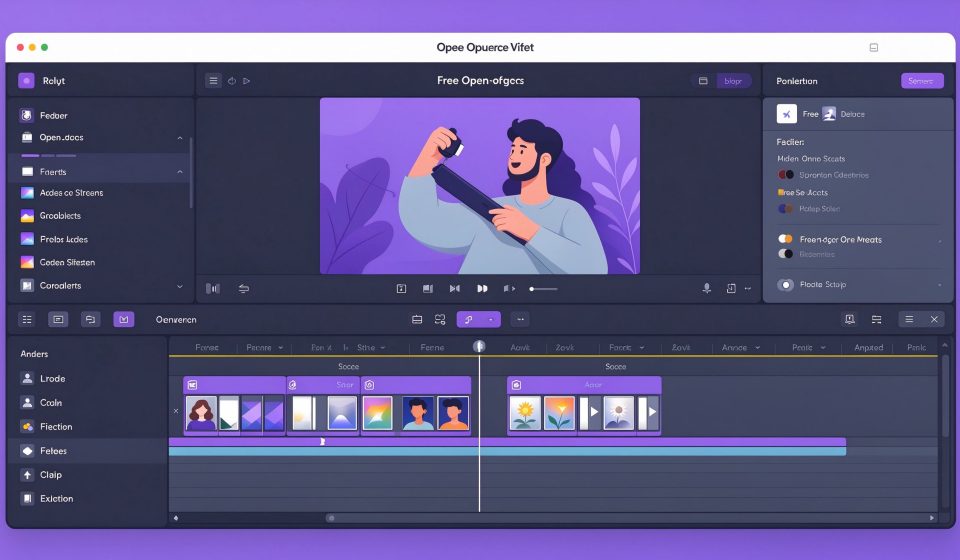

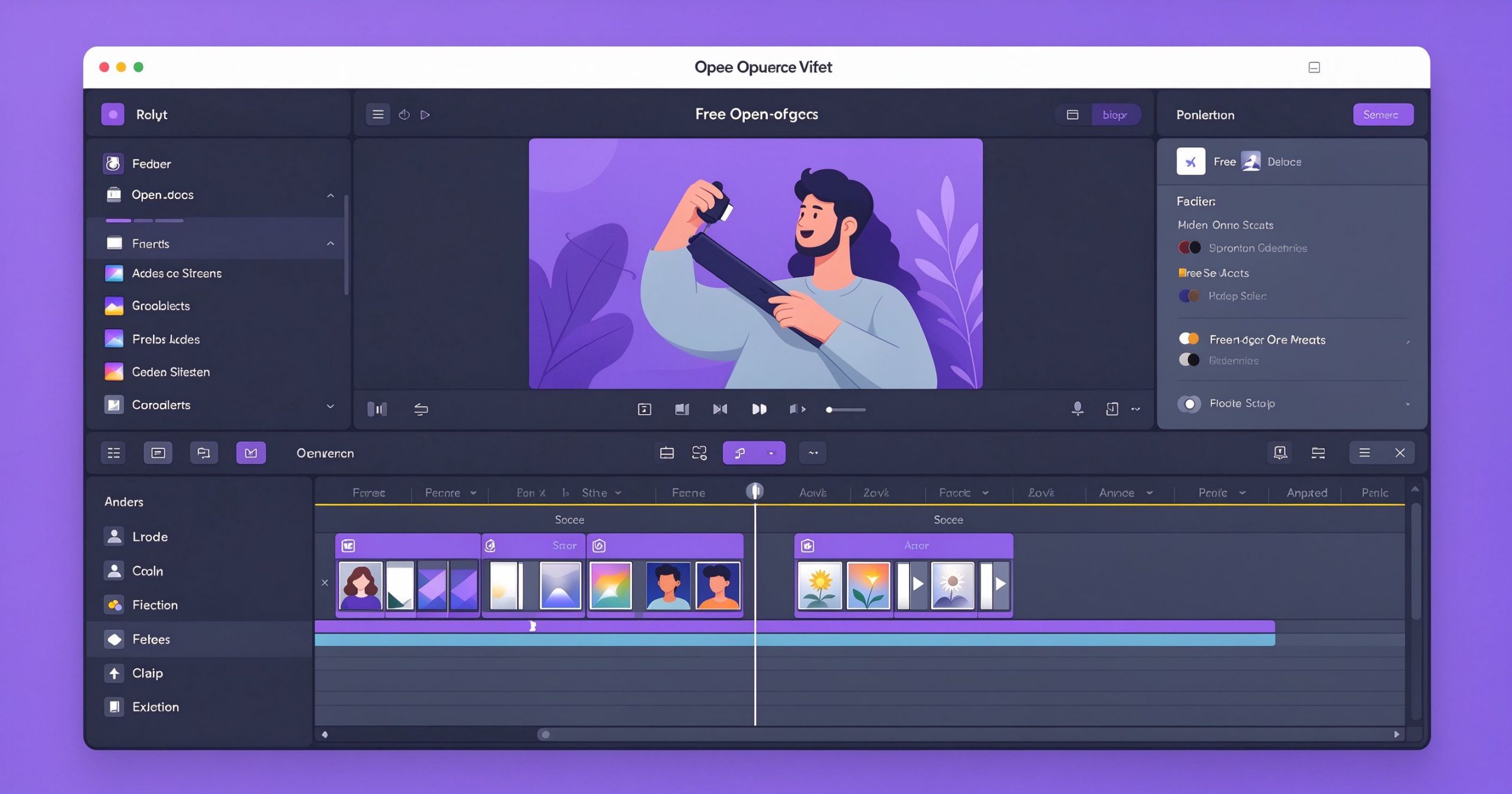
Shotcut Review: Free No-Watermark Video Editor
Shotcut is a free, open-source, cross-platform video editor that supports 4K and hundreds of formats without a watermark. It is a favorite among creators who want powerful editing without subscriptions.
What is Shotcut used for?
- Cut, trim, and arrange clips on a multi-track timeline.
- 4K and HD editing with wide format support via FFmpeg.
- Transitions, filters, keyframes, chroma key, and color tools.
- Screen, webcam, and audio capture, plus audio mixing.
Key Features
- Native timeline editing without import.
- Flexible UI with dockable panels.
- Noise/volume filters, fade in/out, and rotating text.
- Runs on Windows, macOS, and Linux; portable version available.
Pros & Cons
Pros: Free forever, no watermark, 4K support, open source. Cons: Interface feels utilitarian, some advanced VFX missing.
Pricing
Shotcut is completely free; donations support development.
Verdict
One of the best free no-watermark video editors for beginners and hobbyists who need 4K.
TOOLS ACCESS COMMUNITY
Unlock the Telegram group to access all tools on this site
A one-time payment of US$5 gives you access to the Telegram group and all tools on this site. No subscription.
Enable JavaScript to securely check payment and reveal the invite link.
Share this article