DaVinci Resolve Review 2026: Free Professional Video Editor With Hollywood-Grade Color Grading

DaVinci Resolve Review: Free Pro Video Editor
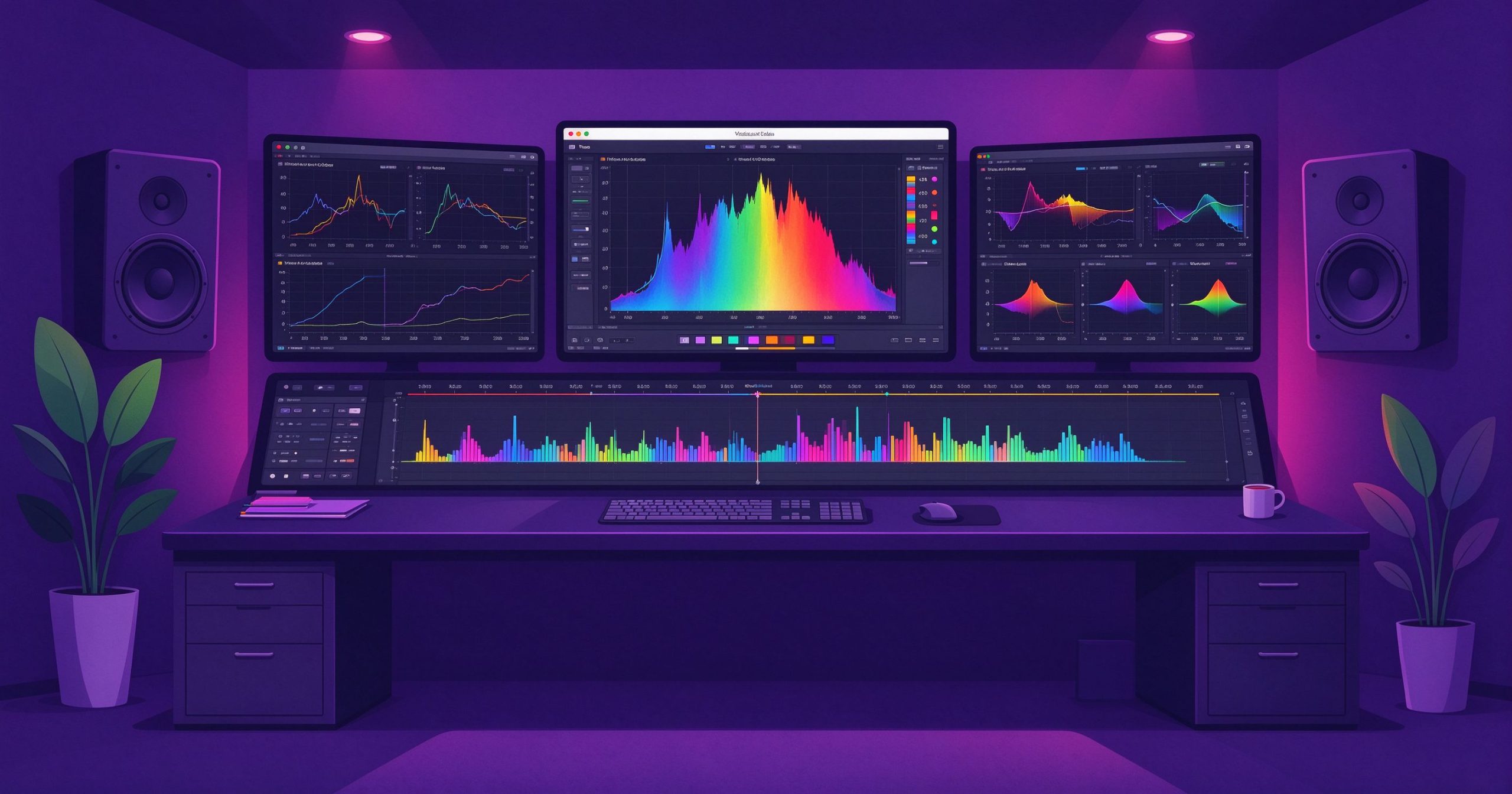
DaVinci Resolve is a professional video editor used in Hollywood films. Its free version offers editing, color grading, visual effects, motion graphics, and audio mixing in one app, making it the most powerful free video editor available.
What is DaVinci Resolve used for?
- Multi-track editing with cut, edit, andFairlight audio pages.
- Industry-leading color grading with wheels and nodes.
- Fusion visual effects, compositing, and titles.
- Export up to 4K at 60fps for free.
Key Features
- Separate Edit, Color, Fusion, and Fairlight workspaces.
- AI tools for reframing, voice isolation, and subtitles.
- Collaboration tools for multi-editor teams.
- Runs on Windows, macOS, and Linux.
Pros & Cons
Pros: Studio-grade for free, unmatched color, all-in-one post suite. Cons: Heavy system requirements, steep learning curve, large install size.
Pricing
The base app is free; DaVinci Resolve Studio is a one-time purchase for advanced features.
Verdict
Best free professional video editor for anyone serious about cinematic color and post-production.
Unlock the Telegram group to access all tools on this site
A one-time payment of US$5 gives you access to the Telegram group and all tools on this site. No subscription.
Enable JavaScript to securely check payment and reveal the invite link.
Share this article