
Kdenlive Review: Free Multi-Track Open-Source Video Editor
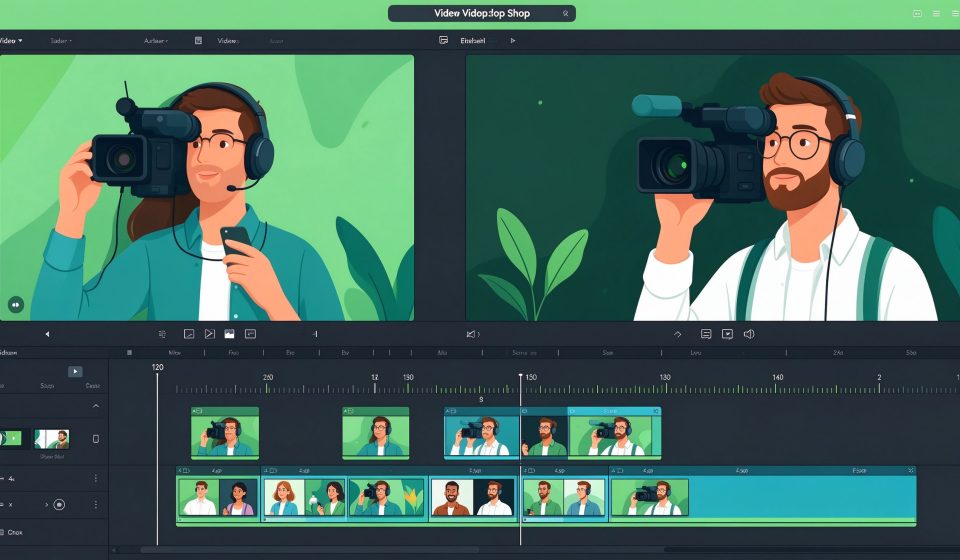
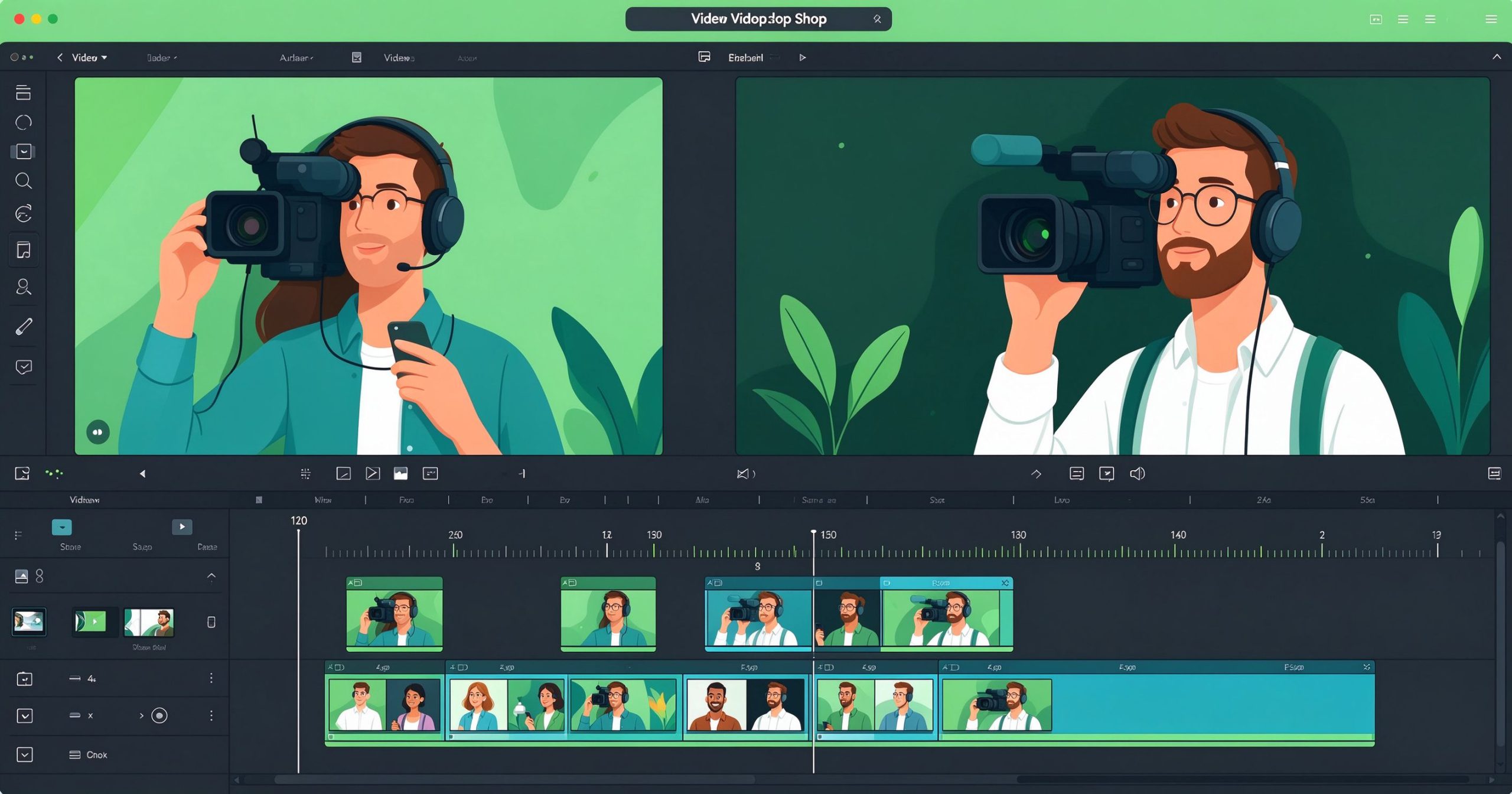
Kdenlive (KDE Non-Linear Video Editor) is a free, open-source, multi-track video editor for Windows, macOS, and Linux. It targets creators who want a CapCut/Premiere-style timeline without a subscription or watermark.
What is Kdenlive used for?
- Multi-track timeline editing with clips, audio, and titles.
- Transitions, effects, keyframes, and chroma-key (green screen).
- 4K proxy workflow and wide codec support (MP4, MOV, WebM, MKV).
- Built-in title editor and color correction tools.
Key Features
- Unlimited video and audio tracks with drag-and-drop editing.
- Customizable interface and keyboard shortcuts.
- Automatic backup and project recovery.
- Free forever, no watermark, no account required.
Pros & Cons
Pros: Free, multi-track, cross-platform, active open-source community, light on resources. Cons: Fewer built-in effects than Premiere, occasional stability on large projects.
Pricing
Kdenlive is free and open-source; donations fund development.
Verdict
A solid free option for beginners and hobbyists who need a real timeline editor without paying.
TOOLS ACCESS COMMUNITY
Unlock the Telegram group to access all tools on this site
A one-time payment of US$5 gives you access to the Telegram group and all tools on this site. No subscription.
Enable JavaScript to securely check payment and reveal the invite link.
Share this article