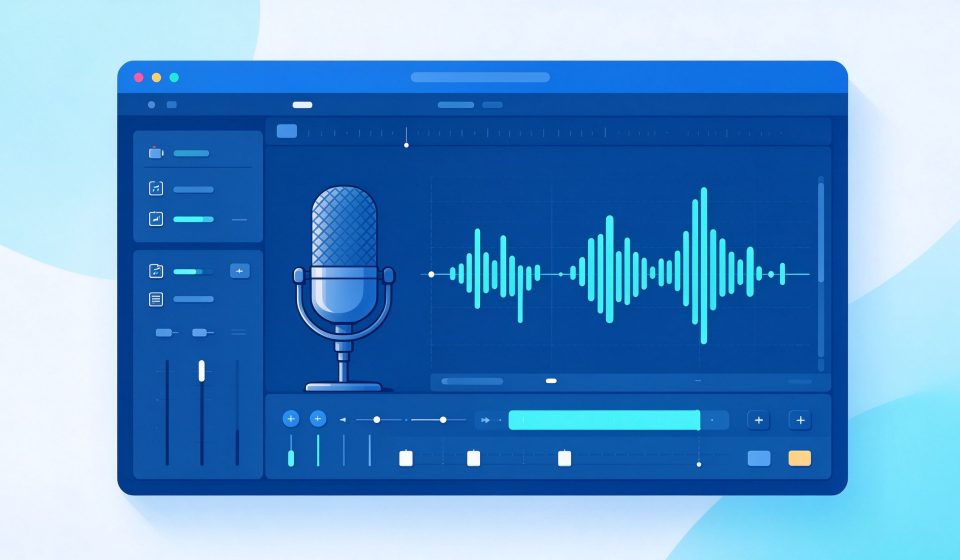

Audacity is a free, open-source audio recorder and editor. It has been the starting point for millions of podcasters, musicians, and students since 2000. It records audio, cuts and splices clips, applies effects, and exports to all major formats.
What Is Audacity?
First released in 2000, Audacity is developed by a global volunteer team. It runs on Windows, macOS, and Linux. It is a multitrack editor, meaning you can layer multiple recordings and mix them together. It supports VST and LV2 plugins.
Key Features
- Multitrack recording: Record microphone, guitar, or podcast interviews on separate tracks.
- Waveform editing: Cut, copy, trim, and fade audio with precision.
- Built-in effects: Noise reduction, compression, EQ, reverb, and more.
- Plugin support: Load VST and LV2 effects from third-party developers.
- Wide export support: Save as MP3, WAV, FLAC, OGG, and other formats.
Pricing
Audacity is completely free and open source. Donations support development.
Pros and Cons
Pros: Free, multitrack, cross-platform, huge community, supports plugins, great for beginners.
Cons: UI looks dated, editing is destructive (no non-destructive tracks), no MIDI, limited mixing features compared to a DAW.
Who Should Use It?
Audacity is perfect for beginners who want to record and edit a podcast, clean up a voice memo, or make a simple music track. For professional mixing, use REAPER or Audition. For quick single-file edits, Ocenaudio is faster.
Unlock the Telegram group to access all tools on this site
A one-time payment of US$5 gives you access to the Telegram group and all tools on this site. No subscription.
Enable JavaScript to securely check payment and reveal the invite link.
Share this article