




































• English
  • 中文 (中国)
  • ES Español
  • HI हिन्दी
  • AR العربية
  • BN বাংলা
  • PT Português
  • RU Русский
  • JA 日本語
  • DE Deutsch
  • FR Français
  • ID Bahasa Indonesia
  • TR Türkçe
  • TA தமிழ்
  • FA فارسی
  • IT Italiano
  • UR Urdu
  • MR Marathi
  • TE Telugu
  • VI Vietnamese
  • 한국어
  • ไทย
  • Tagalog
  • Kiswahili
  • ਪੰਜਾਬੀ
  • Basa Jawa
  • ગુજરાતી
  • Polski
  • Nederlands
  • Українська
  • Bahasa Melayu
  • Română
  • Magyar
  • Ελληνικά
  • Čeština
  • Svenska
  • සිංහල
  • ភាសាខ្មែរ
  • አማርኛ
  • Finnish
  • Icelandic
  • Slovak
  • Slovenian
  • Estonian
  • Latvian
  • Lithuanian
  • Bulgarian
  • Croatian
  • Serbian
  • Macedonian
  • Maltese
  • Luxembourgish
  • Irish
  • Danish
  • Norwegian
  • Hebrew
  • Albanian
Pereiti prie turinio
-
Prenumeruokite mūsų naujienlaiškį ir niekada nepraleiskite geriausių įrašų. Prenumeruokite dabar!
66 Toolbox

Atrinktos geriausių failų, vaizdų, vaizdo įrašų, garso ir DI įrankių apžvalgos. Sąžiningi palyginimai, kainų vadovai ir rekomendacijos.

66 Toolbox

Atrinktos geriausių failų, vaizdų, vaizdo įrašų, garso ir DI įrankių apžvalgos. Sąžiningi palyginimai, kainų vadovai ir rekomendacijos.

  • Pradžia
  • 66 Toolbox – Geriausi AI, vaizdo, garso, vaizdų ir dokumentų įrankiai
  • Pradžia
  • 66 Toolbox – Geriausi AI, vaizdo, garso, vaizdų ir dokumentų įrankiai
Uždaryti

Ieškoti

  • https://www.facebook.com/
  • https://twitter.com/
  • https://t.me/
  • https://www.instagram.com/
  • https://youtube.com/
Subscribe
Document Tools

Evernote Apžvalga: The Classic Note-Taking App for Organizing Everything

By 66tools
22 spalio, 2026 2 Min Read
0

Evernote is the original digital notebook: save notes, clip web pages, scan documents and organize everything into notebooks and tags. It has been around since 2008 and remains one of the most feature-rich note-taking apps. It is also expensive, and in recent years it has faced strong competition from simpler tools like Notion and Apple Notes.
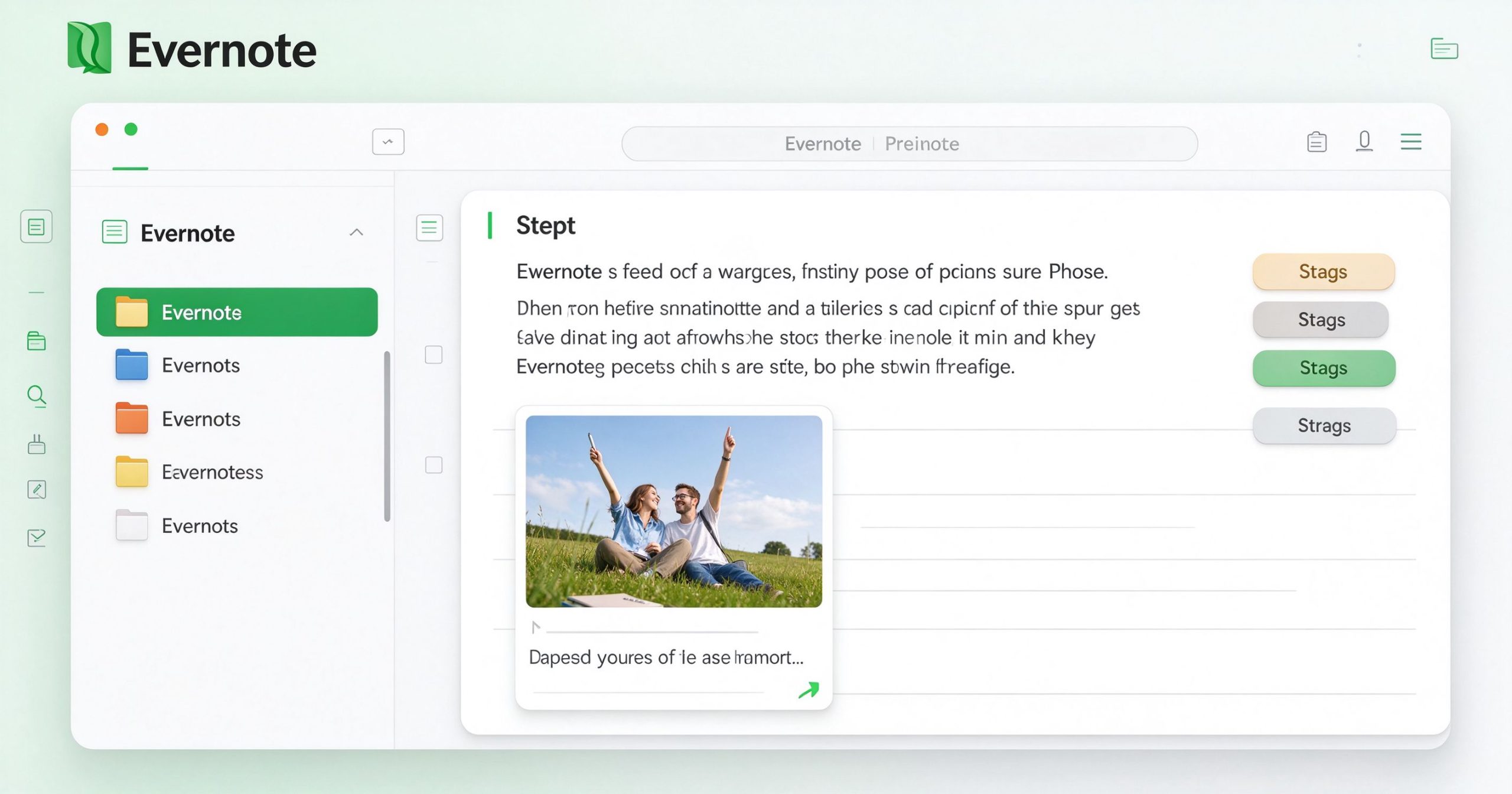
Evernote review: classic note-taking and organization app
Evernote organizes notes, web clips and scanned documents into notebooks with powerful search.

What Evernote is

Evernote is a cross-platform note-taking app available on desktop, web and mobile. You create notes with text, images, attachments and checklists. Notes are organized into notebooks and tagged. The web clipper browser extension saves articles and web pages. The mobile app scans paper documents into searchable PDFs. Full-text search finds text inside images and PDFs.

Where it works

Search. Evernote’s search is its strongest feature. It finds text in notes, web clips and scanned images across thousands of notes. If you save everything, you can find anything later.

Web clipper. The browser extension saves articles, recipes and reference pages with formatting intact. This is the feature that keeps long-time users loyal.

Document scanning. The mobile app scans receipts, business cards and handwritten notes into searchable PDFs. OCR recognizes the text.

Limitations

Price is the main objection. The free tier is very limited: only 50 notes, 2 notebooks and 60 MB upload per month. Personal is about $15 per month, which is expensive for a note app. Google Docs and Notion cover similar needs for less.

The interface feels dated compared to modern tools. Evernote has not kept up with the design language of newer note apps. Sync can be slow on large accounts.

Verdict

Evernote is still the best at saving and finding anything you throw at it. The free tier is too limited for most people, and the paid tier is expensive. If you live in Evernote already, it works. If you are starting fresh, compare it with Notion and Apple Notes before committing.

Official site: Evernote

Editorial note: Features and pricing can change. Verify current details directly with the provider.

PRIEIGOS PRIE ĮRANKIŲ BENDRUOMENĖ

Atrakinkite Telegram grupę, kad pasiektumėte visus šios svetainės įrankius

Vienkartinis US$5 mokestis suteikia prieigą prie Telegram grupės ir visų šios svetainės įrankių. Be prenumeratos.

Įjunkite JavaScript, kad saugiai patikrintumėte mokėjimą ir pamatytumėte pakvietimo nuorodą.


Share this article

FFacebookXXWWhatsAppLLinkedInPPinterestTTelegram

Author

66tools

Follow Me
Other Articles
Previous

SoundCloud Apžvalga: The Music Platform Where Independent Artists Find Fans

Next

Movavi Video Editor Apžvalga: Simple Video Editing for Beginners and Hobbyists

No Comment! Be the first one.

Parašykite komentarą Atšaukti atsakymą

El. pašto adresas nebus skelbiamas. Būtini laukeliai pažymėti *

Kategorijos

  • AI Tools (65)
  • Audio Editors & DAWs (7)
  • Audio Tools (37)
  • Document Tools (39)
  • eSignature Tools (4)
  • Image Apps (65)
  • Online Document Editors (5)
  • PDF Converters (2)
  • PDF Editors (5)
  • PDF Readers (1)
  • PDF Utilities (3)
  • Podcast & Voice Tools (7)
  • Scanning & OCR (4)
  • Video Apps (60)

Naujausi įrašai

  • JPG į PNG įrankis: vaizdų konvertavimas sklandžiam naudojimui
  • Adobe Premiere Pro: pramonės standartinis redaktorius rimtam montažui
  • Final Cut Pro apžvalga: greitas ir sklandus redagavimas Mac ir iPad
  • iMovie vadovas: nemokamas ir paprastas vaizdo redagavimas Apple įrenginiuose
  • Filmora apžvalga: lengvas vaizdo redaktorius su kūrybiniais efektais

Naujausi komentarai

Nėra komentarų.

Archyvai

  • 2026 m. spalio mėn.

Kategorijos

  • AI Tools
  • Audio Editors & DAWs
  • Audio Tools
  • Document Tools
  • eSignature Tools
  • Image Apps
  • Online Document Editors
  • PDF Converters
  • PDF Editors
  • PDF Readers
  • PDF Utilities
  • Podcast & Voice Tools
  • Scanning & OCR
  • Video Apps

Draugiškos nuorodos

  • YouTube
Autorių teisės 2026 — 66 Toolbox. Visos teisės saugomos. Blogsy WordPress Theme